
No products in the cart.
11%
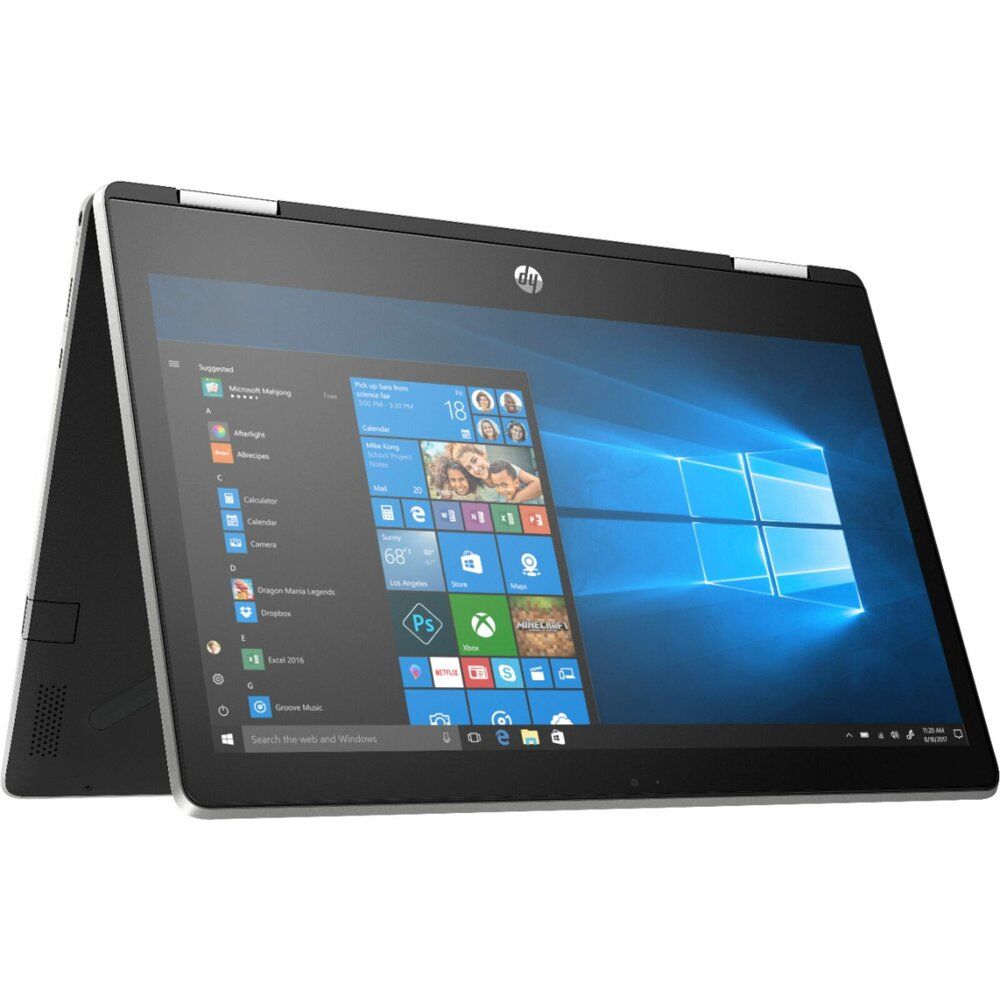
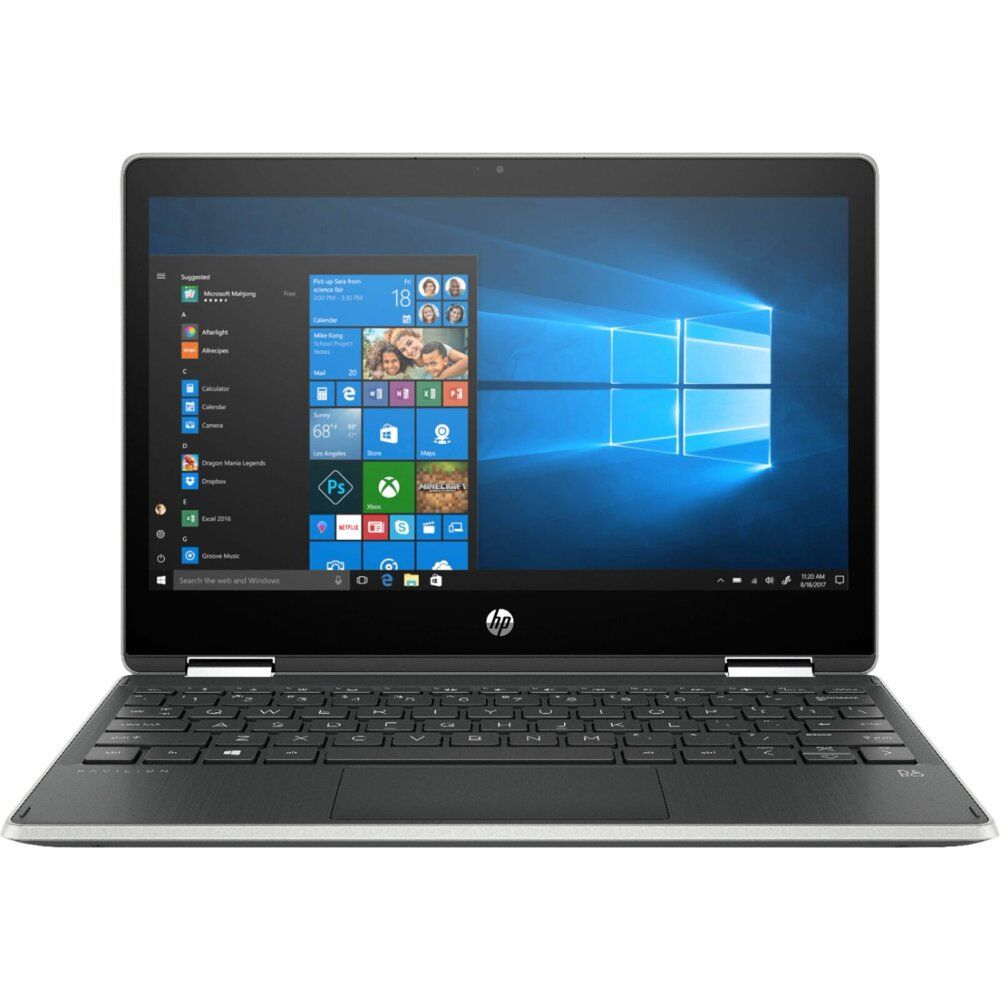
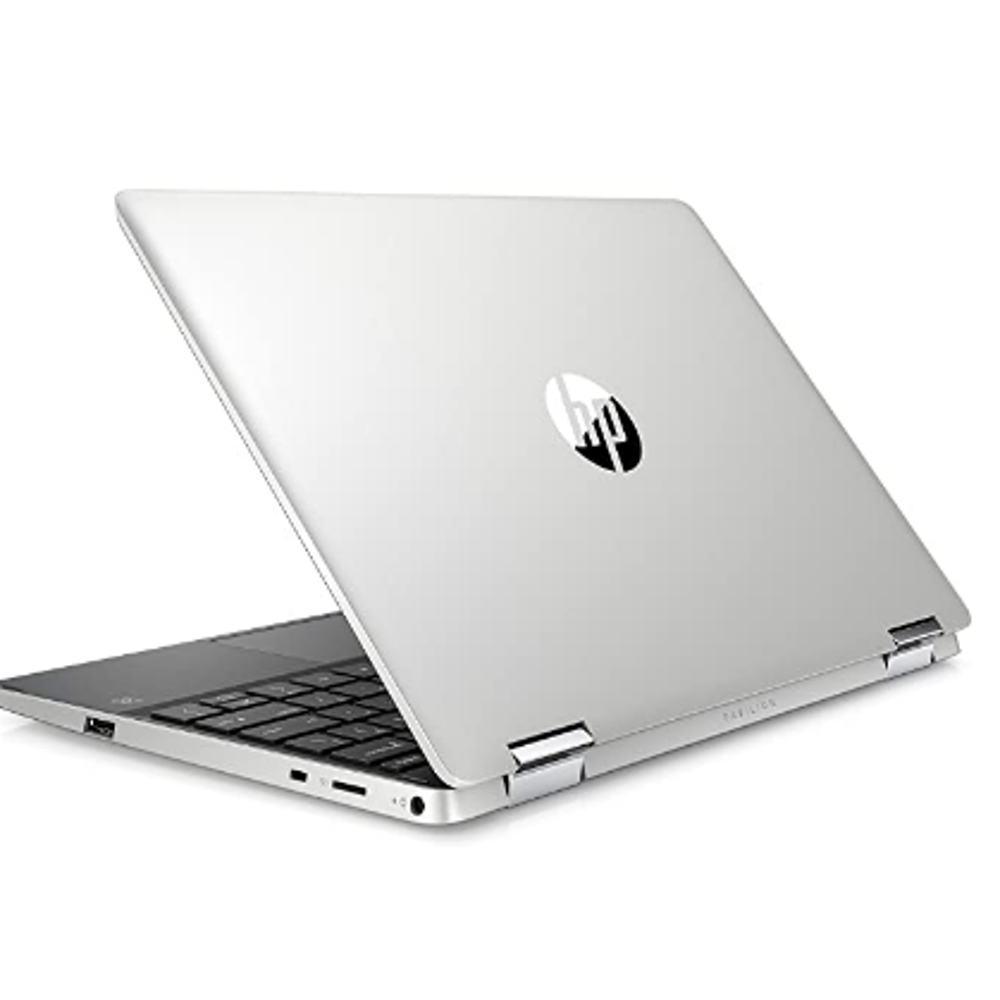
HP Pavilion x360 14 Convertible 2-in-1 Laptop
In Stock
In Stock
- Intel Core i5
- 8 GB DDR4 RAM
- 512 GB SSD Storage
Description
The Aspire 5 is a compact laptop in a thin case with a metal cover, a high-quality Full HD IPS display and a rich set of interfaces. Thanks to its powerful components, the laptop can handle resource-intensive tasks perfectly and is also suitable for most games.
Key Features:
- slim body with metal cover
- latest Intel Core i5-1135G7 processor (4 cores / 8 threads)
- 8GB DDR4 RAM and fast 512GB PCIe SSD
- NVIDIA GeForce MX350 2GB GDDR5 graphics card
- backlit keyboard, touchpad with gesture support
1 review for HP Pavilion x360 14 Convertible 2-in-1 Laptop
Related products
7%
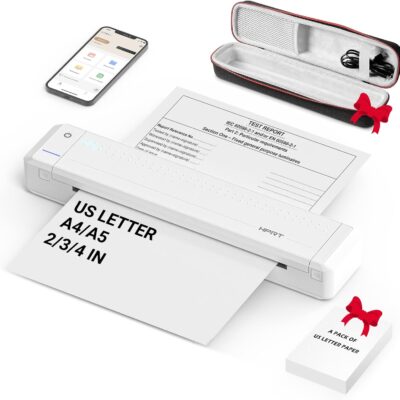
HPRT Portable Printer Wireless for Travel, Thermal Inkless Bluetooth Printer with Case, Support 8.5″ X 11″ US Letter, Compatible with iPhone Android MacBook Windows Laptops (Upgraded MT866)
Original price was: $149.99.$139.99Current price is: $139.99.
From the brand



Inkless Thermal Printing: Upgrade to the MT866 printer for hassle-free printing. Say goodbye to messy ribbons and refills. With advanced thermal technology, enjoy convenient printing without worrying about ink leakage or running out of ribbon. Just bring along your printing paper, and you're all set! 【Get more printing paper - https://www.amazon.com/dp/B0CSVW7FDQ.】
Enhanced Printing Options: With the addition of compatible carbon ribbons (link: https://www.amazon.com/dp/B08RYJ3XGM), our printer offers versatile printing capabilities. Now, you can use regular A4/US Letter paper for thermal transfer printing of various documents.
Extended Battery Life: Experience uninterrupted printing with HPRT's long-lasting battery. With up to 26 hours of battery life, you're ready for extended out-of-office use. Connect via Bluetooth in seconds and print directly from your phone with just one click. For laptop printing, simply connect via USB and download the driver for hassle-free printing.
High-Quality Clear Printing: Enjoy crisp, clear prints every time with HPRT's upgraded printing technology. Achieve a file resolution of 300DPI for professional-quality results. Print on thermal paper or tattoo wax paper with ease. Plus, support for multiple sizes including US Letter & Legal, A4 & A5, and 2 & 3 & 4-inch thermal paper ensures versatility in your printing needs.
Lifetime After-Sales Support: Rest assured with HPRT's comprehensive after-sales service. Access detailed instructions and video tutorials for easy operation and troubleshooting. Our dedicated customer service team is available 24/7 to assist you with any inquiries or concerns.
User-Friendly Operation: Simplify your printing process with HPRT. Insert thermal paper with ease, ensuring the thermal side is down and parallel to the paper input opening. Look for the thermal side indicator on the packaging for guidance. And in case of any printing issues, a simple paper flip ensures seamless printing every time.
Ultimate Portability: Travel effortlessly with HPRT's compact wireless printer. Weighing only 2 pounds and packaged in a protective box, it's perfect for on-the-go printing. Easily slip it into your suitcase and print anytime, anywhere, whether you're on a business trip or exploring the world.
HPRT Portable Printers
With 18 years of experience in the printing industry, HPRT is committed to making life efficient and simple.
HPRT has 18 years of experience in the printing industry and is an excellent manufacturer of system printing solutions. With the corporate philosophy of "continuous improvement and excellence," HPRT provides secure, reliable, efficient, and economical printing solutions for various applications such as home, commercial, and industrial, allowing everyone to print as they please.
Portable Printers on the Go
Compact Printers for Home Use
Inkless Thermal Printing: Upgrade to the MT866 printer for hassle-free printing. Say goodbye to messy ribbons and refills. With advanced thermal technology, enjoy convenient printing without worrying about ink leakage or running out of ribbon. Just bring along your printing paper, and you're all set! 【Get more printing paper - https://www.amazon.com/dp/B0CSVW7FDQ.】
Enhanced Printing Options: With the addition of compatible carbon ribbons (link: https://www.amazon.com/dp/B08RYJ3XGM), our printer offers versatile printing capabilities. Now, you can use regular A4/US Letter paper for thermal transfer printing of various documents.
Extended Battery Life: Experience uninterrupted printing with HPRT's long-lasting battery. With up to 26 hours of battery life, you're ready for extended out-of-office use. Connect via Bluetooth in seconds and print directly from your phone with just one click. For laptop printing, simply connect via USB and download the driver for hassle-free printing.
High-Quality Clear Printing: Enjoy crisp, clear prints every time with HPRT's upgraded printing technology. Achieve a file resolution of 300DPI for professional-quality results. Print on thermal paper or tattoo wax paper with ease. Plus, support for multiple sizes including US Letter & Legal, A4 & A5, and 2 & 3 & 4-inch thermal paper ensures versatility in your printing needs.
Lifetime After-Sales Support: Rest assured with HPRT's comprehensive after-sales service. Access detailed instructions and video tutorials for easy operation and troubleshooting. Our dedicated customer service team is available 24/7 to assist you with any inquiries or concerns.
User-Friendly Operation: Simplify your printing process with HPRT. Insert thermal paper with ease, ensuring the thermal side is down and parallel to the paper input opening. Look for the thermal side indicator on the packaging for guidance. And in case of any printing issues, a simple paper flip ensures seamless printing every time.
Ultimate Portability: Travel effortlessly with HPRT's compact wireless printer. Weighing only 2 pounds and packaged in a protective box, it's perfect for on-the-go printing. Easily slip it into your suitcase and print anytime, anywhere, whether you're on a business trip or exploring the world.



sinan –
Sed perspiciatis unde omnis iste natus error sit voluptatem accusantium doloremque laudantium.