No products in the cart.
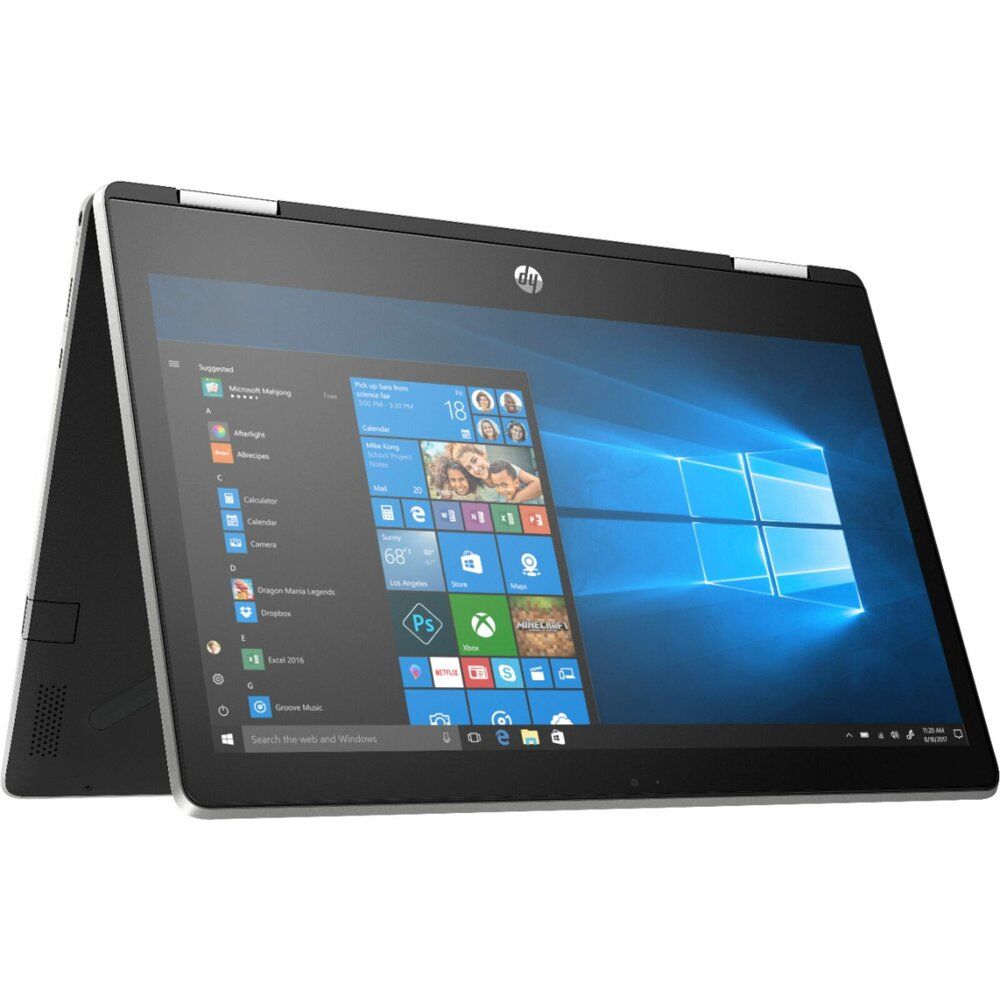
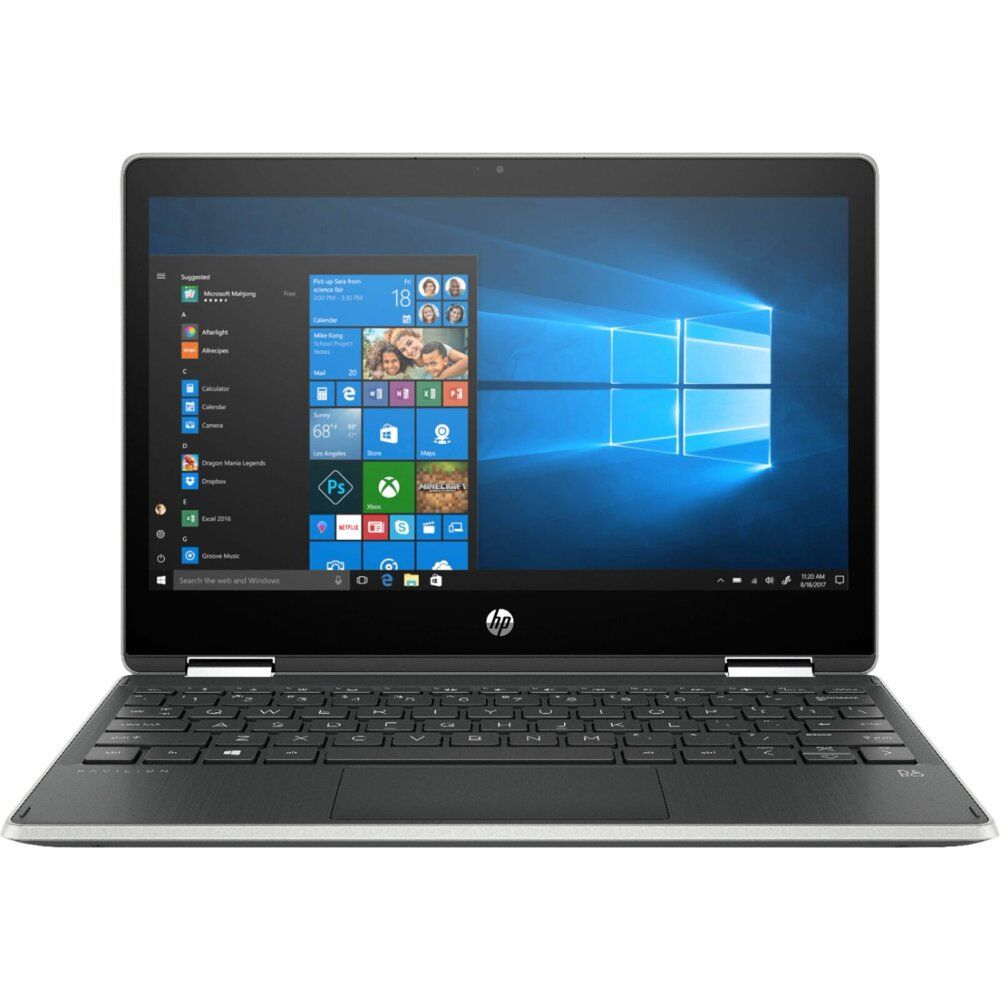
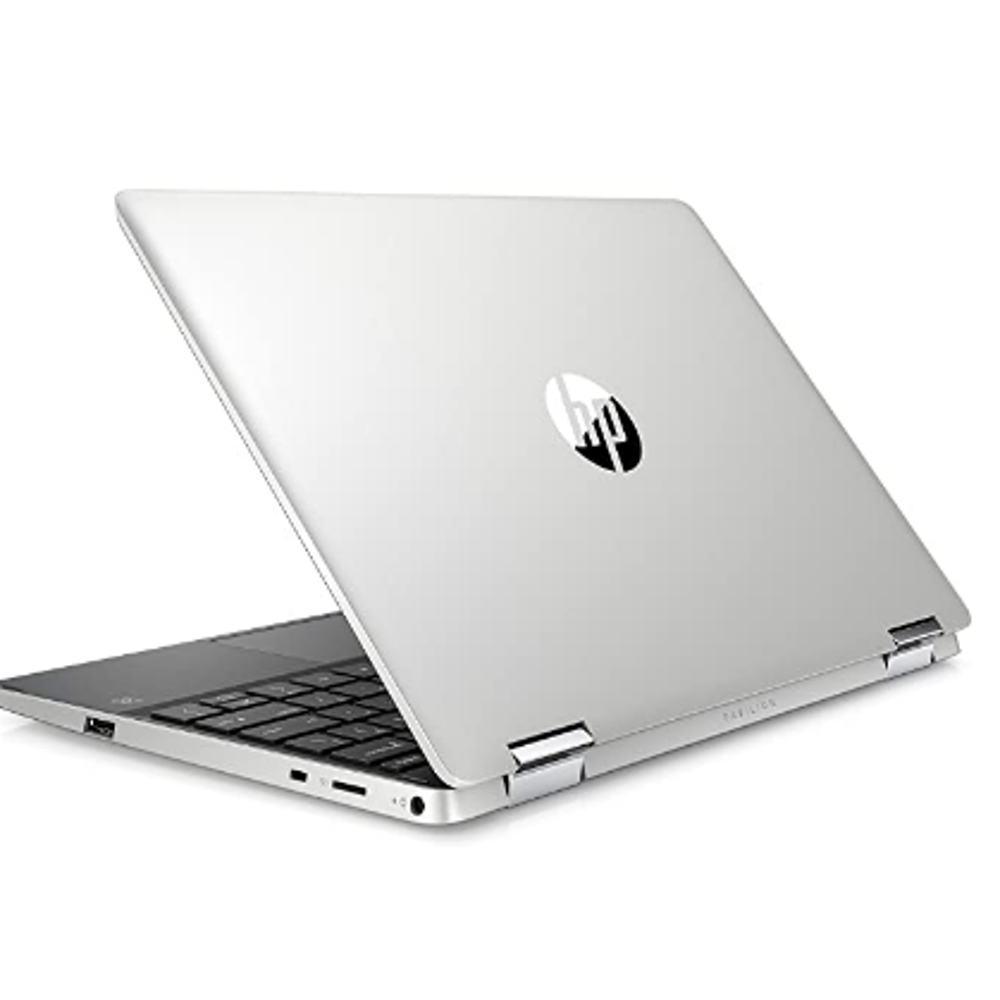
HP Pavilion x360 14 Convertible 2-in-1 Laptop
SKU:
HO4UK74
Rated 4.00 out of 5 based on 1 customer rating
In Stock
In Stock
SKU: HO4UK74
Category: Laptops
- Intel Core i5
- 8 GB DDR4 RAM
- 512 GB SSD Storage
Description
The Aspire 5 is a compact laptop in a thin case with a metal cover, a high-quality Full HD IPS display and a rich set of interfaces. Thanks to its powerful components, the laptop can handle resource-intensive tasks perfectly and is also suitable for most games.
Key Features:
- slim body with metal cover
- latest Intel Core i5-1135G7 processor (4 cores / 8 threads)
- 8GB DDR4 RAM and fast 512GB PCIe SSD
- NVIDIA GeForce MX350 2GB GDDR5 graphics card
- backlit keyboard, touchpad with gesture support
1 review for HP Pavilion x360 14 Convertible 2-in-1 Laptop
Add a review Cancel reply
Related products
This pre-owned or refurbished product has been professionally inspected and tested to work and look like new. How a product becomes part of Amazon Renewed, your destination for pre-owned, refurbished products: A customer buys a new product and returns it or trades it in for a newer or different model. That product is inspected and tested to work and look like new by Amazon-qualified suppliers. Then, the product is sold as an Amazon Renewed product on Amazon. If not satisfied with the purchase, renewed products are eligible for replacement or refund under the Amazon Renewed Guarantee.
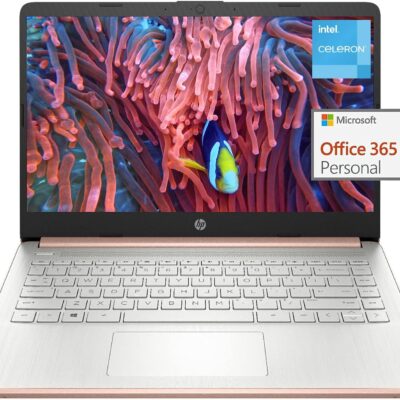
14” Diagonal HD BrightView WLED-Backlit (1366 x 768), Intel Graphics,
Intel Celeron Dual-Core Processor Up to 2.60GHz, 4GB RAM, 64GB SSD
3x USB Type A, 1x SD Card Reader, 1x Headphone/Microphone
802.11a/b/g/n/ac (2x2) Wi-Fi and Bluetooth, HP Webcam with Integrated Digital Microphone
Windows 11 OS, Dale Pink
14” Diagonal HD BrightView WLED-Backlit (1366 x 768), Intel Graphics,
Intel Celeron Dual-Core Processor Up to 2.60GHz, 4GB RAM, 64GB SSD
3x USB Type A, 1x SD Card Reader, 1x Headphone/Microphone
802.11a/b/g/n/ac (2x2) Wi-Fi and Bluetooth, HP Webcam with Integrated Digital Microphone
Windows 11 OS, Dale Pink
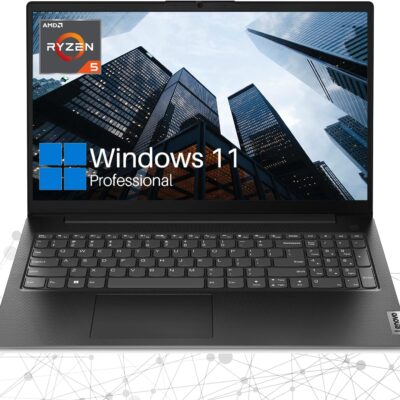
Key Features and Benefits:CPU: AMD Ryzen 5 5500U Processor (6 Cores, 12 Threads, 8MB L3 Cache, Clock Speed:2.1GHz, up to 4.0GHz Turbo)
Memory: Up to 32GB DDR4 RAM
Hard Drive: Up to 2TB PCIe Solid State Drive
Operating System: Windows 11 Pro
Graphics: AMD Radeon Graphics
Display: 15.6"diagonal, FHD (1920 x 1080)
Ports:
1 x USB 3.0 Type-A
1 x USB 2.0 Type-A
1 x USB Type-C
1 x HDMI
1 x RJ45
1 x headphone/microphone combo
Keyboard: Full-size keyboard with numeric keypad
Optical Drive: None
Wireless Connectivity: Wi-Fi
Dimensions: 14.1" x 9.3" x 0.78"
Weight: 3.75 lbs
Color: Black
【High Speed RAM And Enormous Space】16GB high-bandwidth RAM to smoothly run multiple applications and browser tabs all at once; 1TB PCIe NVMe M.2 Solid State Drive allows to fast bootup and data transfer
【Processor】AMD Ryzen 5 5500U Processor (6 Cores, 12 Threads, 8MB L3 Cache, Clock Speed:2.1GHz, up to 4.0GHz Turbo)
【Display】15.6" diagonal, FHD (1920 x 1080)
【Tech Specs】1 x USB 3.0 Type-A, 1 x USB 2.0 Type-A, 1 x USB Type-C, 1 x HDMI, 1 x RJ45, 1 x headphone/microphone combo, Numeric Keyboard, Webcam, Wi-Fi
【Operating System】Windows 11 Pro-Get all the features of Windows 11 Home operating system plus Mobile device management, Group Policy, Enterprise State Roaming, Assigned Access, Dynamic Provisioningm, Windows Update for Business, Kiosk mode, and Active Directory/Azure AD
Memory: Up to 32GB DDR4 RAM
Hard Drive: Up to 2TB PCIe Solid State Drive
Operating System: Windows 11 Pro
Graphics: AMD Radeon Graphics
Display: 15.6"diagonal, FHD (1920 x 1080)
Ports:
1 x USB 3.0 Type-A
1 x USB 2.0 Type-A
1 x USB Type-C
1 x HDMI
1 x RJ45
1 x headphone/microphone combo
Keyboard: Full-size keyboard with numeric keypad
Optical Drive: None
Wireless Connectivity: Wi-Fi
Dimensions: 14.1" x 9.3" x 0.78"
Weight: 3.75 lbs
Color: Black
【High Speed RAM And Enormous Space】16GB high-bandwidth RAM to smoothly run multiple applications and browser tabs all at once; 1TB PCIe NVMe M.2 Solid State Drive allows to fast bootup and data transfer
【Processor】AMD Ryzen 5 5500U Processor (6 Cores, 12 Threads, 8MB L3 Cache, Clock Speed:2.1GHz, up to 4.0GHz Turbo)
【Display】15.6" diagonal, FHD (1920 x 1080)
【Tech Specs】1 x USB 3.0 Type-A, 1 x USB 2.0 Type-A, 1 x USB Type-C, 1 x HDMI, 1 x RJ45, 1 x headphone/microphone combo, Numeric Keyboard, Webcam, Wi-Fi
【Operating System】Windows 11 Pro-Get all the features of Windows 11 Home operating system plus Mobile device management, Group Policy, Enterprise State Roaming, Assigned Access, Dynamic Provisioningm, Windows Update for Business, Kiosk mode, and Active Directory/Azure AD
Switching out of S mode in Windows 11
Windows 11 in S mode is designed for security and performance, exclusively running apps from the Microsoft Store. If you want to install an app that isn't available in the Microsoft Store, you'll need to switch out of S mode
1. On your PC running Windows 11 in S mode, open Settings > System > Activation.
2. In the Switch to Windows 11 Pro section, select Go to the Store. (If you also see an "Upgrade your edition of Windows" section, be careful not to click the "Go to the Store" link that appears there.)
3. On the Switch out of S mode (or similar) page that appears in the Microsoft Store, select the Get button. After you see a confirmation message on the page, you'll be able to install apps from outside of the Microsoft Store.
Activate pre-installed Office 365:
1.Launch any Office app >
2.Start your activation by signing in with your Microsoft account(Create a account if you don't have one yet) >
3.Click "Activative Office" >
4.Sign in your account and follow the next prompts. >
5.Complete Step 1,2 and 3 >
6.Click on Refresh once Office is ready >
7.Open a document and accept the license agreement.
Display: 14.0-inch diagonal, HD (1366 x 768), micro-edge, BrightView
Processor: Intel Celeron N4120, 4 Cores & 4 Threads
Memory: 8GB RAM
Storage:128GB eMMC + 64GB Ghost Manta SD Card
Graphics: Intel UHD Graphics 600
Operating System: Windows 11 Home in S mode
Battery Life: Up to 10 hours
Webcam: HP True Vision 720p HD camera with integrated dual array digital microphones
Connectivity: 802.11a/b/g/n/ac (2x2)(19a) Wi-Fi and Bluetooth
Dimensions: 12.76 x 8.86 x 0.71 inches
Weight: 3.24 lbs
【14" HD Display】14.0-inch diagonal, HD (1366 x 768), micro-edge, BrightView. With virtually no bezel encircling the display, an ultra-wide viewing experience provides for seamless multi-monitor set-ups
【Processor & Graphics】Intel Celeron N4120, 4 Cores & 4 Threads, 1.10 GHz Base Frequency, Up to 2.60 GHz Burst Frequency, 4 MB Cahce, Intel UHD Graphics 600, Handle multitasking reliably with the perfect combination of performance, power consumption, and value.
【RAM & Storage】Upgraded to 8GB high-bandwidth DDR4 Memory (2400 MHz), Adequate high-bandwidth RAM to smoothly run multiple applications and browser tabs all at once. 128GB high-speed eMMC Storage for your office and webinar needs. With 64GB Ghost Manta SD Card.
【Ports】1 x USB 3.1 Type-C ports, 2 x USB 3.1 Type-A ports, 1 x HDMI, 1 x Headphone/Microphone Combo Jack, and there's a microSD slot
【Activate 1 Year MS office 365 & Win11 in S mode】(About switch to regular Win11, see the detail in Product description) Activate pre-installed Office: 1.Launch any Office app > 2.Start your activation by signing in with your Microsoft account(Create a account if you don't have one yet) > 3.Click "Activate Office" > 4.Sign in your account and follow the next prompts. > 5.Complete Step 1,2 and 3 > 6.Click on Refresh once Office is ready > 7.Open a document and accept the license agreement.
Windows 11 in S mode is designed for security and performance, exclusively running apps from the Microsoft Store. If you want to install an app that isn't available in the Microsoft Store, you'll need to switch out of S mode
1. On your PC running Windows 11 in S mode, open Settings > System > Activation.
2. In the Switch to Windows 11 Pro section, select Go to the Store. (If you also see an "Upgrade your edition of Windows" section, be careful not to click the "Go to the Store" link that appears there.)
3. On the Switch out of S mode (or similar) page that appears in the Microsoft Store, select the Get button. After you see a confirmation message on the page, you'll be able to install apps from outside of the Microsoft Store.
Activate pre-installed Office 365:
1.Launch any Office app >
2.Start your activation by signing in with your Microsoft account(Create a account if you don't have one yet) >
3.Click "Activative Office" >
4.Sign in your account and follow the next prompts. >
5.Complete Step 1,2 and 3 >
6.Click on Refresh once Office is ready >
7.Open a document and accept the license agreement.
Display: 14.0-inch diagonal, HD (1366 x 768), micro-edge, BrightView
Processor: Intel Celeron N4120, 4 Cores & 4 Threads
Memory: 8GB RAM
Storage:128GB eMMC + 64GB Ghost Manta SD Card
Graphics: Intel UHD Graphics 600
Operating System: Windows 11 Home in S mode
Battery Life: Up to 10 hours
Webcam: HP True Vision 720p HD camera with integrated dual array digital microphones
Connectivity: 802.11a/b/g/n/ac (2x2)(19a) Wi-Fi and Bluetooth
Dimensions: 12.76 x 8.86 x 0.71 inches
Weight: 3.24 lbs
【14" HD Display】14.0-inch diagonal, HD (1366 x 768), micro-edge, BrightView. With virtually no bezel encircling the display, an ultra-wide viewing experience provides for seamless multi-monitor set-ups
【Processor & Graphics】Intel Celeron N4120, 4 Cores & 4 Threads, 1.10 GHz Base Frequency, Up to 2.60 GHz Burst Frequency, 4 MB Cahce, Intel UHD Graphics 600, Handle multitasking reliably with the perfect combination of performance, power consumption, and value.
【RAM & Storage】Upgraded to 8GB high-bandwidth DDR4 Memory (2400 MHz), Adequate high-bandwidth RAM to smoothly run multiple applications and browser tabs all at once. 128GB high-speed eMMC Storage for your office and webinar needs. With 64GB Ghost Manta SD Card.
【Ports】1 x USB 3.1 Type-C ports, 2 x USB 3.1 Type-A ports, 1 x HDMI, 1 x Headphone/Microphone Combo Jack, and there's a microSD slot
【Activate 1 Year MS office 365 & Win11 in S mode】(About switch to regular Win11, see the detail in Product description) Activate pre-installed Office: 1.Launch any Office app > 2.Start your activation by signing in with your Microsoft account(Create a account if you don't have one yet) > 3.Click "Activate Office" > 4.Sign in your account and follow the next prompts. > 5.Complete Step 1,2 and 3 > 6.Click on Refresh once Office is ready > 7.Open a document and accept the license agreement.
Key Features and Benefits:CPU: 11th Gen Intel Core i3-1125G4 Processor (4 Cores, 8 Threads, 8MB L3 Smart Cache, Clockspeed at 2.0 GHz, Up to 3.7 GHz at Max Turbo Frequency)
Memory: Up to 32GB DDR4 RAM
Hard Drive: Up to 2TB PCIe NVMe M.2 Solid State Drive
Operating System: Windows 11 Home
Graphics: Intel UHD Graphics
Display: 17.3" diagonal, HD+ (1600 x 900), anti-glare, 250 nits, 60% NTSC
Backlit Keyboard: No
Ports:
1 x SuperSpeed USB Type-C 5Gbps signaling rate
2 x SuperSpeed USB Type-A 5Gbps signaling rate
1 x HDMI 1.4b
1 x Headphone/Microphone Combo
Audio: Dual Speakers
Webcam: HP True Vision 720p HD camera with temporal noise reduction and integrated dual array digital microphones
Wireless Connectivity: Wi-Fi and Bluetooth
Dimensions: 15.78" x 10.15" x 0.78"
Weight: 4.6 lbs
Color: Silver
【High Speed RAM And Enormous Space】32GB high-bandwidth RAM to smoothly run multiple applications and browser tabs all at once; 1TB PCIe NVMe M.2 Solid State Drive allows to fast bootup and data transfer
【Processor】11th Gen Intel Core i3-1125G4 Processor (4 Cores, 8 Threads, 8MB L3 Smart Cache, Clockspeed at 2.0 GHz, Up to 3.7 GHz at Max Turbo Frequency)
【Display】17.3" diagonal, HD+ (1600 x 900), anti-glare, 250 nits, 60% NTSC
【Tech Specs】1 x SuperSpeed USB Type-C 5Gbps signaling rate, 2 x SuperSpeed USB Type-A 5Gbps signaling rate, 1 x HDMI 1.4b, 1 x Headphone/Microphone Combo; Wi-Fi and Bluetooth
【Authorized KKE Bundle】Bundled with KKE Mousepad
Memory: Up to 32GB DDR4 RAM
Hard Drive: Up to 2TB PCIe NVMe M.2 Solid State Drive
Operating System: Windows 11 Home
Graphics: Intel UHD Graphics
Display: 17.3" diagonal, HD+ (1600 x 900), anti-glare, 250 nits, 60% NTSC
Backlit Keyboard: No
Ports:
1 x SuperSpeed USB Type-C 5Gbps signaling rate
2 x SuperSpeed USB Type-A 5Gbps signaling rate
1 x HDMI 1.4b
1 x Headphone/Microphone Combo
Audio: Dual Speakers
Webcam: HP True Vision 720p HD camera with temporal noise reduction and integrated dual array digital microphones
Wireless Connectivity: Wi-Fi and Bluetooth
Dimensions: 15.78" x 10.15" x 0.78"
Weight: 4.6 lbs
Color: Silver
【High Speed RAM And Enormous Space】32GB high-bandwidth RAM to smoothly run multiple applications and browser tabs all at once; 1TB PCIe NVMe M.2 Solid State Drive allows to fast bootup and data transfer
【Processor】11th Gen Intel Core i3-1125G4 Processor (4 Cores, 8 Threads, 8MB L3 Smart Cache, Clockspeed at 2.0 GHz, Up to 3.7 GHz at Max Turbo Frequency)
【Display】17.3" diagonal, HD+ (1600 x 900), anti-glare, 250 nits, 60% NTSC
【Tech Specs】1 x SuperSpeed USB Type-C 5Gbps signaling rate, 2 x SuperSpeed USB Type-A 5Gbps signaling rate, 1 x HDMI 1.4b, 1 x Headphone/Microphone Combo; Wi-Fi and Bluetooth
【Authorized KKE Bundle】Bundled with KKE Mousepad
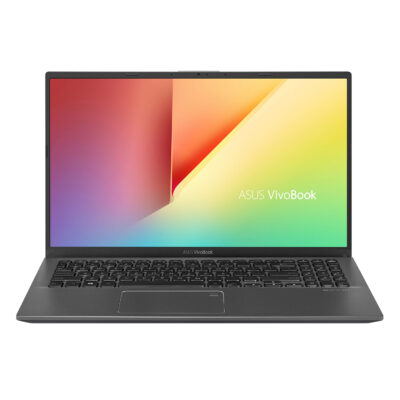
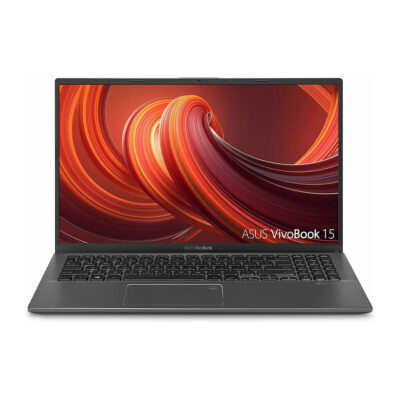
ASUS VivoBook 15 Thin and Light Laptop 15.6” FHD Display
Rated 5.00 out of 5
1 Ratings
2-day Delivery
Only 7 left in stock
- Intel i3-1005G1 CPU
- 8GB RAM
- 128GB SSD
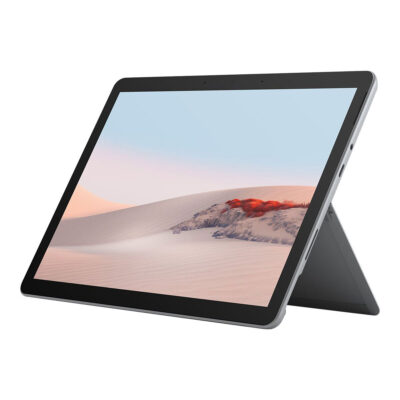
New Microsoft Surface Go 2 – 10.5″ Touch-Screen
Rated 5.00 out of 5
1 Ratings
- 4GB Memory
- Platinum (Latest Model)
- Intel Pentium


sinan –
Sed perspiciatis unde omnis iste natus error sit voluptatem accusantium doloremque laudantium.