
No products in the cart.
15%
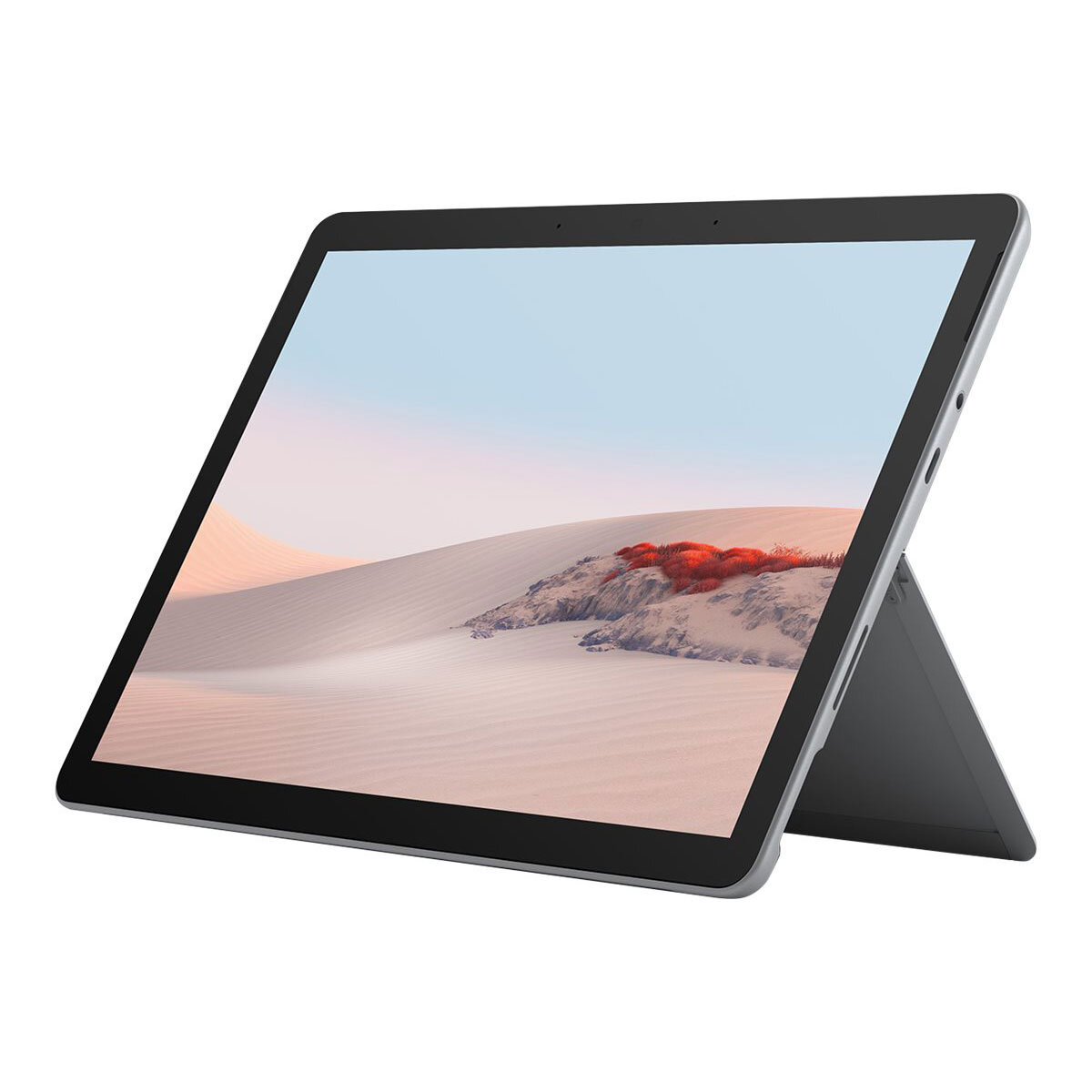
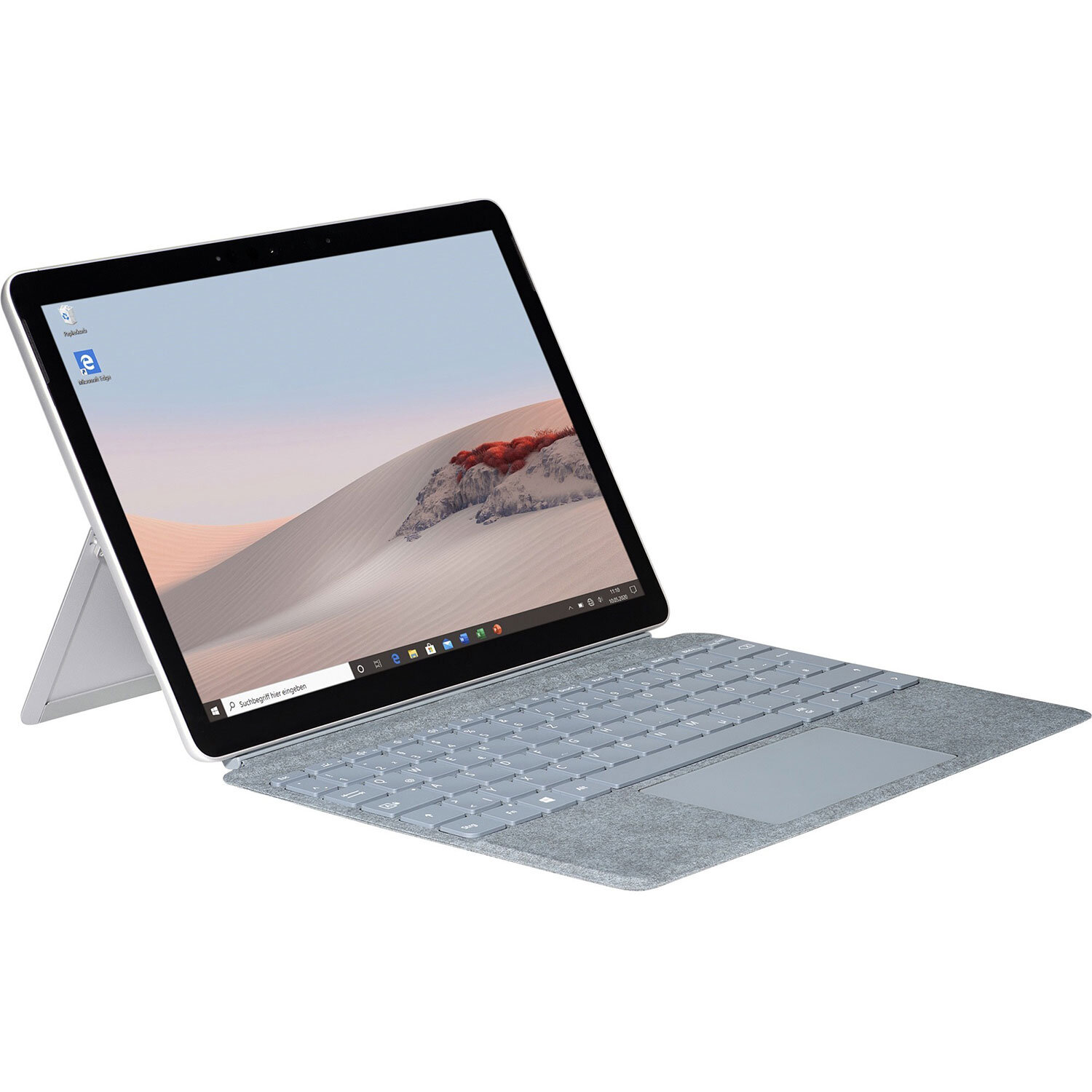
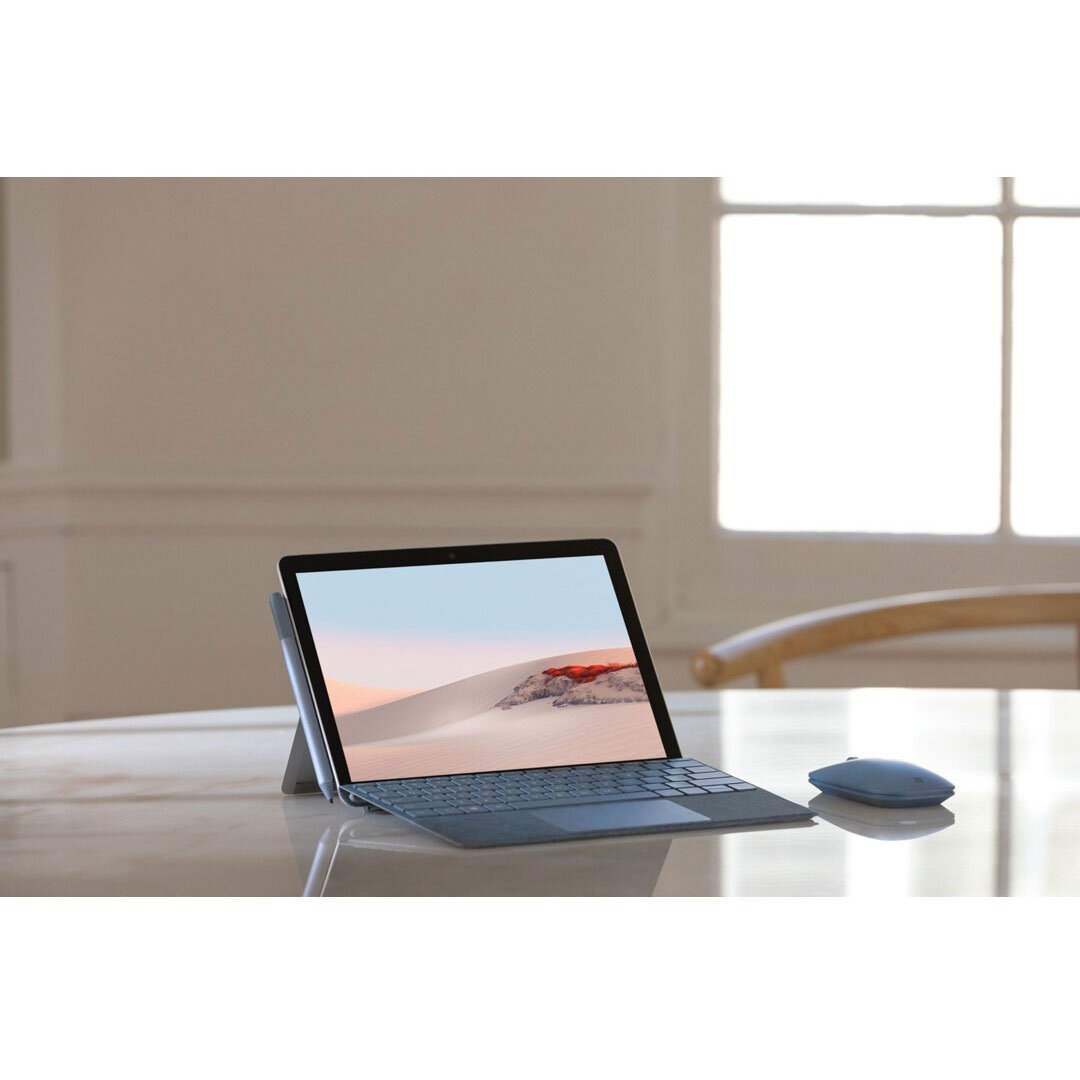
New Microsoft Surface Go 2 – 10.5″ Touch-Screen
In Stock
In Stock
- 4GB Memory
- Platinum (Latest Model)
- Intel Pentium
Description
The Aspire 5 is a compact laptop in a thin case with a metal cover, a high-quality Full HD IPS display and a rich set of interfaces. Thanks to its powerful components, the laptop can handle resource-intensive tasks perfectly and is also suitable for most games.
Key Features:
- slim body with metal cover
- latest Intel Core i5-1135G7 processor (4 cores / 8 threads)
- 8GB DDR4 RAM and fast 512GB PCIe SSD
- NVIDIA GeForce MX350 2GB GDDR5 graphics card
- backlit keyboard, touchpad with gesture support
1 review for New Microsoft Surface Go 2 – 10.5″ Touch-Screen
Related products
52%
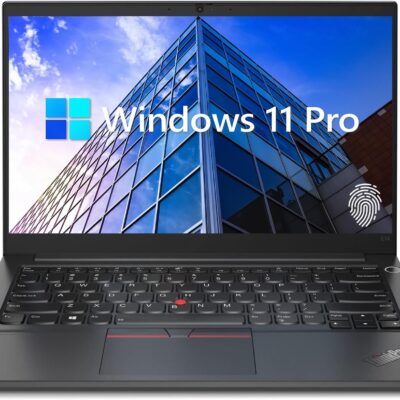
Lenovo ThinkPad E14 Gen 5 Business Laptop, 14″ FHD+ Display, AMD Ryzen 7 7730U (Beat i7-1255U), 16GB RAM, 512GB SSD, FP Reader, Backlit Keyboard, HDMI, RJ45, Wi-Fi 6, Windows 11 Pro, Black
Original price was: $1,579.00.$759.00Current price is: $759.00.
Product Description


 Processor AMD Ryzen 7 7730U Processor (8 Cores, 16 Threads, 16MB L3 Cache, Clock Speed:2.0GHz, up to 4.5GHz Turbo) Display 14" diagonal, WUXGA(1920 * 1200) display Operating System Windows 11 Pro GPU AMD Radeon Graphics Fingerprint Reader Yes Backlit Keyboard Yes (Fn + Space) Wireless Connectivity Wi-Fi 6 and Bluetooth Color Black
【High Speed RAM And Enormous Space】16GB high-bandwidth RAM to smoothly run multiple applications and browser tabs all at once; 512GB PCIe NVMe M.2 Solid State Drive allows to fast bootup and data transfer
【Processor】AMD Ryzen 7 7730U Processor (8 Cores, 16 Threads, 16MB L3 Cache, Clock Speed:2.0GHz, up to 4.5GHz Turbo)
【Display】14" diagonal, FHD+ display (1920 * 1200)
【Tech Specs】2 x USB 3.0 Type-A, 2 x USB Type-C, 1 x HDMI, 1 x headphone/microphone combo, 1 x RJ45, FP Reader, Backlit Keyboard, Wi-Fi 6
【Operating System】Windows 11 Pro-Get all the features of Windows 11 Home operating system plus Mobile device management, Group Policy, Enterprise State Roaming, Assigned Access, Dynamic Provisioningm, Windows Update for Business, Kiosk mode, and Active Directory/Azure AD
Processor AMD Ryzen 7 7730U Processor (8 Cores, 16 Threads, 16MB L3 Cache, Clock Speed:2.0GHz, up to 4.5GHz Turbo) Display 14" diagonal, WUXGA(1920 * 1200) display Operating System Windows 11 Pro GPU AMD Radeon Graphics Fingerprint Reader Yes Backlit Keyboard Yes (Fn + Space) Wireless Connectivity Wi-Fi 6 and Bluetooth Color Black
【High Speed RAM And Enormous Space】16GB high-bandwidth RAM to smoothly run multiple applications and browser tabs all at once; 512GB PCIe NVMe M.2 Solid State Drive allows to fast bootup and data transfer
【Processor】AMD Ryzen 7 7730U Processor (8 Cores, 16 Threads, 16MB L3 Cache, Clock Speed:2.0GHz, up to 4.5GHz Turbo)
【Display】14" diagonal, FHD+ display (1920 * 1200)
【Tech Specs】2 x USB 3.0 Type-A, 2 x USB Type-C, 1 x HDMI, 1 x headphone/microphone combo, 1 x RJ45, FP Reader, Backlit Keyboard, Wi-Fi 6
【Operating System】Windows 11 Pro-Get all the features of Windows 11 Home operating system plus Mobile device management, Group Policy, Enterprise State Roaming, Assigned Access, Dynamic Provisioningm, Windows Update for Business, Kiosk mode, and Active Directory/Azure AD
7%
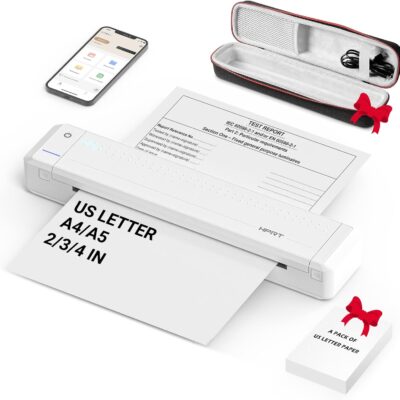
HPRT Portable Printer Wireless for Travel, Thermal Inkless Bluetooth Printer with Case, Support 8.5″ X 11″ US Letter, Compatible with iPhone Android MacBook Windows Laptops (Upgraded MT866)
Original price was: $149.99.$139.99Current price is: $139.99.
From the brand


Inkless Thermal Printing: Upgrade to the MT866 printer for hassle-free printing. Say goodbye to messy ribbons and refills. With advanced thermal technology, enjoy convenient printing without worrying about ink leakage or running out of ribbon. Just bring along your printing paper, and you're all set! 【Get more printing paper - https://www.amazon.com/dp/B0CSVW7FDQ.】
Enhanced Printing Options: With the addition of compatible carbon ribbons (link: https://www.amazon.com/dp/B08RYJ3XGM), our printer offers versatile printing capabilities. Now, you can use regular A4/US Letter paper for thermal transfer printing of various documents.
Extended Battery Life: Experience uninterrupted printing with HPRT's long-lasting battery. With up to 26 hours of battery life, you're ready for extended out-of-office use. Connect via Bluetooth in seconds and print directly from your phone with just one click. For laptop printing, simply connect via USB and download the driver for hassle-free printing.
High-Quality Clear Printing: Enjoy crisp, clear prints every time with HPRT's upgraded printing technology. Achieve a file resolution of 300DPI for professional-quality results. Print on thermal paper or tattoo wax paper with ease. Plus, support for multiple sizes including US Letter & Legal, A4 & A5, and 2 & 3 & 4-inch thermal paper ensures versatility in your printing needs.
Lifetime After-Sales Support: Rest assured with HPRT's comprehensive after-sales service. Access detailed instructions and video tutorials for easy operation and troubleshooting. Our dedicated customer service team is available 24/7 to assist you with any inquiries or concerns.
User-Friendly Operation: Simplify your printing process with HPRT. Insert thermal paper with ease, ensuring the thermal side is down and parallel to the paper input opening. Look for the thermal side indicator on the packaging for guidance. And in case of any printing issues, a simple paper flip ensures seamless printing every time.
Ultimate Portability: Travel effortlessly with HPRT's compact wireless printer. Weighing only 2 pounds and packaged in a protective box, it's perfect for on-the-go printing. Easily slip it into your suitcase and print anytime, anywhere, whether you're on a business trip or exploring the world.
HPRT Portable Printers
With 18 years of experience in the printing industry, HPRT is committed to making life efficient and simple.
HPRT has 18 years of experience in the printing industry and is an excellent manufacturer of system printing solutions. With the corporate philosophy of "continuous improvement and excellence," HPRT provides secure, reliable, efficient, and economical printing solutions for various applications such as home, commercial, and industrial, allowing everyone to print as they please.
Portable Printers on the Go
Compact Printers for Home Use
Inkless Thermal Printing: Upgrade to the MT866 printer for hassle-free printing. Say goodbye to messy ribbons and refills. With advanced thermal technology, enjoy convenient printing without worrying about ink leakage or running out of ribbon. Just bring along your printing paper, and you're all set! 【Get more printing paper - https://www.amazon.com/dp/B0CSVW7FDQ.】
Enhanced Printing Options: With the addition of compatible carbon ribbons (link: https://www.amazon.com/dp/B08RYJ3XGM), our printer offers versatile printing capabilities. Now, you can use regular A4/US Letter paper for thermal transfer printing of various documents.
Extended Battery Life: Experience uninterrupted printing with HPRT's long-lasting battery. With up to 26 hours of battery life, you're ready for extended out-of-office use. Connect via Bluetooth in seconds and print directly from your phone with just one click. For laptop printing, simply connect via USB and download the driver for hassle-free printing.
High-Quality Clear Printing: Enjoy crisp, clear prints every time with HPRT's upgraded printing technology. Achieve a file resolution of 300DPI for professional-quality results. Print on thermal paper or tattoo wax paper with ease. Plus, support for multiple sizes including US Letter & Legal, A4 & A5, and 2 & 3 & 4-inch thermal paper ensures versatility in your printing needs.
Lifetime After-Sales Support: Rest assured with HPRT's comprehensive after-sales service. Access detailed instructions and video tutorials for easy operation and troubleshooting. Our dedicated customer service team is available 24/7 to assist you with any inquiries or concerns.
User-Friendly Operation: Simplify your printing process with HPRT. Insert thermal paper with ease, ensuring the thermal side is down and parallel to the paper input opening. Look for the thermal side indicator on the packaging for guidance. And in case of any printing issues, a simple paper flip ensures seamless printing every time.
Ultimate Portability: Travel effortlessly with HPRT's compact wireless printer. Weighing only 2 pounds and packaged in a protective box, it's perfect for on-the-go printing. Easily slip it into your suitcase and print anytime, anywhere, whether you're on a business trip or exploring the world.
Product Description


 Eye-catching design
  Secure & connectable
  Enhanced productivity
  Keep you connected
  Impressive visuals
  Processing power
  Save & learn more
 Lenovo ThinkPad L14
【High Speed RAM And Enormous Space】24GB RAM to smoothly run multiple applications and browser tabs all at once; 2TB PCIe M.2 Solid State Drive allows to fast bootup and data transfer
【Processor】AMD Ryzen 5 5500U Processor (6 Cores, 12 Threads, 8MB Cache, Base Frequency at 2.1 GHz, Up to 4.0 GHz at Max Turbo Frequency)
【Display】15.6" FHD (1920 x 1080), IPS, anti-glare, 300 nits
【Tech Specs】1 x USB-A 3.2 Gen 1, 1 x USB-A 2.0 Gen 1, 1 x USB-C 3.2 Gen 1, 1 x HDMI, 1 x RJ45, 1 x Headphone/Microphone Combo; Webcam; Wi-Fi
【Operating System】Windows 11 Pro
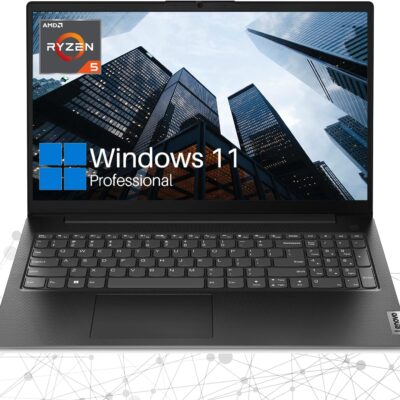
Eye-catching design The V15 G4 laptop is sleek and portable, at 0.78" and 3.74lbs, this device offers the ultimate in portability - in the office or on the go.
Secure & connectable The V15 G4 laptop encrypts your data via TPM 2.0 firmware, keeping it safe and secure. Its physical webcam shutter protects your privacy.
Enhanced productivity Windows 11 Pro offers improved performance, faster boot times, and a modern interface.
Keep you connected It's easy to stay connected to more devices and data with Bluetooth and Wi-Fi capacity.
Impressive visuals With its four-sided narrow bezels, the V15 G4 laptop's display boasts an impressive 88% screen-to-body ratio. This keeps your eyes on its 15.6" FHD antiglare display, available at up to 300 nits.
Processing power AMD Ryzen 5 5500U processor with AMD Radeon Graphics push the Lenovo V15 G4 laptop through your to-do list. It also delivers exceptional performance in one essential business notebook.
Save & learn more Up to 40GB high-bandwidth RAM to smoothly run multiple applications and browser tabs all at once; 2TB PCIe NVMe M.2 Solid State Drive allows fast bootup and data transfer.
Specification Table
Processor Intel Core i7-1165G7 Operating System Windows 11 Pro Memory Type DDR4 SSD Interface PCIe NVMe Front Camera Yes Front Camera Features Privacy Shutter Video Memory Shared Audio System High Definition Audio Speakers 2 x 1.5 W Stereo Speakers Built-in Microphone Dual Array Microphone Physical Device Security Kensington Nano Security Slot System Security Trusted Platform Module 2.0 Width 14.14 in Depth 9.28 in Height 0.78 in Weight 3.75 lbs Lenovo V15 G4Lenovo Laptops
15.6"
Screen Size
14"
FHD (1920 x 1080)
Screen resolution
WUXGA (1920 x 1200)
Fingerprint Reader
Wi-Fi 6
Media Card Reader
Touchscreen
3.75 lbs
Weight
2.99 lbs
15.6"
Screen Size
14"
FHD (1920 x 1080)
Screen resolution
FHD (1920 x 1080)
Fingerprint Reader
Wi-Fi 6
Media Card Reader
Touchscreen
3.75 lbs
Weight
3.50 lbs
Lenovo ThinkPad T14 Lenovo ThinkPad L14
【High Speed RAM And Enormous Space】24GB RAM to smoothly run multiple applications and browser tabs all at once; 2TB PCIe M.2 Solid State Drive allows to fast bootup and data transfer
【Processor】AMD Ryzen 5 5500U Processor (6 Cores, 12 Threads, 8MB Cache, Base Frequency at 2.1 GHz, Up to 4.0 GHz at Max Turbo Frequency)
【Display】15.6" FHD (1920 x 1080), IPS, anti-glare, 300 nits
【Tech Specs】1 x USB-A 3.2 Gen 1, 1 x USB-A 2.0 Gen 1, 1 x USB-C 3.2 Gen 1, 1 x HDMI, 1 x RJ45, 1 x Headphone/Microphone Combo; Webcam; Wi-Fi
【Operating System】Windows 11 Pro
7%
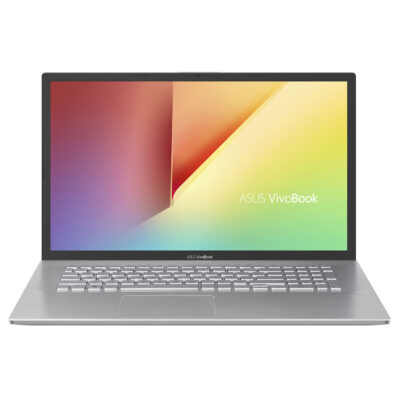
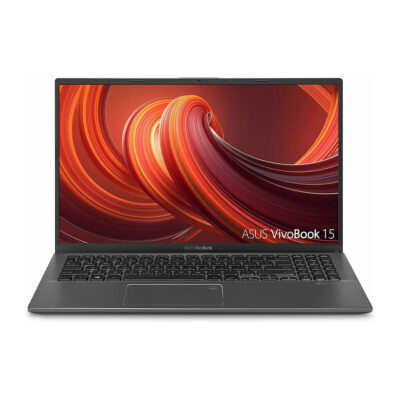
ASUS VivoBook 17.3″ i5 8GB_1TB 17.3″ FHD Display
Original price was: $589.00.$549.00Current price is: $549.00.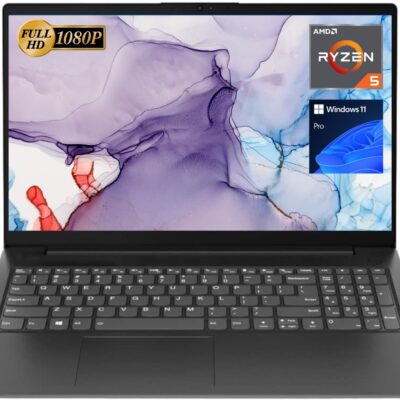
Top Product

sinan –
Sed perspiciatis unde omnis iste natus error sit voluptatem accusantium doloremque laudantium.