
No products in the cart.
17%
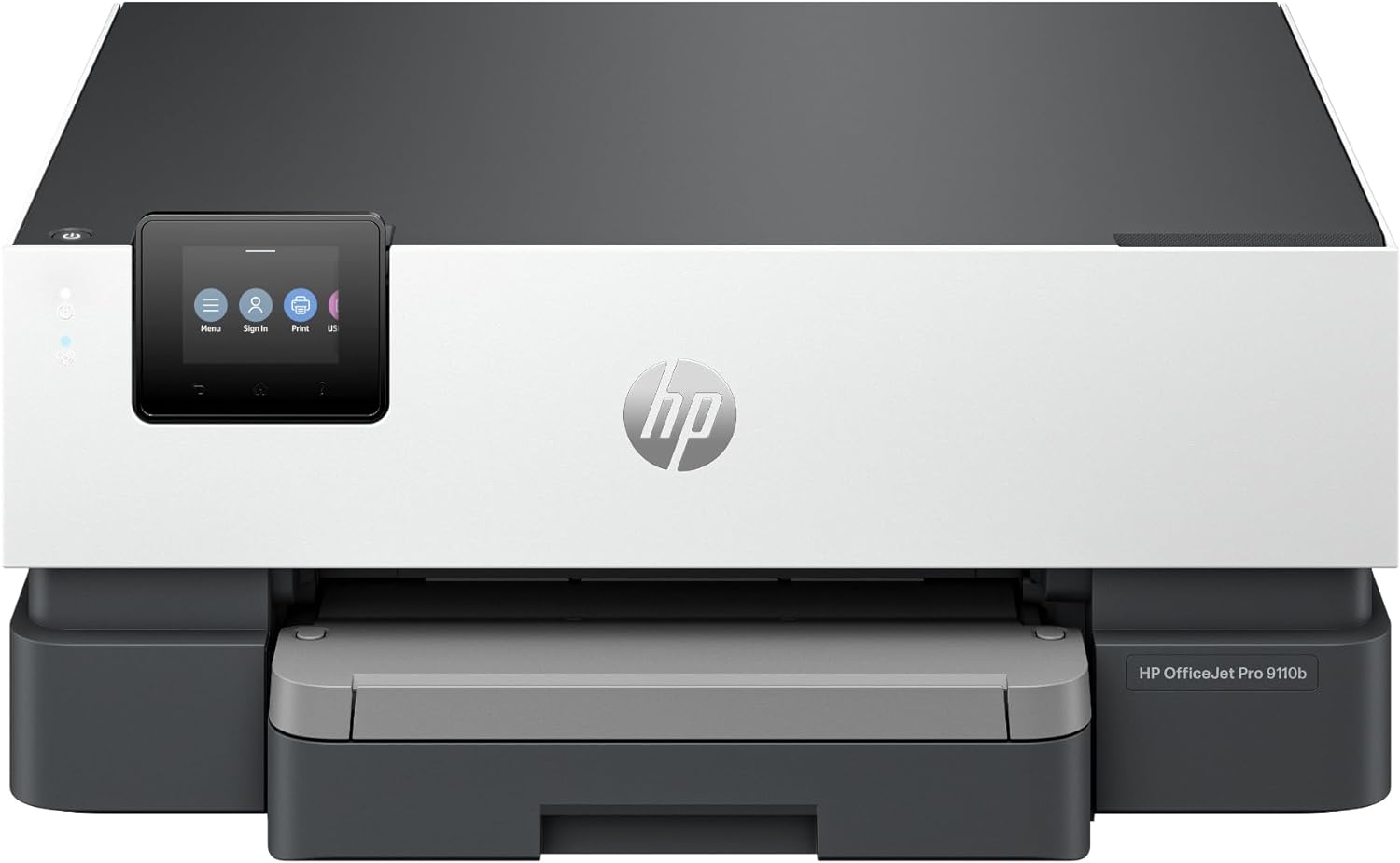
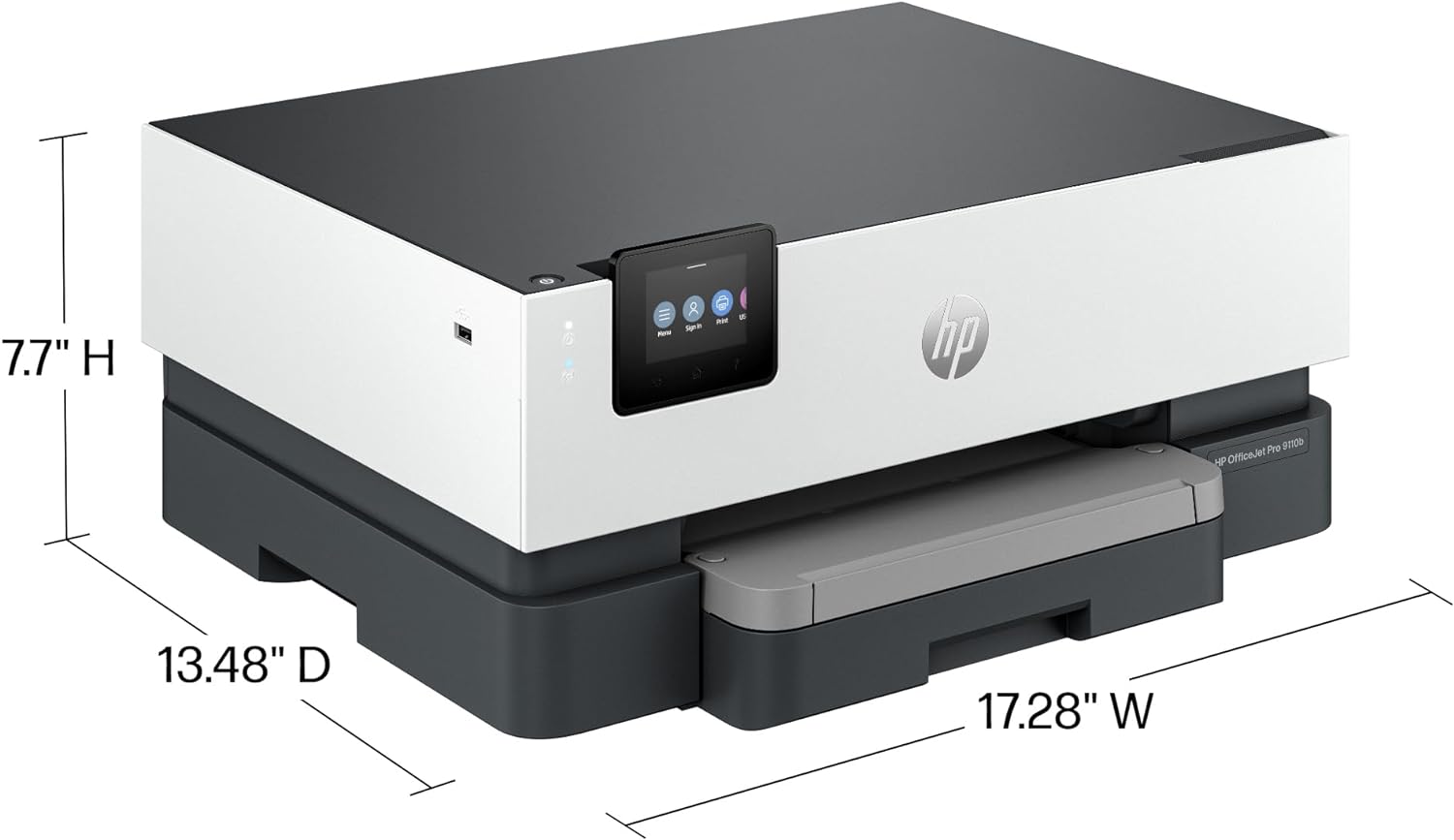
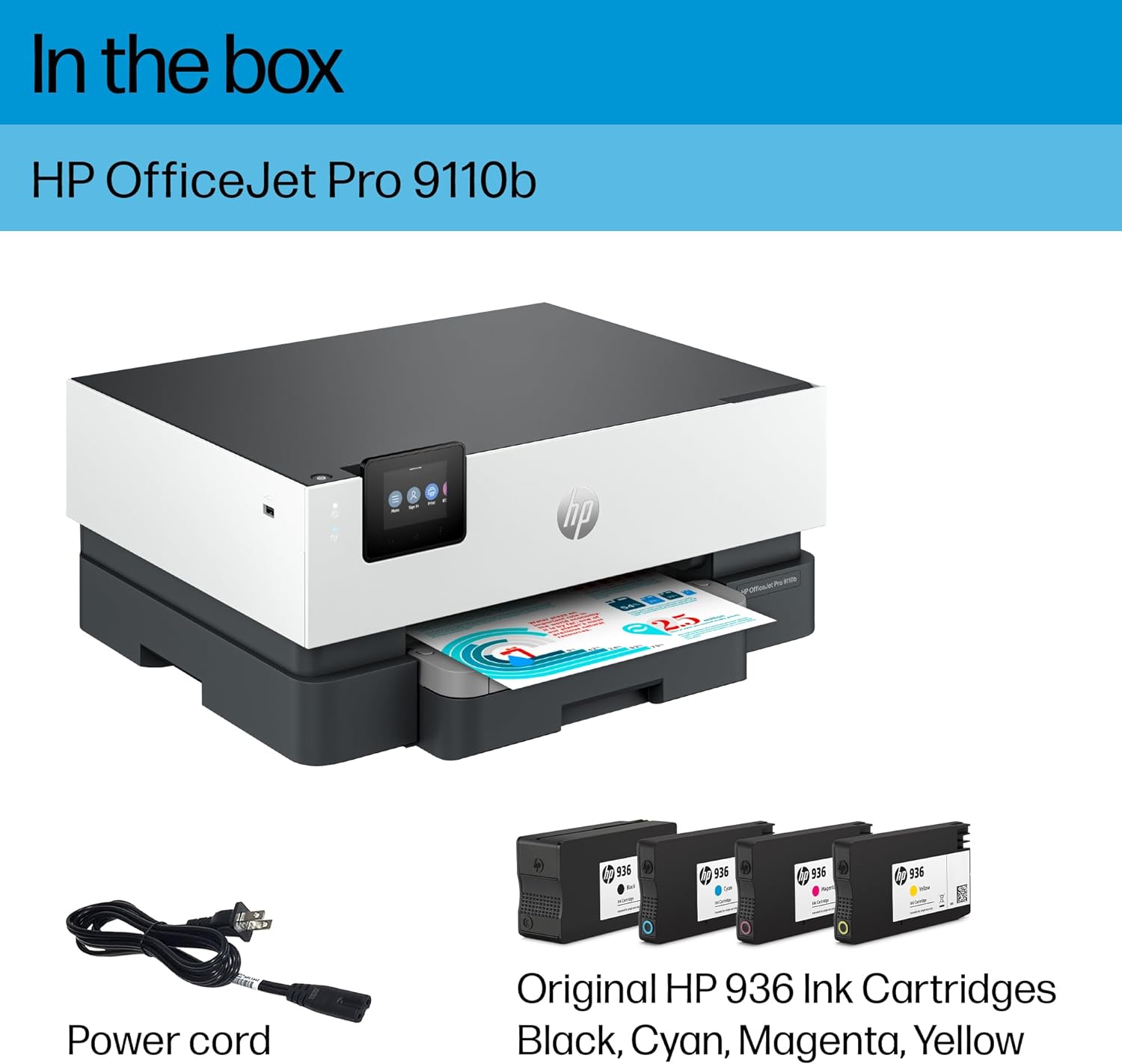

HP OfficeJet Pro 9110b Wireless Color Inkjet Printer, Print, Duplex Printing Best-for-Office (5A0S1A)
In Stock
In Stock
The HP OfficeJet Pro 9110b delivers fast color printing, 250-sheet paper capacity, and duplex printing. It includes wireless and printer security capabilities to keep your inkjet printer up to date and secure.
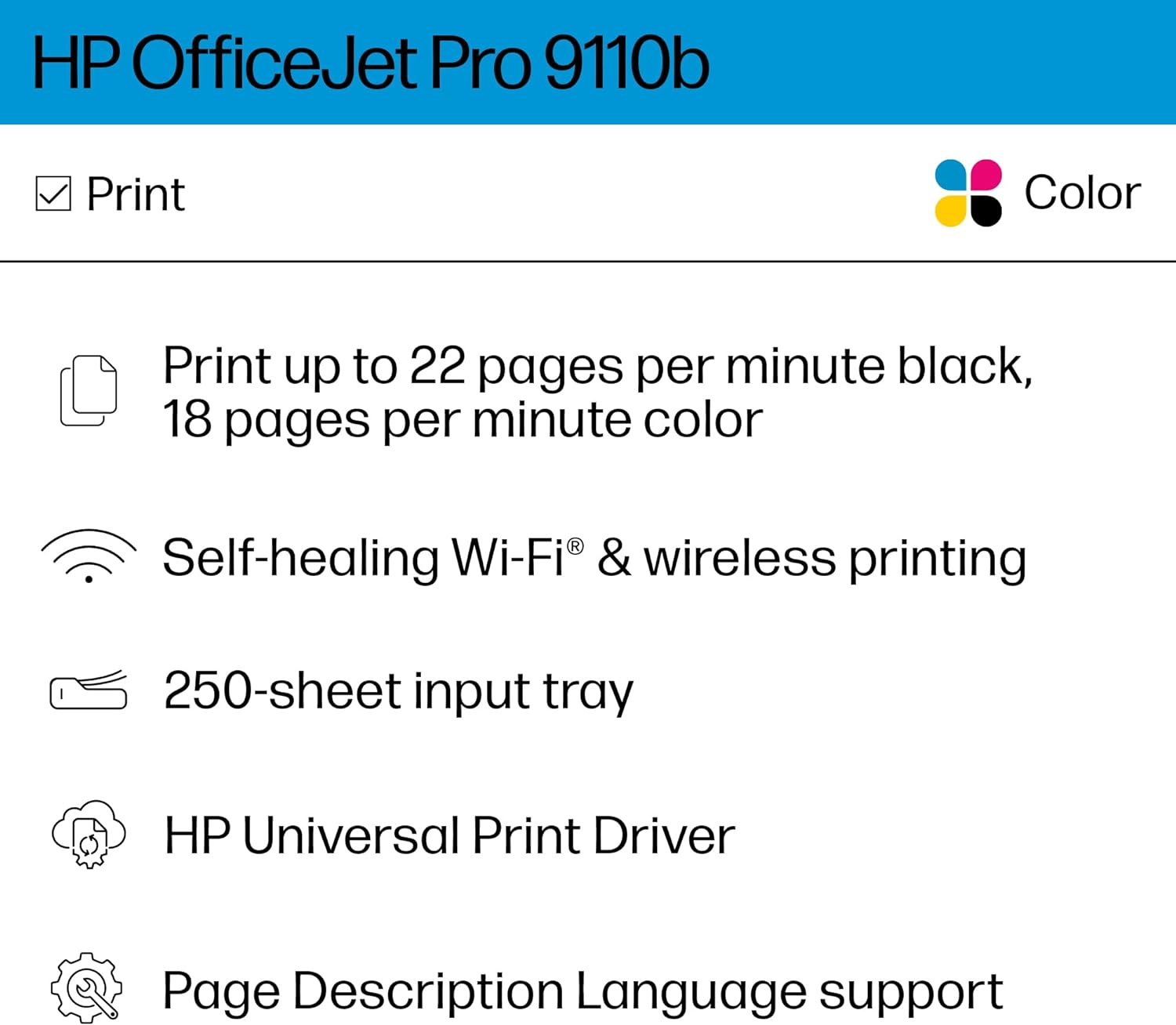
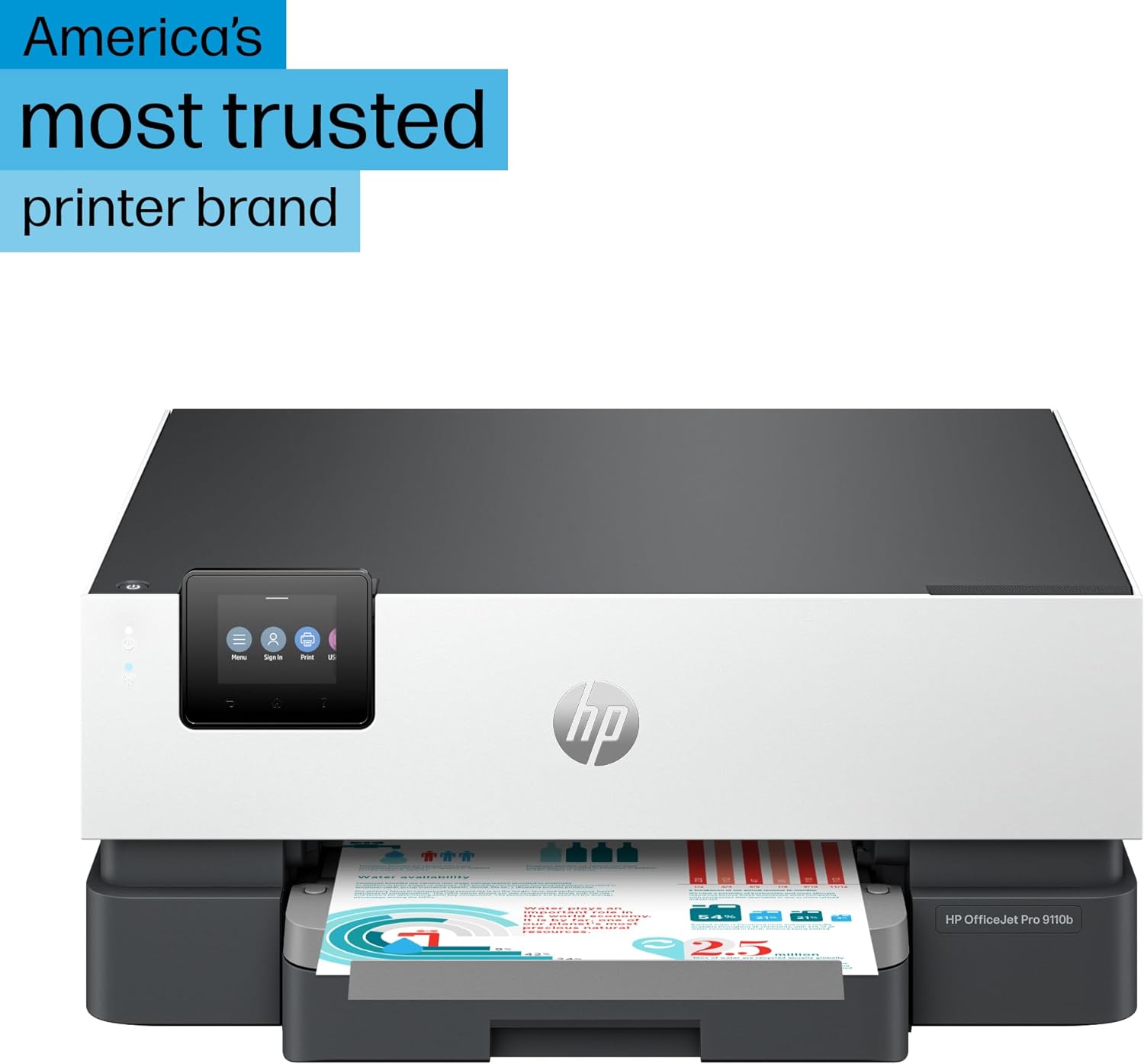
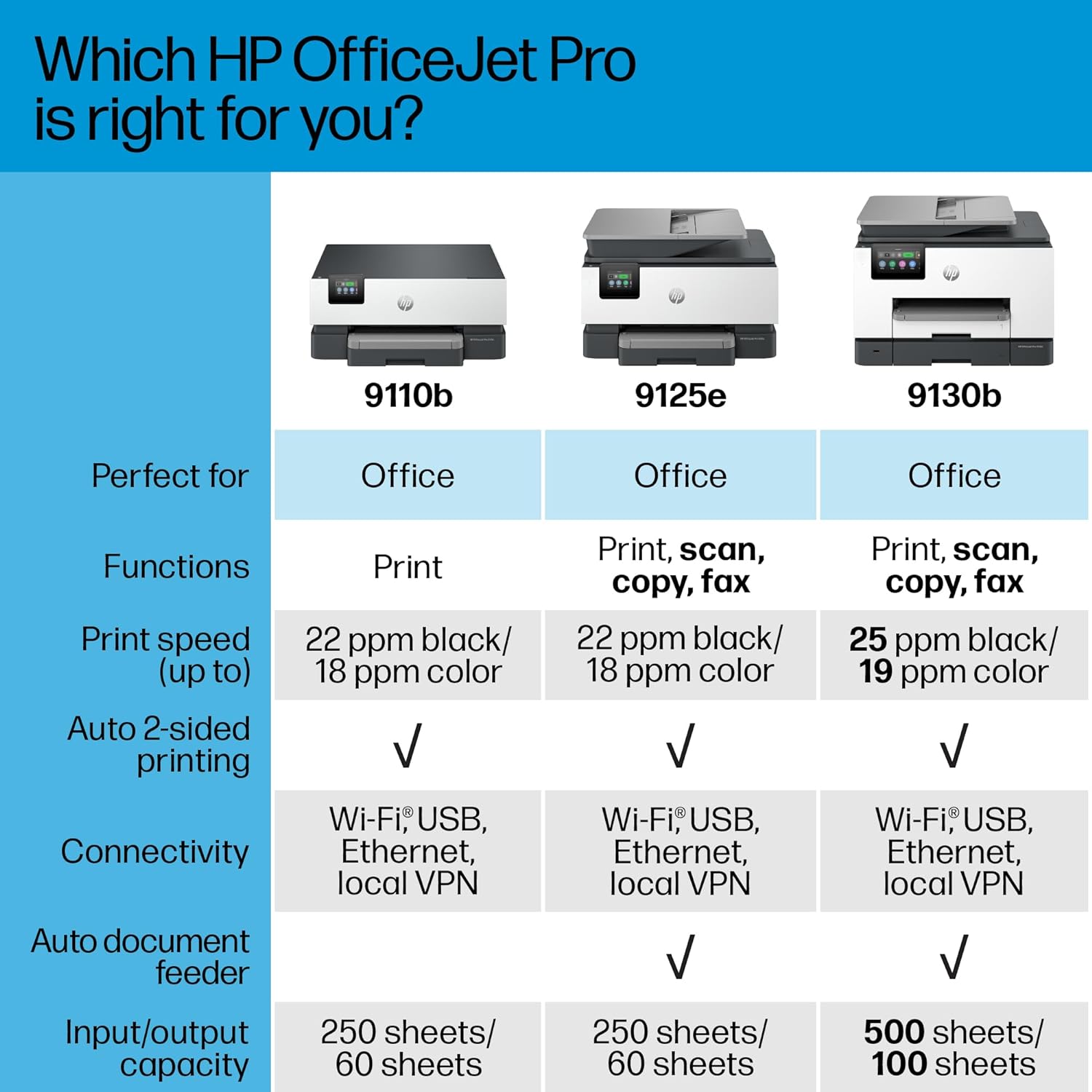
FROM AMERICA’S MOST TRUSTED PRINTER BRAND – The OfficeJet Pro 9110b is perfect for offices printing professional-quality color documents like presentations, brochures and flyers. Print speeds up to 18 ppm color, 22 ppm black. Great for remote teams.
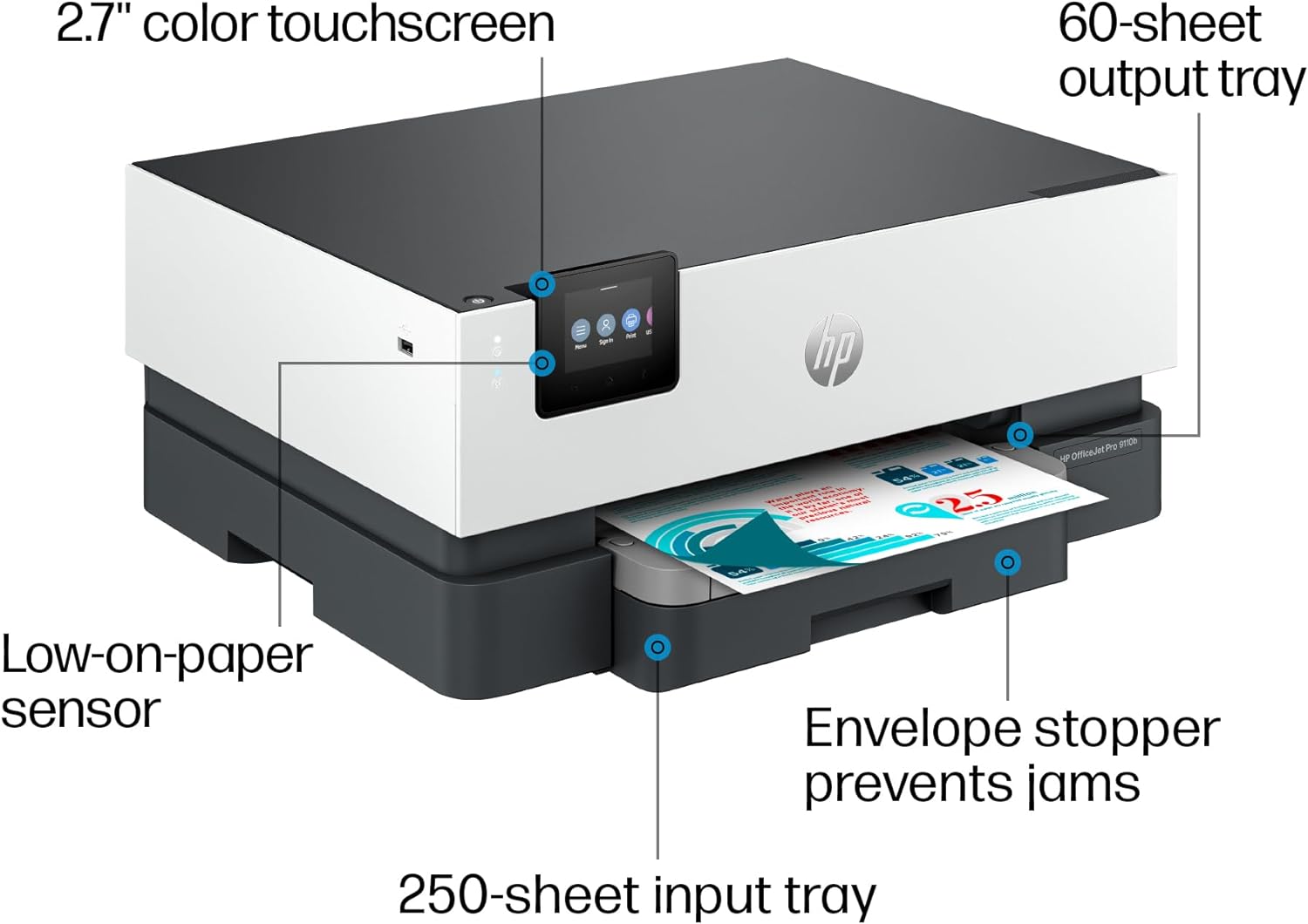
UPGRADED FEATURES – Fast color printing, auto 2-sided printing, and a 250-sheet input tray
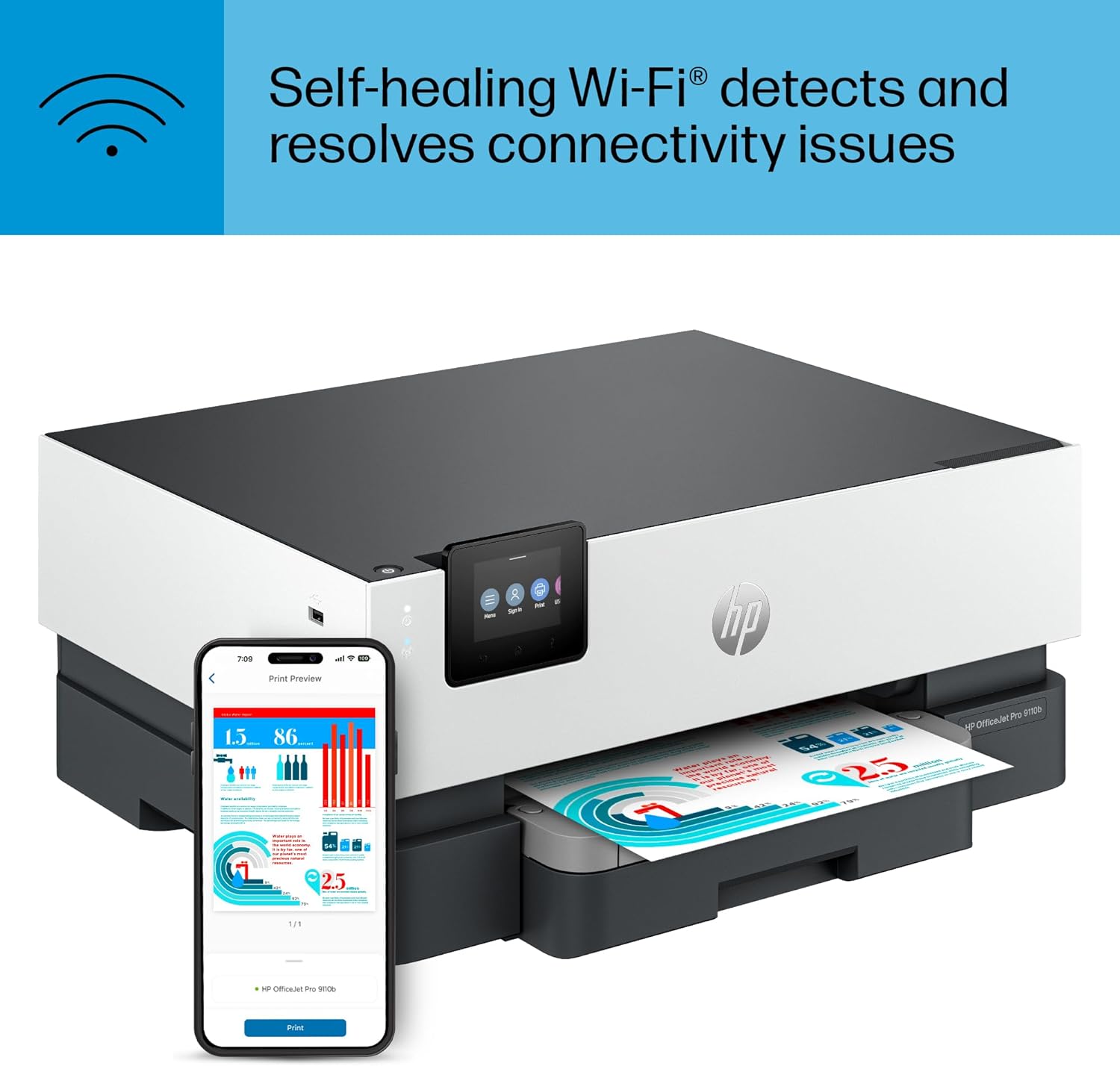
WIRELESS PRINTING – Stay connected with our most reliable dual-band Wi-Fi, which automatically detects and resolves connection issues
HP UNIVERSAL PRINT DRIVER – Quickly set up, integrate and manage printers with this one-driver solution
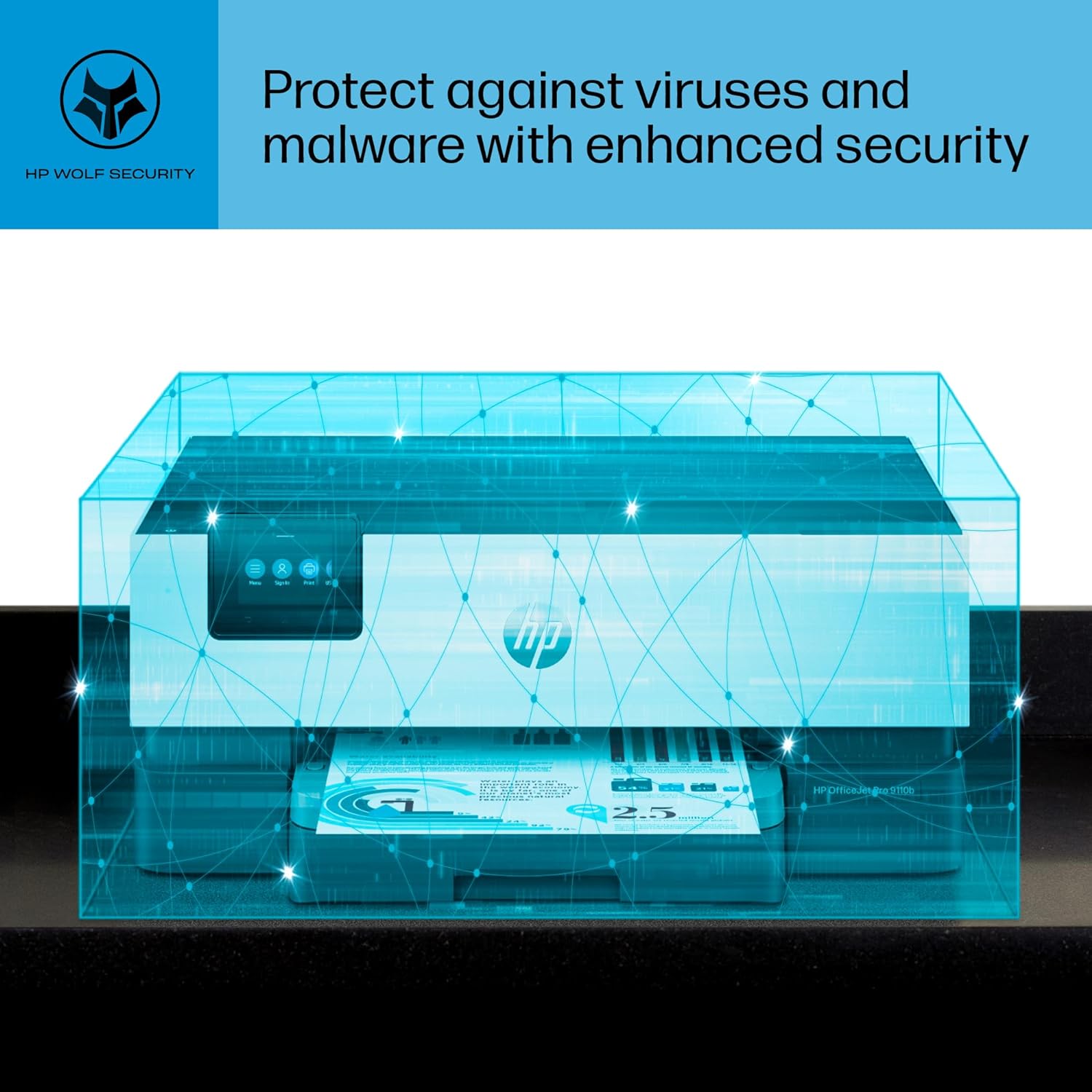
PROTECTS YOUR DATA – Built-in HP Wolf Pro Security uses a powerful suite of customizable tools that boosts security and helps keep networks protected against cyber threats and malware
ADVANCED PAGE DESCRIPTION LANGUAGE – Interprets and translates digital files so printed outputs match the original digital representation
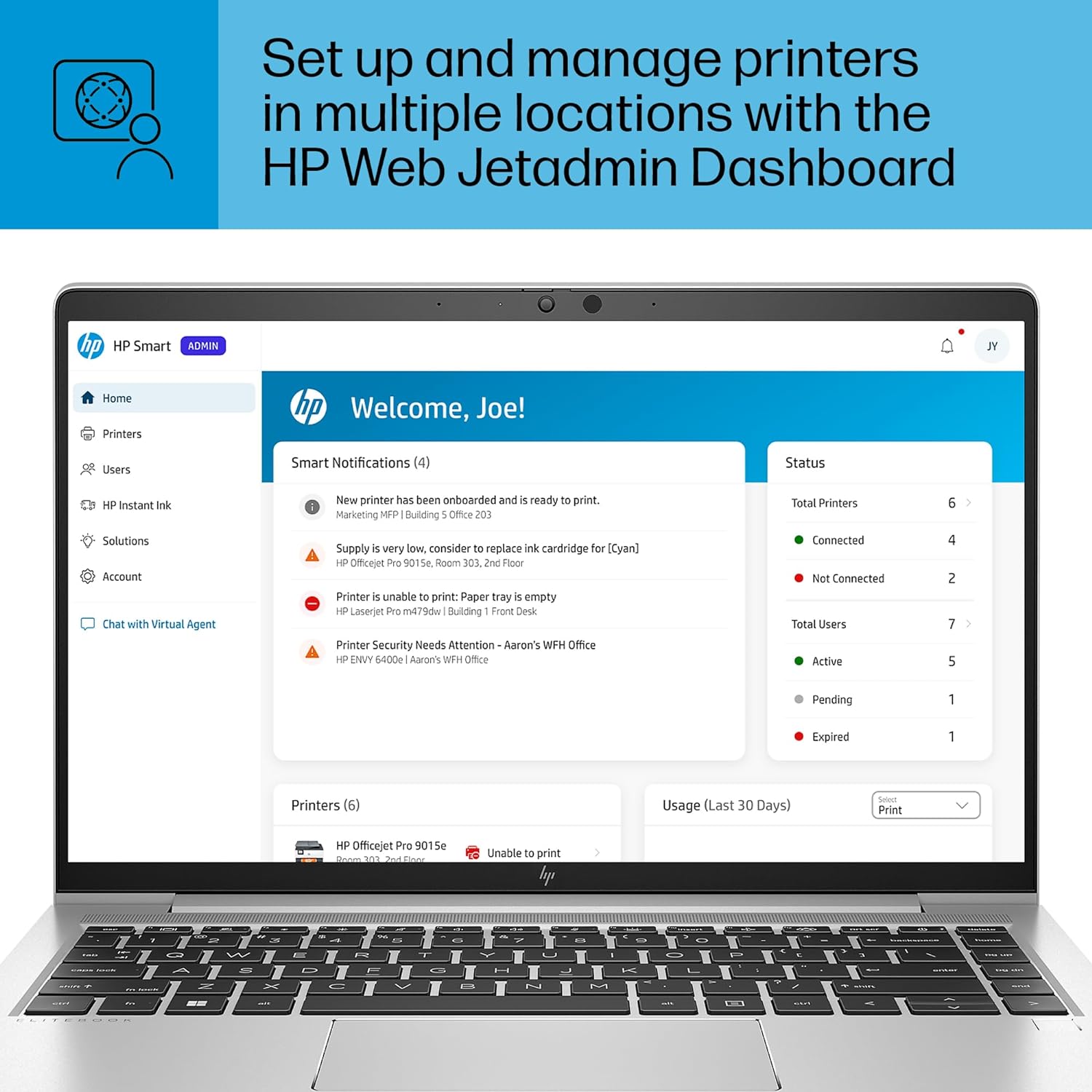
HP WEB JETADMIN – Easily configure, manage and fix your printers all in one place
SUSTAINABLE DESIGN – Made with more than 40% recycled plastic
This printer is intended to work only with cartridges This printer is intended to work only with cartridges with original HP chips or circuitry and will block cartridges using non-HP chips or circuitry. Periodic firmware updates will maintain the effectiveness of these measures. More at www. hp .com/learn/ds.
Dynamic Security messaging
Description
The HP OfficeJet Pro 9110b delivers fast color printing, 250-sheet paper capacity, and duplex printing. It includes wireless and printer security capabilities to keep your inkjet printer up to date and secure.
FROM AMERICA’S MOST TRUSTED PRINTER BRAND – The OfficeJet Pro 9110b is perfect for offices printing professional-quality color documents like presentations, brochures and flyers. Print speeds up to 18 ppm color, 22 ppm black. Great for remote teams.
UPGRADED FEATURES – Fast color printing, auto 2-sided printing, and a 250-sheet input tray
WIRELESS PRINTING – Stay connected with our most reliable dual-band Wi-Fi, which automatically detects and resolves connection issues
HP UNIVERSAL PRINT DRIVER – Quickly set up, integrate and manage printers with this one-driver solution
PROTECTS YOUR DATA – Built-in HP Wolf Pro Security uses a powerful suite of customizable tools that boosts security and helps keep networks protected against cyber threats and malware
ADVANCED PAGE DESCRIPTION LANGUAGE – Interprets and translates digital files so printed outputs match the original digital representation
HP WEB JETADMIN – Easily configure, manage and fix your printers all in one place
SUSTAINABLE DESIGN – Made with more than 40% recycled plastic
This printer is intended to work only with cartridges This printer is intended to work only with cartridges with original HP chips or circuitry and will block cartridges using non-HP chips or circuitry. Periodic firmware updates will maintain the effectiveness of these measures. More at www. hp .com/learn/ds.
Dynamic Security messaging
13 reviews for HP OfficeJet Pro 9110b Wireless Color Inkjet Printer, Print, Duplex Printing Best-for-Office (5A0S1A)
Related products
29%
HP OfficeJet Pro 8135e All-in-One Printer, Color, Printer for Home, Print, Copy, scan, fax, Instant Ink Eligible; Automatic Document Feeder; Touchscreen; Quiet Mode; Print Over VPN
Original price was: $224.99.$159.99Current price is: $159.99.36%
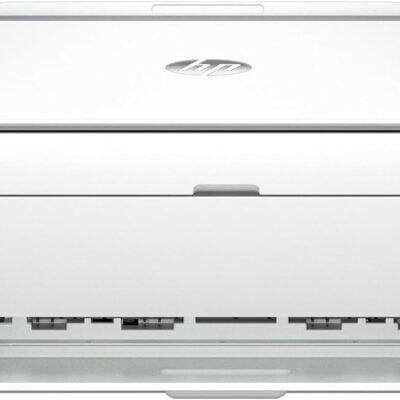
HP DeskJet 2855e Wireless All-in-One Color Inkjet Printer, Scanner, Copier, Best-for-home, 3 months of ink included (588S5A)
Original price was: $84.99.$54.99Current price is: $54.99.7%
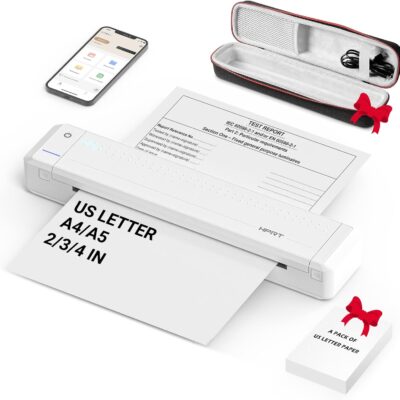
HPRT Portable Printer Wireless for Travel, Thermal Inkless Bluetooth Printer with Case, Support 8.5″ X 11″ US Letter, Compatible with iPhone Android MacBook Windows Laptops (Upgraded MT866)
Original price was: $149.99.$139.99Current price is: $139.99.
From the brand



Inkless Thermal Printing: Upgrade to the MT866 printer for hassle-free printing. Say goodbye to messy ribbons and refills. With advanced thermal technology, enjoy convenient printing without worrying about ink leakage or running out of ribbon. Just bring along your printing paper, and you're all set! 【Get more printing paper - https://www.amazon.com/dp/B0CSVW7FDQ.】
Enhanced Printing Options: With the addition of compatible carbon ribbons (link: https://www.amazon.com/dp/B08RYJ3XGM), our printer offers versatile printing capabilities. Now, you can use regular A4/US Letter paper for thermal transfer printing of various documents.
Extended Battery Life: Experience uninterrupted printing with HPRT's long-lasting battery. With up to 26 hours of battery life, you're ready for extended out-of-office use. Connect via Bluetooth in seconds and print directly from your phone with just one click. For laptop printing, simply connect via USB and download the driver for hassle-free printing.
High-Quality Clear Printing: Enjoy crisp, clear prints every time with HPRT's upgraded printing technology. Achieve a file resolution of 300DPI for professional-quality results. Print on thermal paper or tattoo wax paper with ease. Plus, support for multiple sizes including US Letter & Legal, A4 & A5, and 2 & 3 & 4-inch thermal paper ensures versatility in your printing needs.
Lifetime After-Sales Support: Rest assured with HPRT's comprehensive after-sales service. Access detailed instructions and video tutorials for easy operation and troubleshooting. Our dedicated customer service team is available 24/7 to assist you with any inquiries or concerns.
User-Friendly Operation: Simplify your printing process with HPRT. Insert thermal paper with ease, ensuring the thermal side is down and parallel to the paper input opening. Look for the thermal side indicator on the packaging for guidance. And in case of any printing issues, a simple paper flip ensures seamless printing every time.
Ultimate Portability: Travel effortlessly with HPRT's compact wireless printer. Weighing only 2 pounds and packaged in a protective box, it's perfect for on-the-go printing. Easily slip it into your suitcase and print anytime, anywhere, whether you're on a business trip or exploring the world.
HPRT Portable Printers
With 18 years of experience in the printing industry, HPRT is committed to making life efficient and simple.
HPRT has 18 years of experience in the printing industry and is an excellent manufacturer of system printing solutions. With the corporate philosophy of "continuous improvement and excellence," HPRT provides secure, reliable, efficient, and economical printing solutions for various applications such as home, commercial, and industrial, allowing everyone to print as they please.
Portable Printers on the Go
Compact Printers for Home Use
Inkless Thermal Printing: Upgrade to the MT866 printer for hassle-free printing. Say goodbye to messy ribbons and refills. With advanced thermal technology, enjoy convenient printing without worrying about ink leakage or running out of ribbon. Just bring along your printing paper, and you're all set! 【Get more printing paper - https://www.amazon.com/dp/B0CSVW7FDQ.】
Enhanced Printing Options: With the addition of compatible carbon ribbons (link: https://www.amazon.com/dp/B08RYJ3XGM), our printer offers versatile printing capabilities. Now, you can use regular A4/US Letter paper for thermal transfer printing of various documents.
Extended Battery Life: Experience uninterrupted printing with HPRT's long-lasting battery. With up to 26 hours of battery life, you're ready for extended out-of-office use. Connect via Bluetooth in seconds and print directly from your phone with just one click. For laptop printing, simply connect via USB and download the driver for hassle-free printing.
High-Quality Clear Printing: Enjoy crisp, clear prints every time with HPRT's upgraded printing technology. Achieve a file resolution of 300DPI for professional-quality results. Print on thermal paper or tattoo wax paper with ease. Plus, support for multiple sizes including US Letter & Legal, A4 & A5, and 2 & 3 & 4-inch thermal paper ensures versatility in your printing needs.
Lifetime After-Sales Support: Rest assured with HPRT's comprehensive after-sales service. Access detailed instructions and video tutorials for easy operation and troubleshooting. Our dedicated customer service team is available 24/7 to assist you with any inquiries or concerns.
User-Friendly Operation: Simplify your printing process with HPRT. Insert thermal paper with ease, ensuring the thermal side is down and parallel to the paper input opening. Look for the thermal side indicator on the packaging for guidance. And in case of any printing issues, a simple paper flip ensures seamless printing every time.
Ultimate Portability: Travel effortlessly with HPRT's compact wireless printer. Weighing only 2 pounds and packaged in a protective box, it's perfect for on-the-go printing. Easily slip it into your suitcase and print anytime, anywhere, whether you're on a business trip or exploring the world.
27%
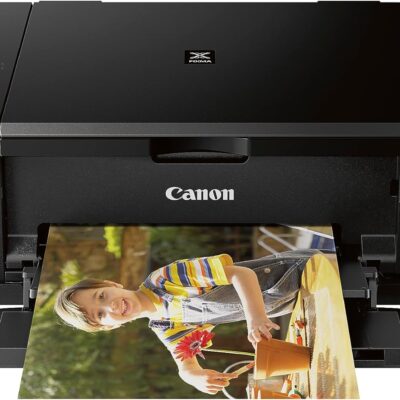
Canon Pixma MG3620 Wireless All-In-One Color Inkjet Printer with Mobile and Tablet Printing, Black
Original price was: $79.99.$59.00Current price is: $59.00.29%
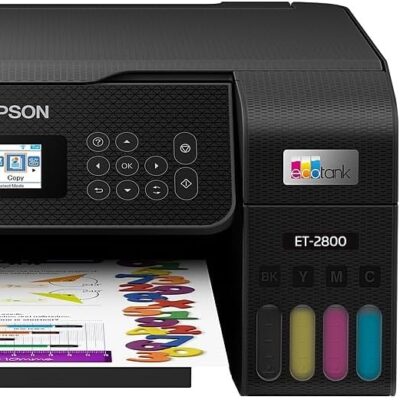
Epson EcoTank ET-2800 Wireless Color All-in-One Cartridge-Free Supertank Printer with Scan and Copy – The Ideal Basic Home Printer – Black, Medium
Original price was: $279.99.$199.99Current price is: $199.99.16%
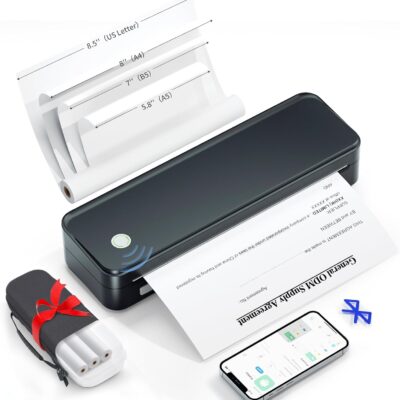
Inkless Portable Printer for Travel, Wireless Thermal Printer Supports 8.5 x 11 Inch US Letter Size, Includes Carry Case and 3 Rolls of Thermal Paper Kit, Black
Original price was: $131.98.$111.99Current price is: $111.99.
Product Description
Gloryang High-Quality Thermal Printer! Your Cost-Effective Choice!  Suitable for Many Scenes


 1 For Travel 2 For Site 3 For Home 4 For School

 1 Two Ways to Load Paper 2 High-Quality Printing
Save Your Money & Time!
1 Two Ways to Load Paper 2 High-Quality Printing
Save Your Money & Time!  Ink-Free Printing
  Lightweight & Portable
  Bluetooth Connectivity
  High-Quality Printing & Rechargeable
Inkless Efficiency: Gloryang mobile printer offers cost-effective and ink-free printing solutions. Utilizing advanced thermal technology eliminates the need for ink, toner, or ribbons, making it more economical than traditional options. The package includes a printer, 3 rolls of thermal printing paper(one roll in the printer & extra 2 rolls), a carrying case, a charging cable, instruction manual, and a guide card, etc. Notice: Only compatible with thermal paper, not inkjet paper!!
Ultra-Portable Design: Weighing just 1.75lb and measuring 1.7in thick, the Gloryang portable printer is incredibly lightweight and compact. Perfect for on-the-go printing during travels, work, or university, it easily fits into backpacks or briefcases. Ideal for emergency scenarios, contracts, office documents, and more.
Seamless Bluetooth Connectivity: The Gloryang mobile sticker printer effortlessly connects to iOS & Android devices via Bluetooth. It also serves as a compact printer for laptops and computers. Simply download the app '' PrintGo'' for smartphone printing and install the driver for laptops. Connects via USB cable when you use a computer to print. Print anytime, anywhere.
High-Quality Printing & Long-lasting Battery: Experience crystal-clear printing with the Gloryang portable travel printer. Equipped with 2 built-in 2600mAh batteries, it offers up to 3 hours of continuous printing and 360 sheets on a single charge. With an impressive 90-day standby time, it's perfect for busy professionals and students.
Space-Saving Design: Say goodbye to clutter with the built-in paper bin of the Gloryang printer. It saves space and keeps your workspace tidy, whether you're on the go or in a car. With two ways to load thermal paper and the ability to print documents ranging from 2 to 8.5 inches, it caters to various printing needs.
Suitable for Many Scenes
1 For Travel 2 For Site 3 For Home 4 For School
1 Two Ways to Load Paper 2 High-Quality Printing
Save Your Money & Time! Ink-Free Printing Gloryang mobile printer delivers cost-effective and ink-free solutions for everyday printing. Utilizing advanced thermal technology eliminates the need for ink, toner, and ribbons. More economical than traditional ink cartridges and paper.
Lightweight & Portable Weighing just 1.75lb and measuring only 1.7in thick, Gloryang portable printer is designed for convenience. Easily fit it into a backpack or briefcase for on-the-go printing during travels, work, business, at home, in the car, or at university.
Bluetooth Connectivity Gloryang mobile sticker printer easily connects to iOS & Android devices via Bluetooth. And serves as a compact printer for laptops and computers. Download the app in advance for smartphone printing, and install the driver for laptops. Portable Printing Anywhere.
High-Quality Printing & Rechargeable Enjoy crystal-clear printing with a Gloryang portable travel printer. Featuring 2 built-in 2600mAh batteries, it offers up to 3 hours of continuous printing and 360 sheets on a single charge. With an impressive 90-day standby time, it's a must-have for businessmen and students on the move.
Gloryang Thermal Paper & Sticker Printer Add to Cart Add to Cart Add to Cart Add to Cart Customer Reviews 4.5 out of 5 stars 20 4.5 out of 5 stars 20 4.7 out of 5 stars 129 4.7 out of 5 stars 129 Price $19.99$19.99 $19.99$19.99 $20.99$20.99 $20.99$20.99 Sheets 100 sheets/roll 200sheets 1 roll 1 roll Size 8.5X11'' 8.5X11'' 2inch 2inch Color White White White Pink Thermal Technology ✔ ✔ ✔ ✔ Waterproof & Oliproof ✔ ✔ ✔ ✔ BPA-Free ✔ ✔ ✔ ✔Inkless Efficiency: Gloryang mobile printer offers cost-effective and ink-free printing solutions. Utilizing advanced thermal technology eliminates the need for ink, toner, or ribbons, making it more economical than traditional options. The package includes a printer, 3 rolls of thermal printing paper(one roll in the printer & extra 2 rolls), a carrying case, a charging cable, instruction manual, and a guide card, etc. Notice: Only compatible with thermal paper, not inkjet paper!!
Ultra-Portable Design: Weighing just 1.75lb and measuring 1.7in thick, the Gloryang portable printer is incredibly lightweight and compact. Perfect for on-the-go printing during travels, work, or university, it easily fits into backpacks or briefcases. Ideal for emergency scenarios, contracts, office documents, and more.
Seamless Bluetooth Connectivity: The Gloryang mobile sticker printer effortlessly connects to iOS & Android devices via Bluetooth. It also serves as a compact printer for laptops and computers. Simply download the app '' PrintGo'' for smartphone printing and install the driver for laptops. Connects via USB cable when you use a computer to print. Print anytime, anywhere.
High-Quality Printing & Long-lasting Battery: Experience crystal-clear printing with the Gloryang portable travel printer. Equipped with 2 built-in 2600mAh batteries, it offers up to 3 hours of continuous printing and 360 sheets on a single charge. With an impressive 90-day standby time, it's perfect for busy professionals and students.
Space-Saving Design: Say goodbye to clutter with the built-in paper bin of the Gloryang printer. It saves space and keeps your workspace tidy, whether you're on the go or in a car. With two ways to load thermal paper and the ability to print documents ranging from 2 to 8.5 inches, it caters to various printing needs.

Round2it –
No Mo Laser
Why in the world is the choice of ONLY A PRINTER so diminished? These days the vast majority of printers on the market are ALL IN ONE. I get that marketing statistics must have determined along the way that ‘2 Birds with 1 Stone’ makes for better bird hunting and printing I can only imagine. Also, I was always a LASER PRINTING kind of guy. I absolutely adored my OKIDATA laser printer. That was until OKIDATA got so smart that replacement print cartridges got not so smart enough for the OKIDATA laser printer to actually recognize OFFICIAL OKIDATA PRINT CARTRIDGES @ $300+ for the set costing me $1,000’s on otherwise perfectly good (for nothing) actual Okidata parts. OK that was a rant, but that is why I bought this HP printer. So far I love it. My office manager has an earlier version of it which has been reliable. That is why I ponied up for this bad boy. We will know if/when HP has sneaked in ‘planned obsolescence’ which is always a killer. But, that is why guys like me write reviews. Yes?
Mark T. –
Works well, a little noisy
I was looking for a wireless, front loading/exit printer that is just a printer. Not many choices out there. I don’t do a lot of printing so I was not paying attention to ink usage. The quality seems to be on par with my previous printers and it was easy to setup and use. Haven’t had it long so I can’t speak to that but my other HPs have held up well. When it is doing something other than printing (not sure what) it is a bit noisy. Not frequent so not a problem, just an observation.
China Goose –
I LOVE my printer!
I really do love this printer and am enjoying using it. HOWEVER–it is the 2nd one I tried. The first one I had to return to AMAZON. Nothing worked right on it! Maybe it was an older unit; I don’t know. But with this one, though setup (completed by my husband who is our computer expert) took a while, now that that’s done, the features that I have used are working fine. I did notice on a color print there was some streaking but I don’t often print in color so am not sure if this will be a problem going forward. Also note that I am using it wired, not wireless. I am not signing up for Insta Ink at this point. I’ll probably buy new cartridges when I’m running low. You can see ink levels very easily.
Ardbeg –
paper tray does not work for 8.5 x 11 paper. Also, setup is awkward.
I connected it with an ethernet cable. Awkward set up, when I entered the IP address in the browser it wanted me to access the printer with a logon/password. No instructions were provided that provided the default login/password.Next attempt: I found a couple of HP printer utilities on the internet. Unclear which one is to be preferred. I did get it to print out test pages. Quality was ok.There are many choices for describing the paper you put in the tray. The tray design seems to be ok for every size except 8.5×11. There is no tab that “backstops” the paper in the tray. After printing a couple of pages, the paper jams.I returned the printer.
R. Thomas –
What I need
I need a simple printer, nothing complex. This works for me.
WB Halper –
A capable office printer
Update – 1/24/17 -After using this printer for a couple of months, I’m dropping it from five stars to two. As a printer, it works well…when it’s working. Three times, I’ve had it give me a “printhead not installed” error message. It’s locked up a number of times, and this morning displayed a new indecipherable error message which I’ve uploaded. All the errors were reset after powering off (sometimes only pulling the plug worked), but WTF HP? You guys have a summer intern design this thing? If this keeps up, I’m scrapping it and going back to an Epson. That’s too bad, because when it worked, it worked really well. However, reliability is critical and this puppy doesn’t cut it.Here’s the original review:Quick Summary:The HP OfficeJet 8210 is a capable printer designed for low to moderate printing volumes. The overall feature set, including remote management, fast printing speed, excellent printed documents, along with the HP Instant Ink program point it towards office use. The lack of scanning and fax capability are significant deficits unless those capabilities are provided in other nearby machines.Business Printing:Black and White print resolution is superb. Using a magnifying glass, and on decent paper, 2-point type is readable. Normal size type â 8 point and above â is clear and sharp.My 13-page test document printed in almost exactly one minute. One of my complaints about HP print drivers is that they print the first page first, then the second page and so on. The resulting stack has the first page at the bottom and the last page at the top. Thereâs a check box to print the pages in reverse order, so the last page is at the bottom and the top page is on top, but it slows things down considerably. The document that took 1:00 min to originally print, took 1:19 min to print in âreverse order.âIn contrast, my Epson WorkForce 845 and Canon MX922 both define normal order in a human readable form. The first page is on top and the last page is on the bottom. This is the reverse of the HP definition and if you have both on them on one network, you need to make sure the âreverse orderâ box is appropriately checked depending on the printer you chooseâ¦more than once I printed something and had to manually resort the output. (Incidentally, the Epson took the same amount of timetable print in either directionâ¦1:17 minutes. The Canon took 1:33 to print my test document. Printing the pages in reverse order took longest of all â 1:49 minutes.)Bottom lineâThe output is crisp and completely usable for office documents. Speed is competitive, but you have to be careful about the page order.Photo Printing:The HP OfficeJet Pro 8210 is not designed to be a high quality photo printer. It works, but color stippling is very evident when compared to my Canon printers (the MX922 and iP8700). If highest quality photo printing is a requirement, look elsewhere, but if youâre willing to put up with decent, but not the best prints, this will do it. Plus, the HP instant ink program is a real bargain when youâre printing photos. More on that in the next section.High quality photo printing requires special coated paper that instantly locks in the ink droplets. HP makes two grades: Advanced and Premium Plus. Further evidence that this isnât designed as a photo printer is in the paper selection choices in the printer driverâ¦Premium Plus isnât listed. The Advanced paper is less expensive and works fine.The default color balance is a little cooler than my Canon printer, but thatâs adjustable if you use any photo editing software.Instant Ink:The HP Instant Ink program is a monthly subscription service that automatically sends ink whenever the printer runs low. The printer is in constant communication with the HP servers. There are three levels of the program:Low Volume â 50 pages per month @ $2.99/month. Extra pages are 15/$1.00Mid-Volume â 100 pages/month @ $6.99/month. Extra pages are 20/$1.00High Volume â 300 pages/month @ $9.99/month. Extra pages are 25/$1.00All plans allow you to roll over unused pages up to a maximum of the monthly subscription. e.g. If youâre on the 300 page/month plan, you can have a maximum of an additional 300 pages in the rollover bank. The extra page charges are imposed after youâve used up the monthly allocation, plus whatever is in the rollover account.For business users, where the use is fairly predictable and uniform, the program is a great deal if you run close to your subscription volume. It gets progressively worse if you go substantially over or modestly under it. On the 300 page/month plan, 300 pages (thatâs only 10/day) cost 3.3âµ each. Due to the overage charges, if you run 1000 pages/month, that increases to 3.8âµ per page. In the other direction, the cost per page rapidly escalates. If you only print 150 pages, but are enrolled in the 300 page/month plan, your cost per page doubles to 6.6âµ/page.To prevent theft, Instant Ink cartridges are serialized and tied to the printer. An employee canât take the cartridge home at night, print a large number of pages, and reinstall it in the morning.For home users, where usage is much less predictable, the Instant Ink program has an advantage in a different area â printing photos. Because the Instant Ink charges are based on page count, a photograph costs as much to print as a plain typed page. Since, with conventional cartridges, a 8×10â photo can use as much as a dollar in ink, this can be a huge savings. On the other hand, if youâre mostly printing a few text pages now and again you should look at purchasing the conventional XL ink cartridges. The Instant Ink program is convenient, but the cost per page for the low volume plans is high.Other Itemsâ¦The printerâs internal web server allows every function of the printer to be remotely monitored and controlled. For corporate installations, access to the web page can be controlled through an administrative password. Asset tracking information can also be stored in the printer’s memory…another important feature for businessses.The default time zone was set to Casablanca, Monrovia. Unless you actually live there, you might want to change it to your own time zone. Like practically everything from your phone on down, the printer gets a reference time from an internet-based time server. It uses the time zone setting to calculate an offset from that. (If your company has one, you can also set it to use an internal time server.)The power button is really, really, really cheap. Youâre basically bending a piece of plastic when you push it. Itâs a low duty-cycle part, but I’m surprised that HP engineers would make something that’s so visible so cheesy…I hope that this isn’t reflective of other design tradeoffs inside the printer.Lastly, if you’re using this in your home and only have space for one printer, I strongly suggest that you look at the OfficeJet Pro 8710. It’s roughly the same price and footprint, looks like it has the same print mechanism (from the specs), but also includes scanning, copying and fax. At my house, I don’t often copy things or send a fax, but it’s nice to have a machine that can do it when I have to.
CADemick –
HP Printer
My printer arrived on schedule, was easy to set up, and works perfectly.
Voy Anuszkiewicz –
Simplicity and reliability
I’ve used other brands in the past, and keep coming back to HP for the reliability and simplicity. This printer is no except, no hiccups, no struggles, no time wasted. Installed and performing exactly as advertised.
Sue B. –
I liked my previous 8210 so much that when it died after 7 years’ service, I picked up another one rather than getting a multi-function or mega-tank. And setting up the new version is a lot easier then the original: It detected my WiFi signal and did all the configuing by itself. Very pleased.
Bryan Ferguson –
I’m impressed. I haven’t ever used an HP printer before, though I have installed many. For the most part, I found HP printers often took a long time and were very difficult to install. Not this one though. My OfficeJet Pro 8210 is connected to my home network which includes 2 laptops (Windows 10 and Windows 7) and two desktops – one with XP and my main desktop with Linux Mint. Installation was quick and flawless – about a minute to install on my wife’s Windows 7 laptop with an SSD drive and a couple of minutes on my Linux Mint desktop (also with an SSD drive) once I downloaded the latest HPLIP software and followed HP’s instructions.All work flawlessly. Good print quality.
DW –
Wireless is very convenient. Easy to connect to network, and had no problems printing from PCs or iPhone. Print quality is decent. There have been intermittent error codes displayed, but rebooting seems to clear them up.
Stefan Kinasevych –
Iâm not sure why a printer this old is being sold new.Cons:- default date 2015 with archaic liquid crystal display- bad print quality for documents and photos- inefficient ink usage- convoluted settings/setup- constant network connectivity issues- large and bulky- glitchy interface changes dates, times, settings at random and generally appears as if the printer is being controlled by a poltergeist.Pros:- the guy at HP support who helped me was amazing. The issues never got fixed but the customer service was impeccable.Conclusion:Donât waste your money on ten year old tech. Go buy an HP Tango printer instead. Theyâre slimmer, cheaper, higher quality, more efficient, easier to use, and much more reliable.
Amazon Customer –
Product doesnât have copy ability