
No products in the cart.
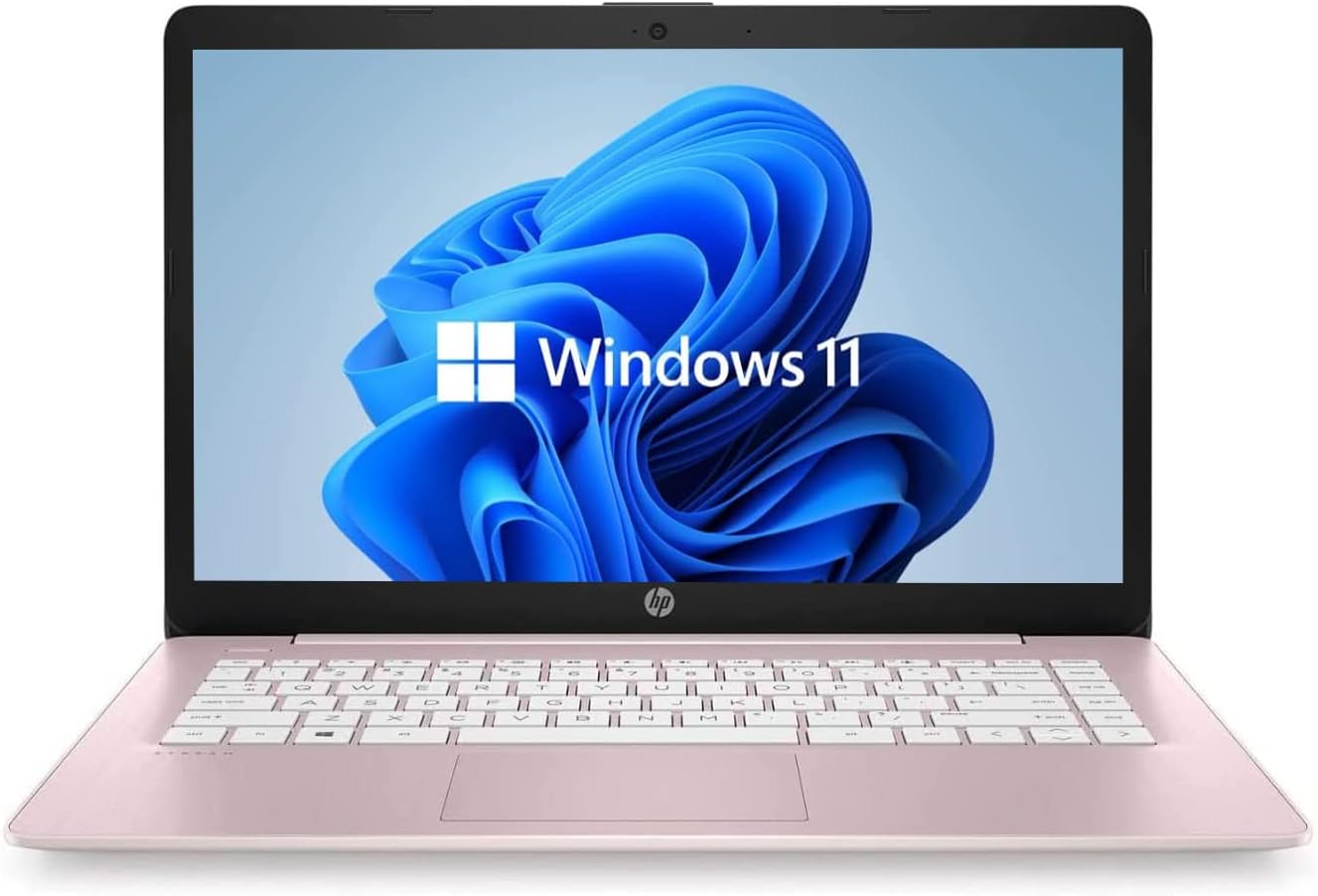
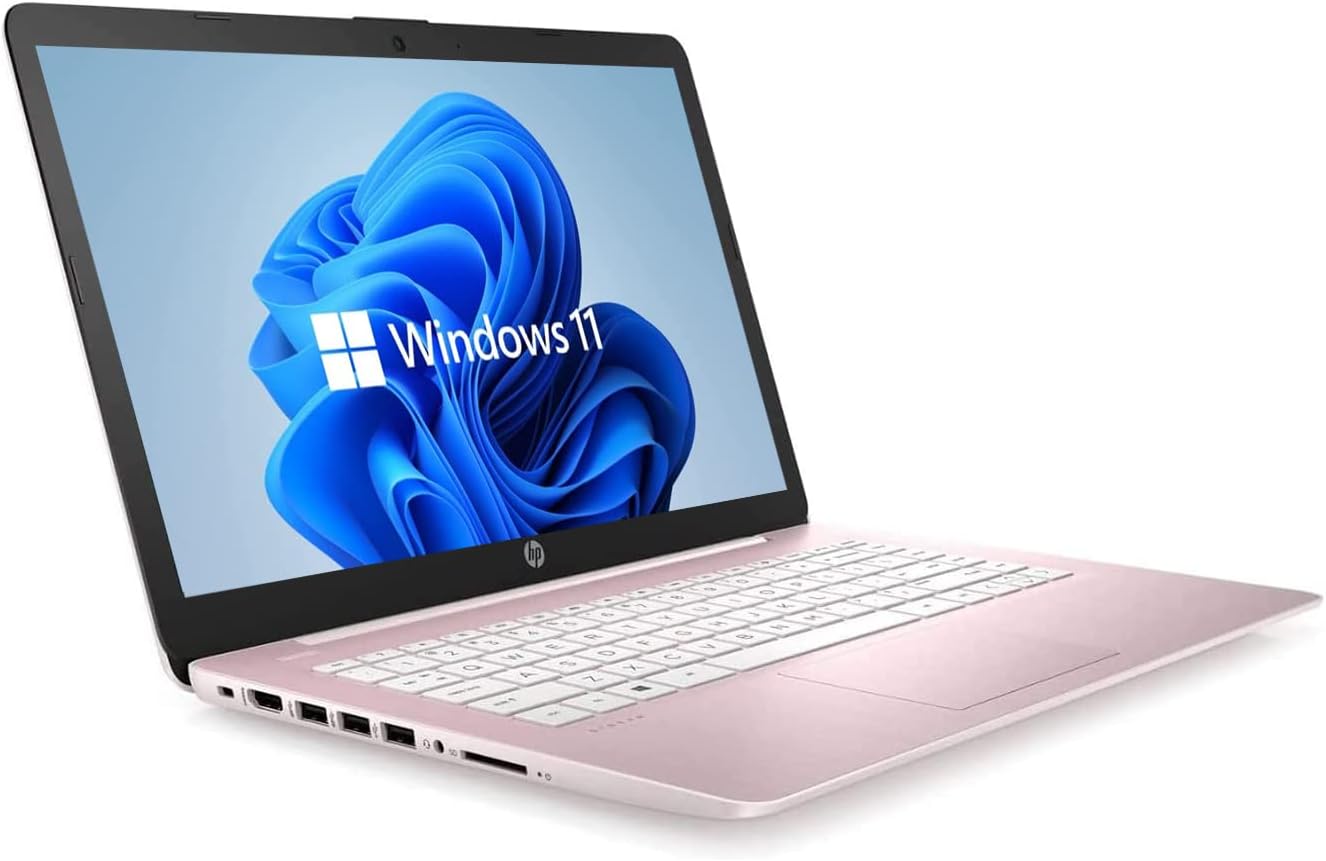
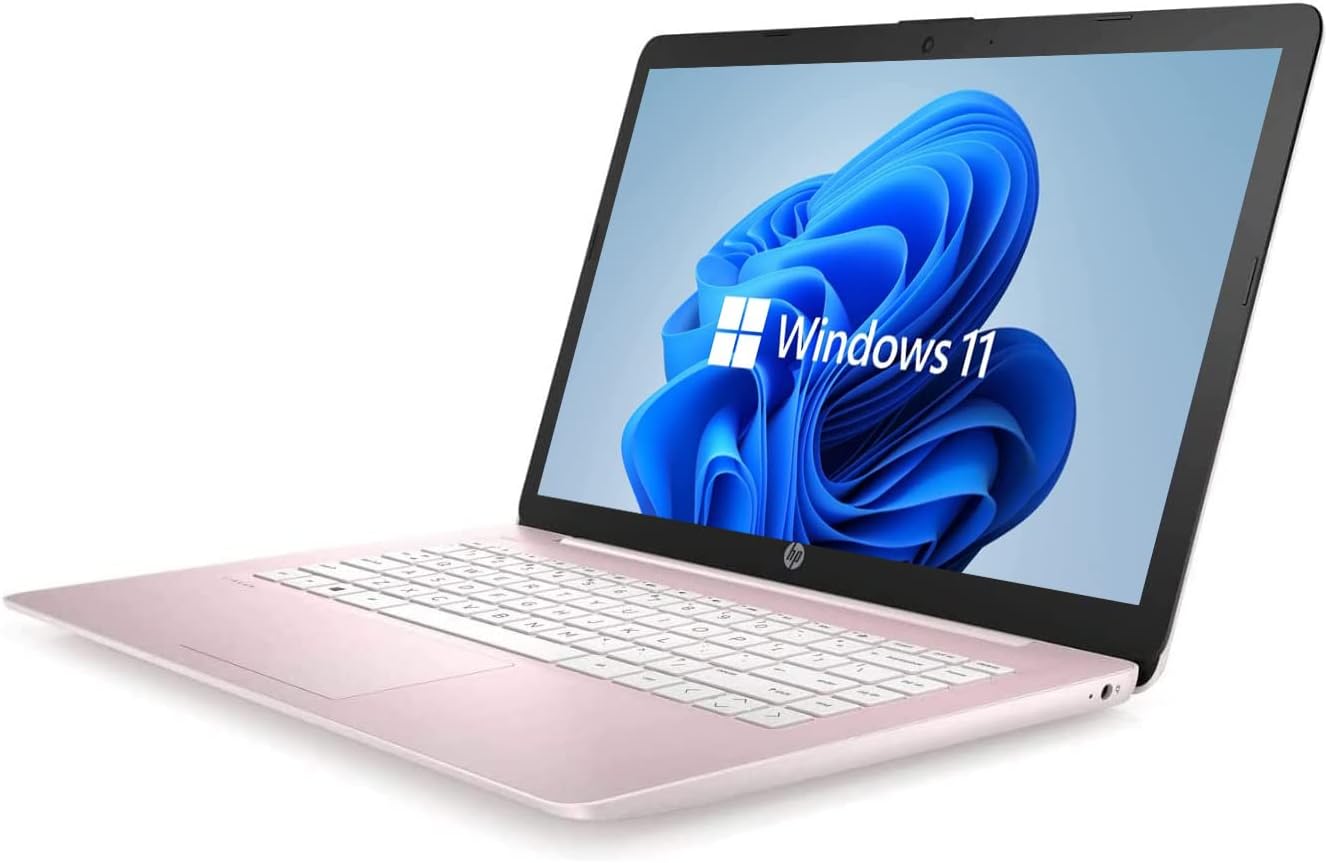
HP Newest 14″ HD Laptop, Windows 11, Intel Celeron Dual-Core Processor Up to 2.60GHz, 4GB RAM, 64GB SSD, Webcam, Dale Pink(Renewed) (Dale Pink)
In Stock
$171.99
In Stock
This pre-owned or refurbished product has been professionally inspected and tested to work and look like new. How a product becomes part of Amazon Renewed, your destination for pre-owned, refurbished products: A customer buys a new product and returns it or trades it in for a newer or different model. That product is inspected and tested to work and look like new by Amazon-qualified suppliers. Then, the product is sold as an Amazon Renewed product on Amazon. If not satisfied with the purchase, renewed products are eligible for replacement or refund under the Amazon Renewed Guarantee.
14” Diagonal HD BrightView WLED-Backlit (1366 x 768), Intel Graphics,
Intel Celeron Dual-Core Processor Up to 2.60GHz, 4GB RAM, 64GB SSD
3x USB Type A, 1x SD Card Reader, 1x Headphone/Microphone
802.11a/b/g/n/ac (2×2) Wi-Fi and Bluetooth, HP Webcam with Integrated Digital Microphone
Windows 11 OS, Dale Pink
Description
This pre-owned or refurbished product has been professionally inspected and tested to work and look like new. How a product becomes part of Amazon Renewed, your destination for pre-owned, refurbished products: A customer buys a new product and returns it or trades it in for a newer or different model. That product is inspected and tested to work and look like new by Amazon-qualified suppliers. Then, the product is sold as an Amazon Renewed product on Amazon. If not satisfied with the purchase, renewed products are eligible for replacement or refund under the Amazon Renewed Guarantee.
14” Diagonal HD BrightView WLED-Backlit (1366 x 768), Intel Graphics,
Intel Celeron Dual-Core Processor Up to 2.60GHz, 4GB RAM, 64GB SSD
3x USB Type A, 1x SD Card Reader, 1x Headphone/Microphone
802.11a/b/g/n/ac (2×2) Wi-Fi and Bluetooth, HP Webcam with Integrated Digital Microphone
Windows 11 OS, Dale Pink
9 reviews for HP Newest 14″ HD Laptop, Windows 11, Intel Celeron Dual-Core Processor Up to 2.60GHz, 4GB RAM, 64GB SSD, Webcam, Dale Pink(Renewed) (Dale Pink)
Related products
52%
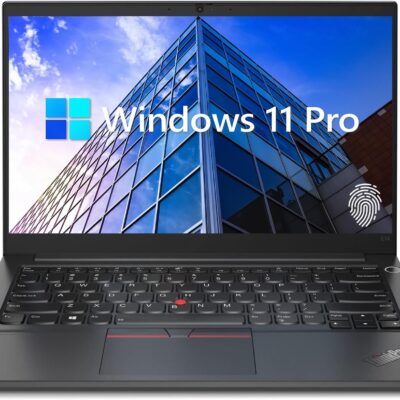
Lenovo ThinkPad E14 Gen 5 Business Laptop, 14″ FHD+ Display, AMD Ryzen 7 7730U (Beat i7-1255U), 16GB RAM, 512GB SSD, FP Reader, Backlit Keyboard, HDMI, RJ45, Wi-Fi 6, Windows 11 Pro, Black
Original price was: $1,579.00.$759.00Current price is: $759.00.
Product Description


 Processor AMD Ryzen 7 7730U Processor (8 Cores, 16 Threads, 16MB L3 Cache, Clock Speed:2.0GHz, up to 4.5GHz Turbo) Display 14" diagonal, WUXGA(1920 * 1200) display Operating System Windows 11 Pro GPU AMD Radeon Graphics Fingerprint Reader Yes Backlit Keyboard Yes (Fn + Space) Wireless Connectivity Wi-Fi 6 and Bluetooth Color Black
【High Speed RAM And Enormous Space】16GB high-bandwidth RAM to smoothly run multiple applications and browser tabs all at once; 512GB PCIe NVMe M.2 Solid State Drive allows to fast bootup and data transfer
【Processor】AMD Ryzen 7 7730U Processor (8 Cores, 16 Threads, 16MB L3 Cache, Clock Speed:2.0GHz, up to 4.5GHz Turbo)
【Display】14" diagonal, FHD+ display (1920 * 1200)
【Tech Specs】2 x USB 3.0 Type-A, 2 x USB Type-C, 1 x HDMI, 1 x headphone/microphone combo, 1 x RJ45, FP Reader, Backlit Keyboard, Wi-Fi 6
【Operating System】Windows 11 Pro-Get all the features of Windows 11 Home operating system plus Mobile device management, Group Policy, Enterprise State Roaming, Assigned Access, Dynamic Provisioningm, Windows Update for Business, Kiosk mode, and Active Directory/Azure AD
Processor AMD Ryzen 7 7730U Processor (8 Cores, 16 Threads, 16MB L3 Cache, Clock Speed:2.0GHz, up to 4.5GHz Turbo) Display 14" diagonal, WUXGA(1920 * 1200) display Operating System Windows 11 Pro GPU AMD Radeon Graphics Fingerprint Reader Yes Backlit Keyboard Yes (Fn + Space) Wireless Connectivity Wi-Fi 6 and Bluetooth Color Black
【High Speed RAM And Enormous Space】16GB high-bandwidth RAM to smoothly run multiple applications and browser tabs all at once; 512GB PCIe NVMe M.2 Solid State Drive allows to fast bootup and data transfer
【Processor】AMD Ryzen 7 7730U Processor (8 Cores, 16 Threads, 16MB L3 Cache, Clock Speed:2.0GHz, up to 4.5GHz Turbo)
【Display】14" diagonal, FHD+ display (1920 * 1200)
【Tech Specs】2 x USB 3.0 Type-A, 2 x USB Type-C, 1 x HDMI, 1 x headphone/microphone combo, 1 x RJ45, FP Reader, Backlit Keyboard, Wi-Fi 6
【Operating System】Windows 11 Pro-Get all the features of Windows 11 Home operating system plus Mobile device management, Group Policy, Enterprise State Roaming, Assigned Access, Dynamic Provisioningm, Windows Update for Business, Kiosk mode, and Active Directory/Azure AD
11%
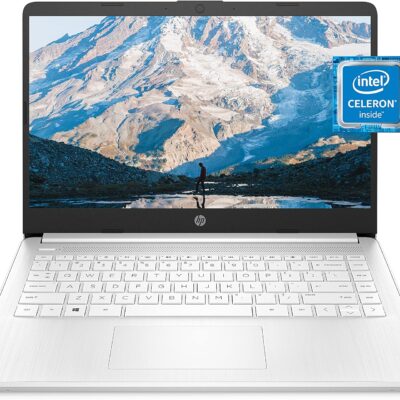
HP 14 Laptop, Intel Celeron N4020, 4 GB RAM, 64 GB Storage, 14-inch Micro-edge HD Display, Windows 11 Home, Thin & Portable, 4K Graphics, One Year of Microsoft 365 (14-dq0040nr, Snowflake White)
Original price was: $209.99.$188.95Current price is: $188.95.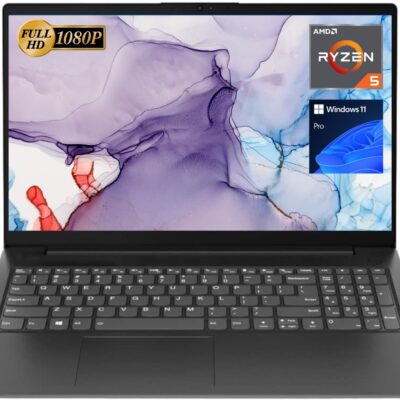
Top Product
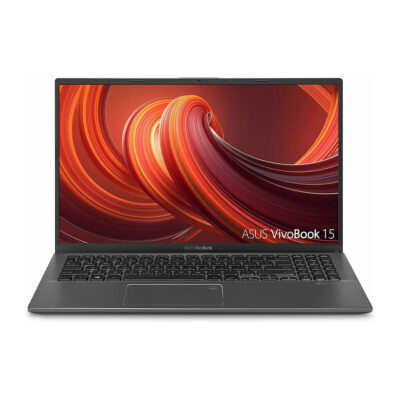
ASUS VivoBook 15 Thin and Light Laptop 15.6” FHD Display
Original price was: $519.00.$469.00Current price is: $469.00.
Product Description


 Eye-catching design
  Secure & connectable
  Enhanced productivity
  Keep you connected
  Impressive visuals
  Processing power
  Save & learn more
 Lenovo ThinkPad L14
【High Speed RAM And Enormous Space】24GB RAM to smoothly run multiple applications and browser tabs all at once; 2TB PCIe M.2 Solid State Drive allows to fast bootup and data transfer
【Processor】AMD Ryzen 5 5500U Processor (6 Cores, 12 Threads, 8MB Cache, Base Frequency at 2.1 GHz, Up to 4.0 GHz at Max Turbo Frequency)
【Display】15.6" FHD (1920 x 1080), IPS, anti-glare, 300 nits
【Tech Specs】1 x USB-A 3.2 Gen 1, 1 x USB-A 2.0 Gen 1, 1 x USB-C 3.2 Gen 1, 1 x HDMI, 1 x RJ45, 1 x Headphone/Microphone Combo; Webcam; Wi-Fi
【Operating System】Windows 11 Pro
Eye-catching design The V15 G4 laptop is sleek and portable, at 0.78" and 3.74lbs, this device offers the ultimate in portability - in the office or on the go.
Secure & connectable The V15 G4 laptop encrypts your data via TPM 2.0 firmware, keeping it safe and secure. Its physical webcam shutter protects your privacy.
Enhanced productivity Windows 11 Pro offers improved performance, faster boot times, and a modern interface.
Keep you connected It's easy to stay connected to more devices and data with Bluetooth and Wi-Fi capacity.
Impressive visuals With its four-sided narrow bezels, the V15 G4 laptop's display boasts an impressive 88% screen-to-body ratio. This keeps your eyes on its 15.6" FHD antiglare display, available at up to 300 nits.
Processing power AMD Ryzen 5 5500U processor with AMD Radeon Graphics push the Lenovo V15 G4 laptop through your to-do list. It also delivers exceptional performance in one essential business notebook.
Save & learn more Up to 40GB high-bandwidth RAM to smoothly run multiple applications and browser tabs all at once; 2TB PCIe NVMe M.2 Solid State Drive allows fast bootup and data transfer.
Specification Table
Processor Intel Core i7-1165G7 Operating System Windows 11 Pro Memory Type DDR4 SSD Interface PCIe NVMe Front Camera Yes Front Camera Features Privacy Shutter Video Memory Shared Audio System High Definition Audio Speakers 2 x 1.5 W Stereo Speakers Built-in Microphone Dual Array Microphone Physical Device Security Kensington Nano Security Slot System Security Trusted Platform Module 2.0 Width 14.14 in Depth 9.28 in Height 0.78 in Weight 3.75 lbs Lenovo V15 G4Lenovo Laptops
15.6"
Screen Size
14"
FHD (1920 x 1080)
Screen resolution
WUXGA (1920 x 1200)
Fingerprint Reader
Wi-Fi 6
Media Card Reader
Touchscreen
3.75 lbs
Weight
2.99 lbs
15.6"
Screen Size
14"
FHD (1920 x 1080)
Screen resolution
FHD (1920 x 1080)
Fingerprint Reader
Wi-Fi 6
Media Card Reader
Touchscreen
3.75 lbs
Weight
3.50 lbs
Lenovo ThinkPad T14 Lenovo ThinkPad L14
【High Speed RAM And Enormous Space】24GB RAM to smoothly run multiple applications and browser tabs all at once; 2TB PCIe M.2 Solid State Drive allows to fast bootup and data transfer
【Processor】AMD Ryzen 5 5500U Processor (6 Cores, 12 Threads, 8MB Cache, Base Frequency at 2.1 GHz, Up to 4.0 GHz at Max Turbo Frequency)
【Display】15.6" FHD (1920 x 1080), IPS, anti-glare, 300 nits
【Tech Specs】1 x USB-A 3.2 Gen 1, 1 x USB-A 2.0 Gen 1, 1 x USB-C 3.2 Gen 1, 1 x HDMI, 1 x RJ45, 1 x Headphone/Microphone Combo; Webcam; Wi-Fi
【Operating System】Windows 11 Pro

Ireland –
Great purchase
Iâve added a case over it since I received it. But I am very satisfied . For it to be gently used it came looking in perfect condition. Powering on and process is efficient and fast. I connected a hard drive to extend the storage and it works wonderfully with games like sims. Perfect deal for how much itâs worth.
Pamela S –
HP Newest 14″ HD Laptop, Windows 11, Intel Celeron Dual-Core Processor Up to 2.60GHz, 4GB RA
Device was delivered as promised – I’m going to review the directions – don’t think it is touch screen but was asked to review the touch screen – so other than that it is great!
jaci marshall –
Good option
Works great for what we need it for-writing and online work. Battery life has been good so far. Light weight. Good value. Not fancy or flashy but gets the basics done well
VS –
Just what I needed
This laptop came looking brand new it runs fast and is exactly what I needed
Mouse –
Not goodðð½
Bought the laptop, it was good at first.After not even a month of having, it would randomly freeze, causing me to have to keep restarting it. Sometimes when I havenât used it in a while, right when you open it the login in screen is frozen on the section with just the wallpaper, so you canât login because the login bar wonât come up because itâs frozen even though I had just opened it. Unless you need this laptop for something extremely little, donât buy it for games, work, school etc because the storage is very small, and ran out real fast. And when the storage runs out, the computer starts to freeze more, the tabs will be frozen it takes a couple clicks just to try and get to the other tabs.Moral of the story, youâre better off buying a different laptop then this laptop.
Gwen Holland –
Great for the money
It’s a nice computer. Came like new. I use it for school and it works great!
dee ervin –
Couldn’t see the keys
Was suppose to be pink with a white keyboard, was all pink was very difficult to see the letters and numbers. But it runs well so didn’t want to return it. I bought a keyboard cover so I could see the keys. But they did send me the wrong one. So watch out
Z –
Value for your money!
I’m enjoying this laptop. It came with Microsoft office free for a whole year.
jose luis gomez –
hola un saludo el producto me llegó en perfecto estado pero no me llegó el cargador de la laptop de todo lo demás esta bien solo que necesito el cargador para poderla prender y trabajar con ella