
No products in the cart.
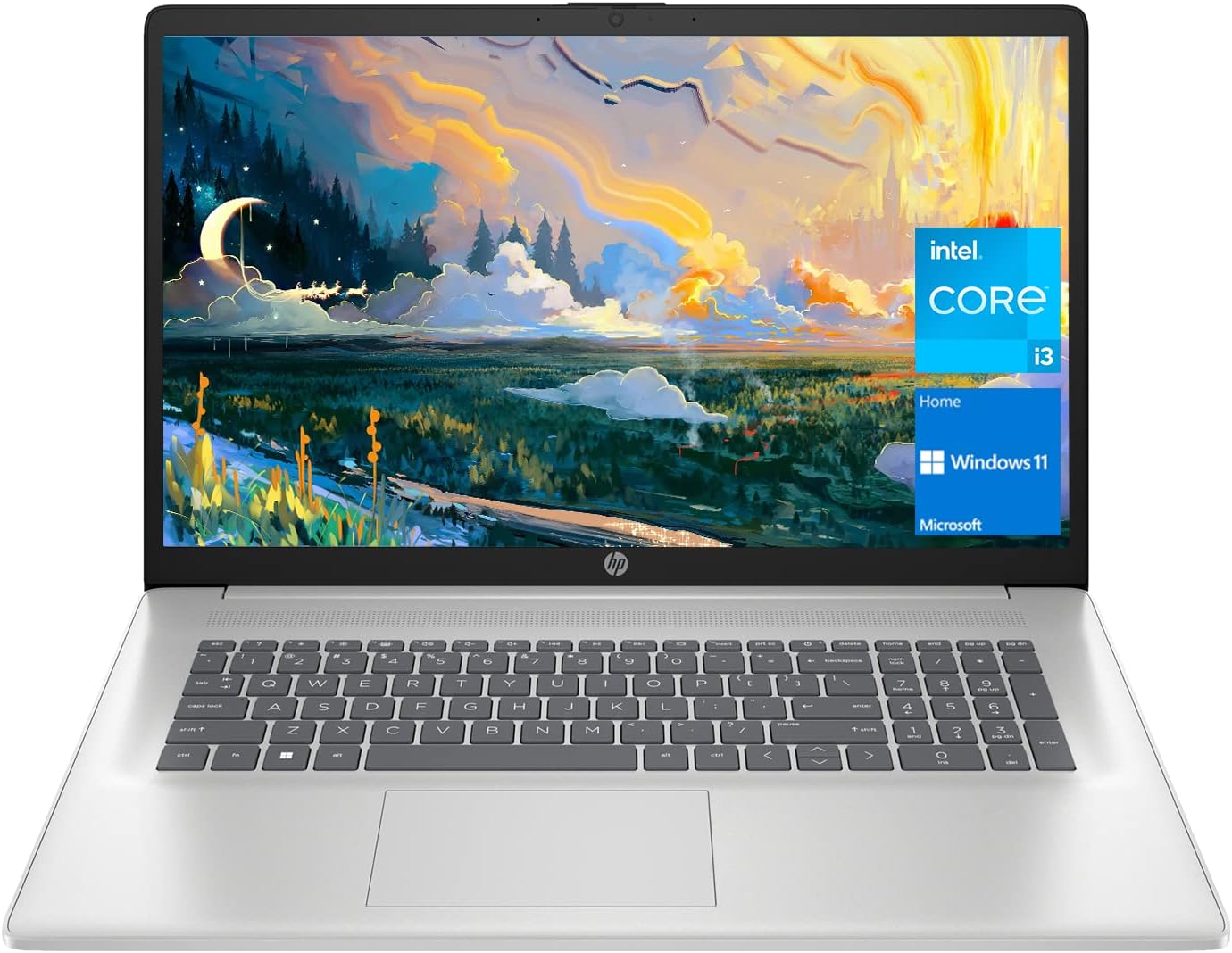

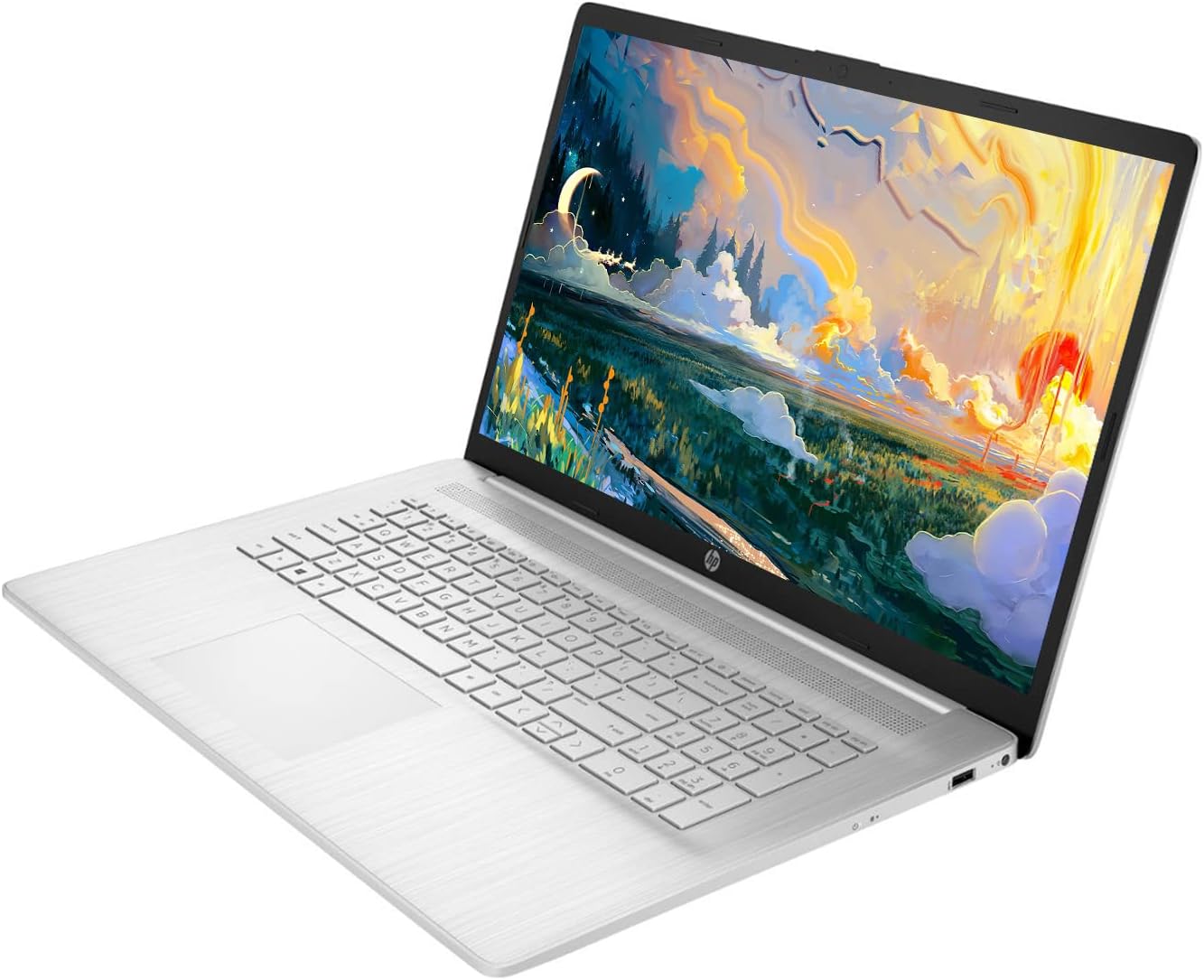
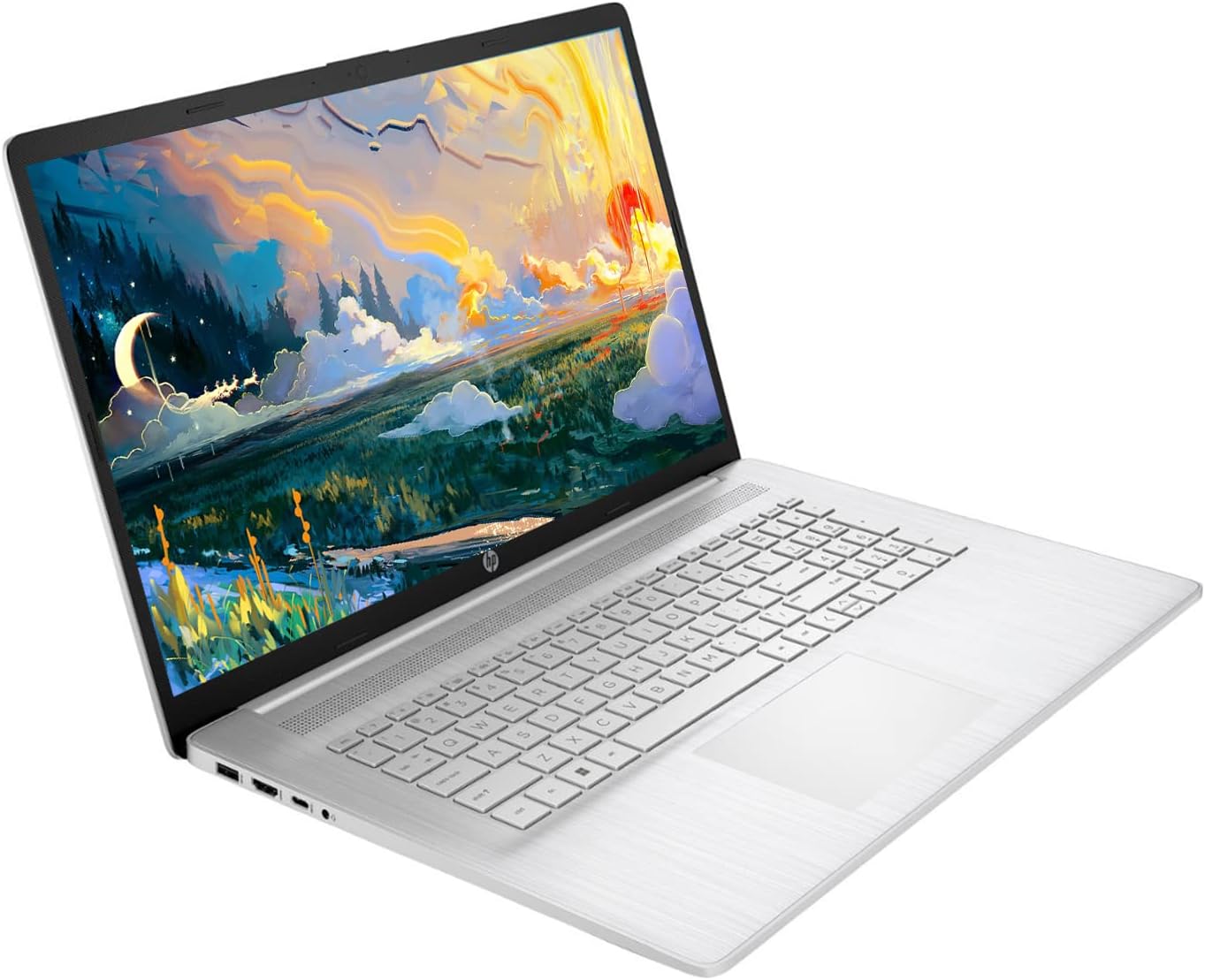
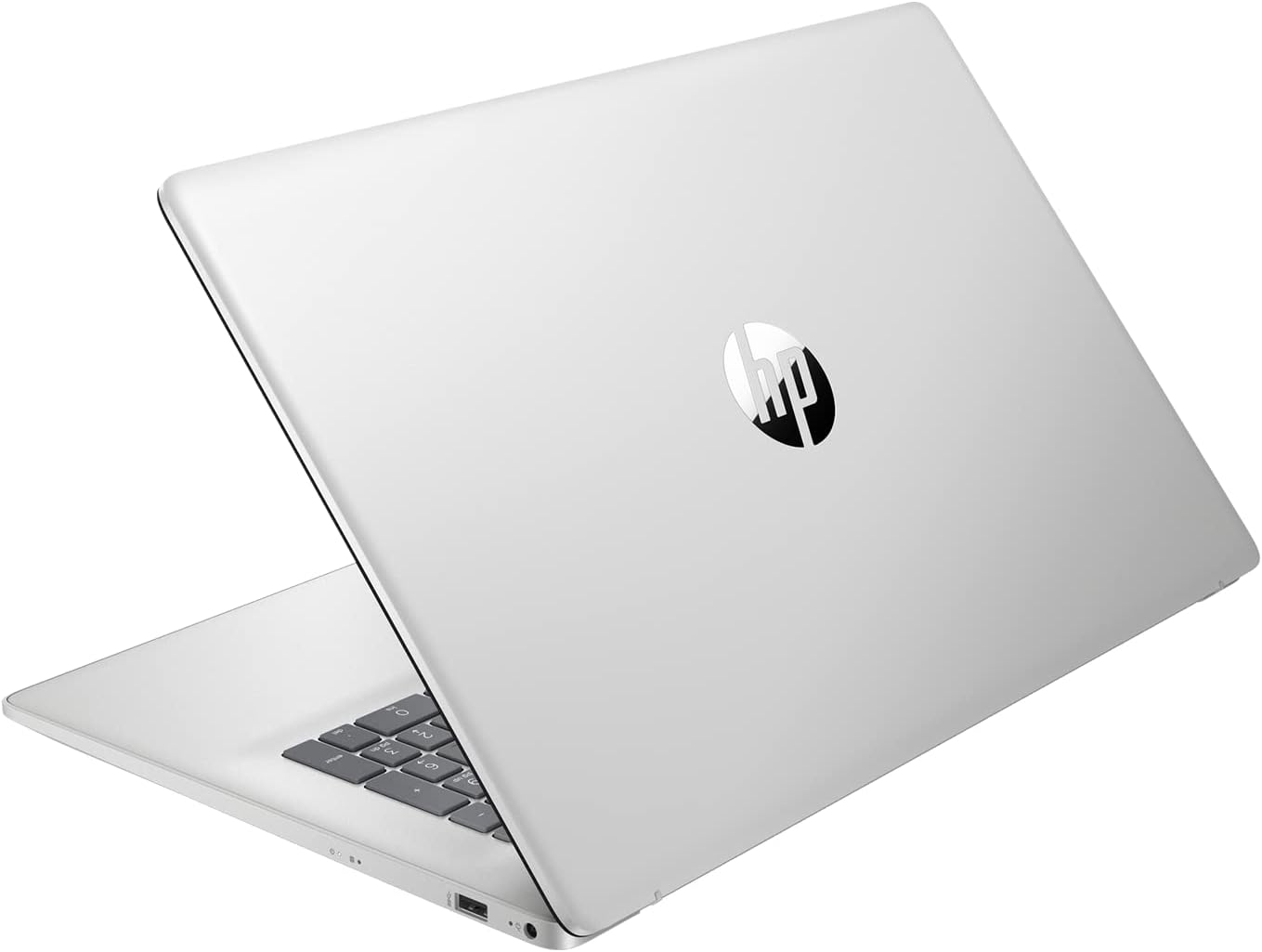
HP 17 Laptop, 17.3” HD+ Display, 11th Gen Intel Core i3-1125G4 Processor, 32GB RAM, 1TB SSD, Wi-Fi, HDMI, Webcam, Windows 11 Home, Silver
In Stock
$487.22
In Stock
Key Features and Benefits:CPU: 11th Gen Intel Core i3-1125G4 Processor (4 Cores, 8 Threads, 8MB L3 Smart Cache, Clockspeed at 2.0 GHz, Up to 3.7 GHz at Max Turbo Frequency)
Memory: Up to 32GB DDR4 RAM
Hard Drive: Up to 2TB PCIe NVMe M.2 Solid State Drive
Operating System: Windows 11 Home
Graphics: Intel UHD Graphics
Display: 17.3″ diagonal, HD+ (1600 x 900), anti-glare, 250 nits, 60% NTSC
Backlit Keyboard: No
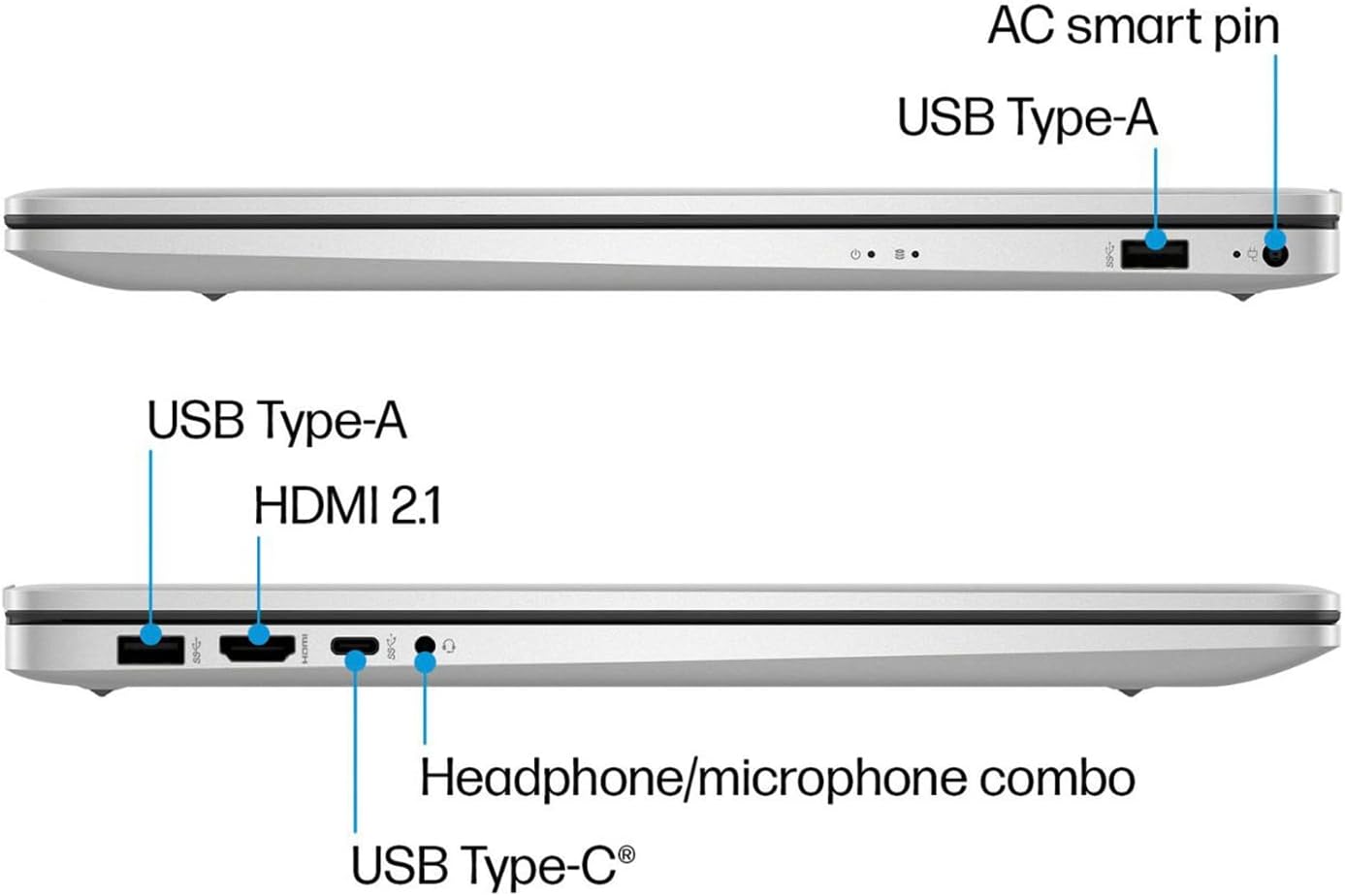
Ports:
1 x SuperSpeed USB Type-C 5Gbps signaling rate
2 x SuperSpeed USB Type-A 5Gbps signaling rate
1 x HDMI 1.4b
1 x Headphone/Microphone Combo
Audio: Dual Speakers
Webcam: HP True Vision 720p HD camera with temporal noise reduction and integrated dual array digital microphones
Wireless Connectivity: Wi-Fi and Bluetooth
Dimensions: 15.78″ x 10.15″ x 0.78″
Weight: 4.6 lbs
Color: Silver
【High Speed RAM And Enormous Space】32GB high-bandwidth RAM to smoothly run multiple applications and browser tabs all at once; 1TB PCIe NVMe M.2 Solid State Drive allows to fast bootup and data transfer
【Processor】11th Gen Intel Core i3-1125G4 Processor (4 Cores, 8 Threads, 8MB L3 Smart Cache, Clockspeed at 2.0 GHz, Up to 3.7 GHz at Max Turbo Frequency)
【Display】17.3″ diagonal, HD+ (1600 x 900), anti-glare, 250 nits, 60% NTSC
【Tech Specs】1 x SuperSpeed USB Type-C 5Gbps signaling rate, 2 x SuperSpeed USB Type-A 5Gbps signaling rate, 1 x HDMI 1.4b, 1 x Headphone/Microphone Combo; Wi-Fi and Bluetooth
【Authorized KKE Bundle】Bundled with KKE Mousepad
Description
Key Features and Benefits:CPU: 11th Gen Intel Core i3-1125G4 Processor (4 Cores, 8 Threads, 8MB L3 Smart Cache, Clockspeed at 2.0 GHz, Up to 3.7 GHz at Max Turbo Frequency)
Memory: Up to 32GB DDR4 RAM
Hard Drive: Up to 2TB PCIe NVMe M.2 Solid State Drive
Operating System: Windows 11 Home
Graphics: Intel UHD Graphics
Display: 17.3″ diagonal, HD+ (1600 x 900), anti-glare, 250 nits, 60% NTSC
Backlit Keyboard: No
Ports:
1 x SuperSpeed USB Type-C 5Gbps signaling rate
2 x SuperSpeed USB Type-A 5Gbps signaling rate
1 x HDMI 1.4b
1 x Headphone/Microphone Combo
Audio: Dual Speakers
Webcam: HP True Vision 720p HD camera with temporal noise reduction and integrated dual array digital microphones
Wireless Connectivity: Wi-Fi and Bluetooth
Dimensions: 15.78″ x 10.15″ x 0.78″
Weight: 4.6 lbs
Color: Silver
【High Speed RAM And Enormous Space】32GB high-bandwidth RAM to smoothly run multiple applications and browser tabs all at once; 1TB PCIe NVMe M.2 Solid State Drive allows to fast bootup and data transfer
【Processor】11th Gen Intel Core i3-1125G4 Processor (4 Cores, 8 Threads, 8MB L3 Smart Cache, Clockspeed at 2.0 GHz, Up to 3.7 GHz at Max Turbo Frequency)
【Display】17.3″ diagonal, HD+ (1600 x 900), anti-glare, 250 nits, 60% NTSC
【Tech Specs】1 x SuperSpeed USB Type-C 5Gbps signaling rate, 2 x SuperSpeed USB Type-A 5Gbps signaling rate, 1 x HDMI 1.4b, 1 x Headphone/Microphone Combo; Wi-Fi and Bluetooth
【Authorized KKE Bundle】Bundled with KKE Mousepad
9 reviews for HP 17 Laptop, 17.3” HD+ Display, 11th Gen Intel Core i3-1125G4 Processor, 32GB RAM, 1TB SSD, Wi-Fi, HDMI, Webcam, Windows 11 Home, Silver
Related products

New Microsoft Surface Go 2 – 10.5″ Touch-Screen
Original price was: $479.99.$409.99Current price is: $409.99.7%
ASUS VivoBook 17.3″ i5 8GB_1TB 17.3″ FHD Display
Original price was: $589.00.$549.00Current price is: $549.00.
HP Pavilion x360 14 Convertible 2-in-1 Laptop
Original price was: $968.99.$868.99Current price is: $868.99.7%
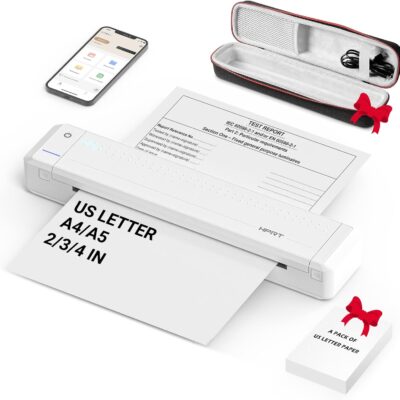
HPRT Portable Printer Wireless for Travel, Thermal Inkless Bluetooth Printer with Case, Support 8.5″ X 11″ US Letter, Compatible with iPhone Android MacBook Windows Laptops (Upgraded MT866)
Original price was: $149.99.$139.99Current price is: $139.99.
From the brand



Inkless Thermal Printing: Upgrade to the MT866 printer for hassle-free printing. Say goodbye to messy ribbons and refills. With advanced thermal technology, enjoy convenient printing without worrying about ink leakage or running out of ribbon. Just bring along your printing paper, and you're all set! 【Get more printing paper - https://www.amazon.com/dp/B0CSVW7FDQ.】
Enhanced Printing Options: With the addition of compatible carbon ribbons (link: https://www.amazon.com/dp/B08RYJ3XGM), our printer offers versatile printing capabilities. Now, you can use regular A4/US Letter paper for thermal transfer printing of various documents.
Extended Battery Life: Experience uninterrupted printing with HPRT's long-lasting battery. With up to 26 hours of battery life, you're ready for extended out-of-office use. Connect via Bluetooth in seconds and print directly from your phone with just one click. For laptop printing, simply connect via USB and download the driver for hassle-free printing.
High-Quality Clear Printing: Enjoy crisp, clear prints every time with HPRT's upgraded printing technology. Achieve a file resolution of 300DPI for professional-quality results. Print on thermal paper or tattoo wax paper with ease. Plus, support for multiple sizes including US Letter & Legal, A4 & A5, and 2 & 3 & 4-inch thermal paper ensures versatility in your printing needs.
Lifetime After-Sales Support: Rest assured with HPRT's comprehensive after-sales service. Access detailed instructions and video tutorials for easy operation and troubleshooting. Our dedicated customer service team is available 24/7 to assist you with any inquiries or concerns.
User-Friendly Operation: Simplify your printing process with HPRT. Insert thermal paper with ease, ensuring the thermal side is down and parallel to the paper input opening. Look for the thermal side indicator on the packaging for guidance. And in case of any printing issues, a simple paper flip ensures seamless printing every time.
Ultimate Portability: Travel effortlessly with HPRT's compact wireless printer. Weighing only 2 pounds and packaged in a protective box, it's perfect for on-the-go printing. Easily slip it into your suitcase and print anytime, anywhere, whether you're on a business trip or exploring the world.
HPRT Portable Printers
With 18 years of experience in the printing industry, HPRT is committed to making life efficient and simple.
HPRT has 18 years of experience in the printing industry and is an excellent manufacturer of system printing solutions. With the corporate philosophy of "continuous improvement and excellence," HPRT provides secure, reliable, efficient, and economical printing solutions for various applications such as home, commercial, and industrial, allowing everyone to print as they please.
Portable Printers on the Go
Compact Printers for Home Use
Inkless Thermal Printing: Upgrade to the MT866 printer for hassle-free printing. Say goodbye to messy ribbons and refills. With advanced thermal technology, enjoy convenient printing without worrying about ink leakage or running out of ribbon. Just bring along your printing paper, and you're all set! 【Get more printing paper - https://www.amazon.com/dp/B0CSVW7FDQ.】
Enhanced Printing Options: With the addition of compatible carbon ribbons (link: https://www.amazon.com/dp/B08RYJ3XGM), our printer offers versatile printing capabilities. Now, you can use regular A4/US Letter paper for thermal transfer printing of various documents.
Extended Battery Life: Experience uninterrupted printing with HPRT's long-lasting battery. With up to 26 hours of battery life, you're ready for extended out-of-office use. Connect via Bluetooth in seconds and print directly from your phone with just one click. For laptop printing, simply connect via USB and download the driver for hassle-free printing.
High-Quality Clear Printing: Enjoy crisp, clear prints every time with HPRT's upgraded printing technology. Achieve a file resolution of 300DPI for professional-quality results. Print on thermal paper or tattoo wax paper with ease. Plus, support for multiple sizes including US Letter & Legal, A4 & A5, and 2 & 3 & 4-inch thermal paper ensures versatility in your printing needs.
Lifetime After-Sales Support: Rest assured with HPRT's comprehensive after-sales service. Access detailed instructions and video tutorials for easy operation and troubleshooting. Our dedicated customer service team is available 24/7 to assist you with any inquiries or concerns.
User-Friendly Operation: Simplify your printing process with HPRT. Insert thermal paper with ease, ensuring the thermal side is down and parallel to the paper input opening. Look for the thermal side indicator on the packaging for guidance. And in case of any printing issues, a simple paper flip ensures seamless printing every time.
Ultimate Portability: Travel effortlessly with HPRT's compact wireless printer. Weighing only 2 pounds and packaged in a protective box, it's perfect for on-the-go printing. Easily slip it into your suitcase and print anytime, anywhere, whether you're on a business trip or exploring the world.

KCO –
Much improved over ealier model.
I take online college courses and even today, this needs to be done on a PC of some sort. I replaced my earlier HP vintage with this model and was pleased with speed and features. Of course, a ‘busy’ touch pad seems to have a mind of its own, but this is common to the style of laptops. Overall, the speed and power is much improved, so if you still have a W10 version, this is a worthwhile change.
Dace –
Return or Keep
After almost a month, I opened my recent order from Amazon which included my new HP laptop. I considered returning it because I was unable to purchase a warranty extension after receiving the laptop, but I could return the laptop and purchase it along with the extended warranty.I received mixed information from customer service; one said there was a limited warranty and another saying the opposite. Possible miscommunication. I attempted to register the serial number and the product number on HP website and received the message that they did not recognize either number…let’s just say I was a little upset, but I am glad to say that all is well. Computer is registered with HP and I able to purchase the extension I wanted.I am keeping my laptop; this is the first week that I am using it.I must add that according to the return policy as long as the box had not been opened it could be returned no questions asked.BUT….So far, I love everything about it, but will give an updated review later. Glad I finally opened the box.
Daniel Schnorrenberg –
Come loaded with Windows 11 Home S
I didnât even know Windows S was a thing but after a full day of messing around trying to figure out why my non Microsoft program would install. Tried to turn off the S in App Store and it would fail and say it couldnât start the upgrade, no other option.I like the laptop and apparently many have not had an issue, so I may reorder and see if I get the right thing.Update: 2nd laptop arrived yesterday. Double checked it had Windows Pro, was able to set up my program fine and the CNC is running again.
Jeff Hitchens –
Be Careful What You Buy
SOME WORDS TO THE WISE. Overall, I’m satisfied with these HP17x laptops. BUT!!! There are a couple things to be WELL AWARE of, before buying. First, and FOREMOST. A word of caution! As most everyone knows, Microsoft has, for quite some time, been transitioning truly from a software company into a retail sales company. That fact is abundantly clear! Now, be well aware of what Microsoft has done in its latest versions of WIN11-HOME. Many (perhaps most???, perhaps all???) Windows11-HOME based computers are delivered with the OS in “S-Mode.” We run HP desktop and laptop computers exclusively, so I can speak only to my several more recent HP purchases. However, I no longer subscribe to WIN11-HOME. All of my recent purchases have been ordered with the WIN11-PRO OS. My advice to those considering buying any computer preloaded with WIN11-HOME: “stay well away.” “S-Mode”, does not allow the user to load any 3rd-party software. All software must be obtained (think $$$$$) from the MS Store. While MS claims that the procedure required to exit “S-Mode” is quite simple, in fact, we’ve found that it is nearly IMPOSSIBLE!!! And, it will require the involvement of MS ‘off-shore’ tech assistance, which is not necessarily easily obtained. One such call that I received, after HOURS of waiting, arrived at 2AM. If buying an HP17x laptop, order with WIN11-PRO. PRO versions are not restricted by “S-Mode” software. Now, to the computer. Typical of HP products, this laptop is well built, with an excellent display. Ports are somewhat limited, but, for me, that is not a deal-breaker. I like having the 32GB of RAM, and at least 1TB of storage. I expect these laptops to be more than adequate into the foreseeable future. My one complaint with these, and it is critical, is that the integral cooling system is WHOLLY inadequate. When used for long periods of time, especially on mains power, which we do, these computers will run HOT!!! My take on that is, putting an engineer and an accountant together, on any design project, inevitably results in trouble. In an effort to make this laptop as slim and as light-weight as possible, the internal cooling apparatus has suffered for it. In these, the CPU does generate a lot of heat. The air duct is quite small and narrow, and the internal fan is a joke, except that it’s not. So!!! Buy a serious laptop cooler, to go along with your laptop purchase. And, I don’t mean one of those multi-fan, USB powered units, that generate heat to remove heat. High quality, AC/DC-adapter powered gaming type coolers are available from Amazon. You’ll be happy you made the purchase. At first, battery life is quite short, but we’ve seen that over time (repeated charge/discharge cycles) battery life does improve some. In our case, having to use mains powered coolers, we simply use mains power for our laptops, and we don’t rely much on battery power. Of course, bear in mind that having to have access to AC power does diminish the practicability of using a laptop computer, in the first place. The HP17x series are big computers with a healthy display. One minor complaint is the lack of a backlit keyboard. But, for the money (around $500), these were still a good buy.
Christine Siebels –
Great Laptop!
Delivered on time, concise instructions for the Microsoft Store limitations, up and running in under an hour. Perfect solution for my requirements.
Jeanie –
No, No, and I returned it
As others have mentioned, this comes with Windows 11 S, which is not stated in the description. It’s allegedly simple to turn off. I never got that far.It is not possible to use this machine without logging in with a Microsoft Account.”Turn off the wifi” I read. Well there is no way of turning off the wifi on this. No switch. No wifi button on the keyboard. No airplane mode button on the keyboard. No combo of mystery keys suggested online worked.I then tried the ‘put in a bogus email and password so it gives you the option to use a local account’. No it does not. I tried over and over and over for an hour. Back it goes to the ‘Log in with a Microsoft Account’ screen every time.No choice, I had to log in with a MS account.In the course of trying to change to a local account, the UAC kicked in and stopped me from clicking to change any setting, install anything or do anything at all.After five solid hours of searching for a solution and finding images and descriptions of options that were not on this machine. I gave up, put it back in the box and returned it.It’s worth a restocking fee to get rid of this thing.As for Windows 11: if I want 3 different desktops, widgets that push MSN, icons thrown in the middle bottom of the screen, and a system that blocks me from doing anything I want or need to do with it, I’ll get a Mac.UPDATE: The seller refunded the Full amount. (I did pack it up exactly as I received it). Thank you!
Sharon V. –
Great laptop
I’ve had this for several months and I just love it. It’s very easy to use, the screen quality is fantastic and it’s lightweight. I’m getting one for my mom now.
Jeff Gockenbach –
HP Laptop
Quick delivery…fast uploads, easy to use.
LEONEL VILLARREAL CRUZ –
VALE LA PENA