
No products in the cart.
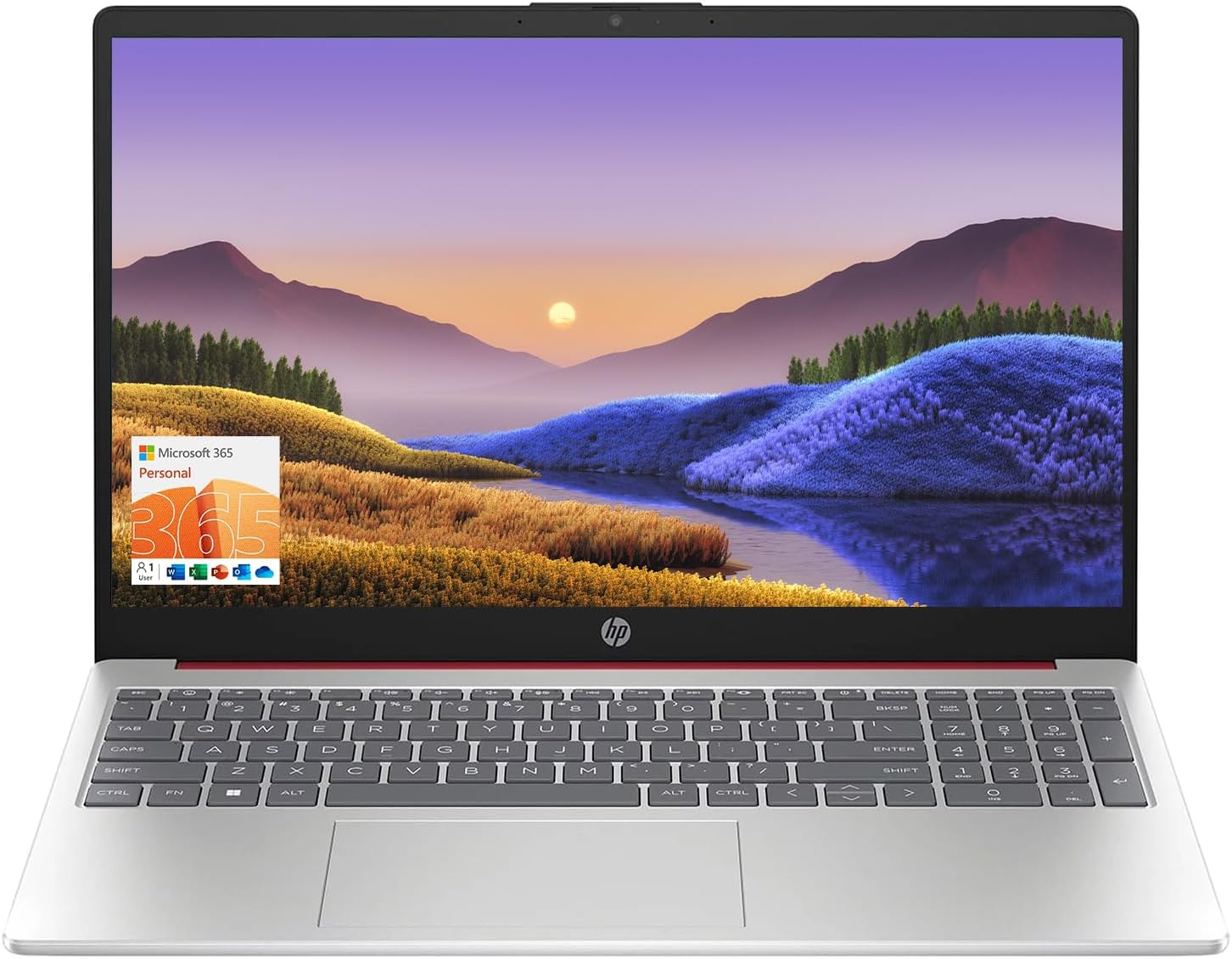
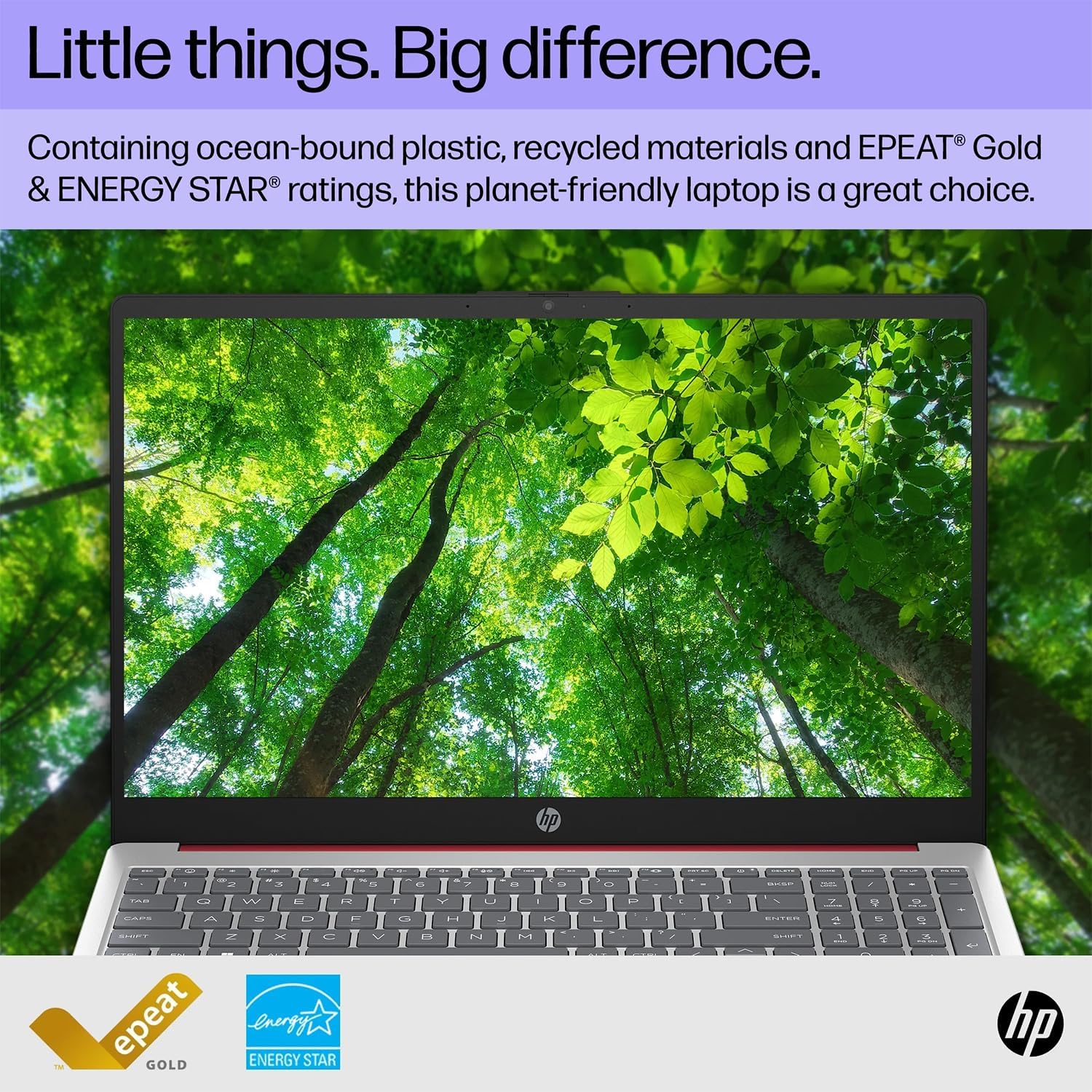
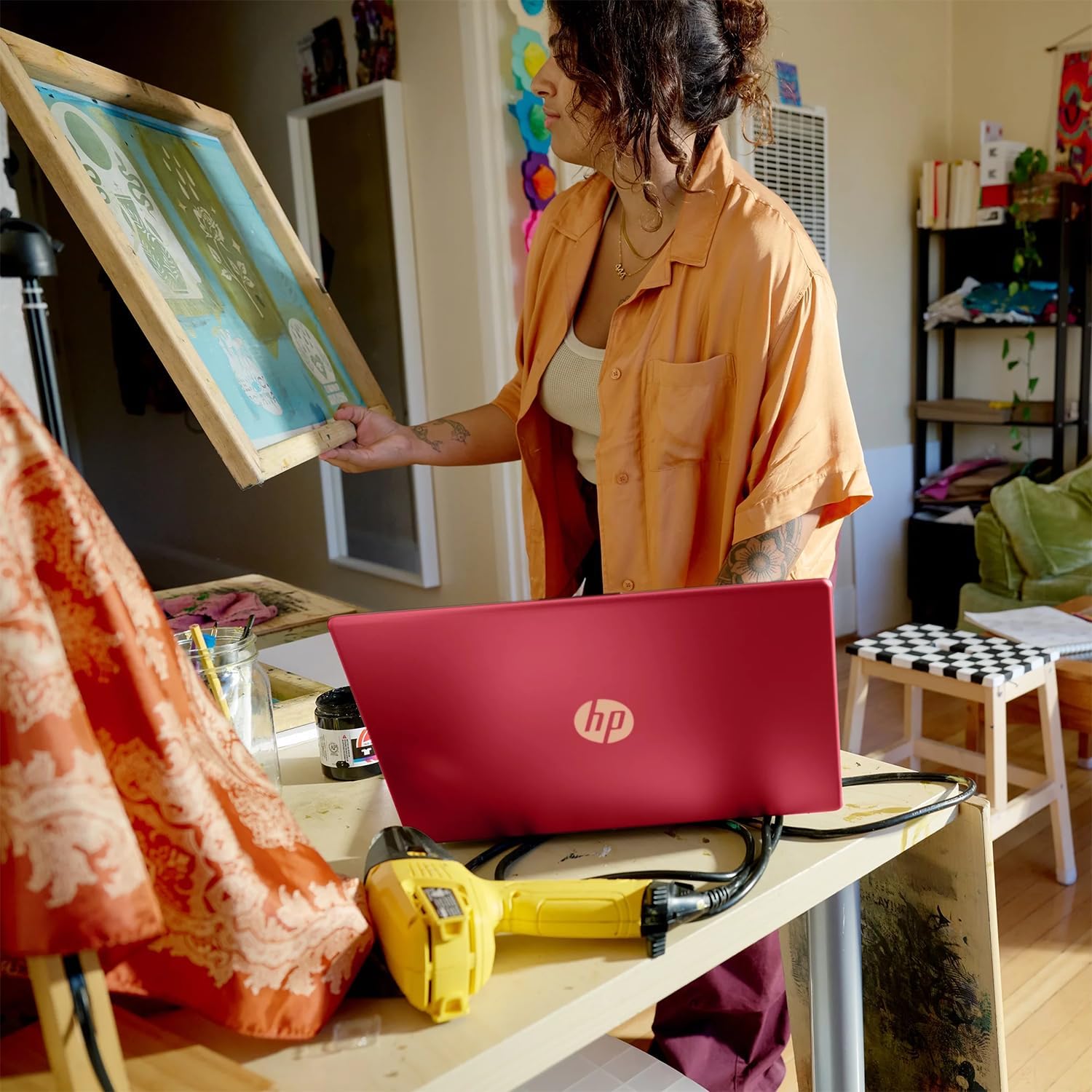
HP 15.6″ Portable Laptop (Include 1 Year Microsoft 365), HD Display, Intel Quad-Core N200 Processor, 16GB RAM, 128GB Storage, Wi-Fi 5, Webcam, HDMI, Numeric Keypad, Windows 11 Home, Red
In Stock
$298.00
In Stock
Key Features and Benefits:
CPU: Intel N200 Processor (4 Cores, 4 Threads, 6MB& Intel Smart& Cache, up to 3.7GHz Turbo)
Memory: Up to 16GB DDR4 RAM
Hard Drive: Up to 128GB UFS SSD
Operating System: Windows 11 Home
Graphics: Intel UHD Graphics
Display: 15.6″diagonal, HD (1366 * 768)
Touchscreen: No
Ports:
2 x USB 3.0 Type-A
1 x USB Type-C
1 x HDMI
1 x headphone/microphone combo
Keyboard: Full-size keyboard with numeric keypad
Optical Drive: None
Wireless Connectivity: Wi-Fi& 5 and Bluetooth combo
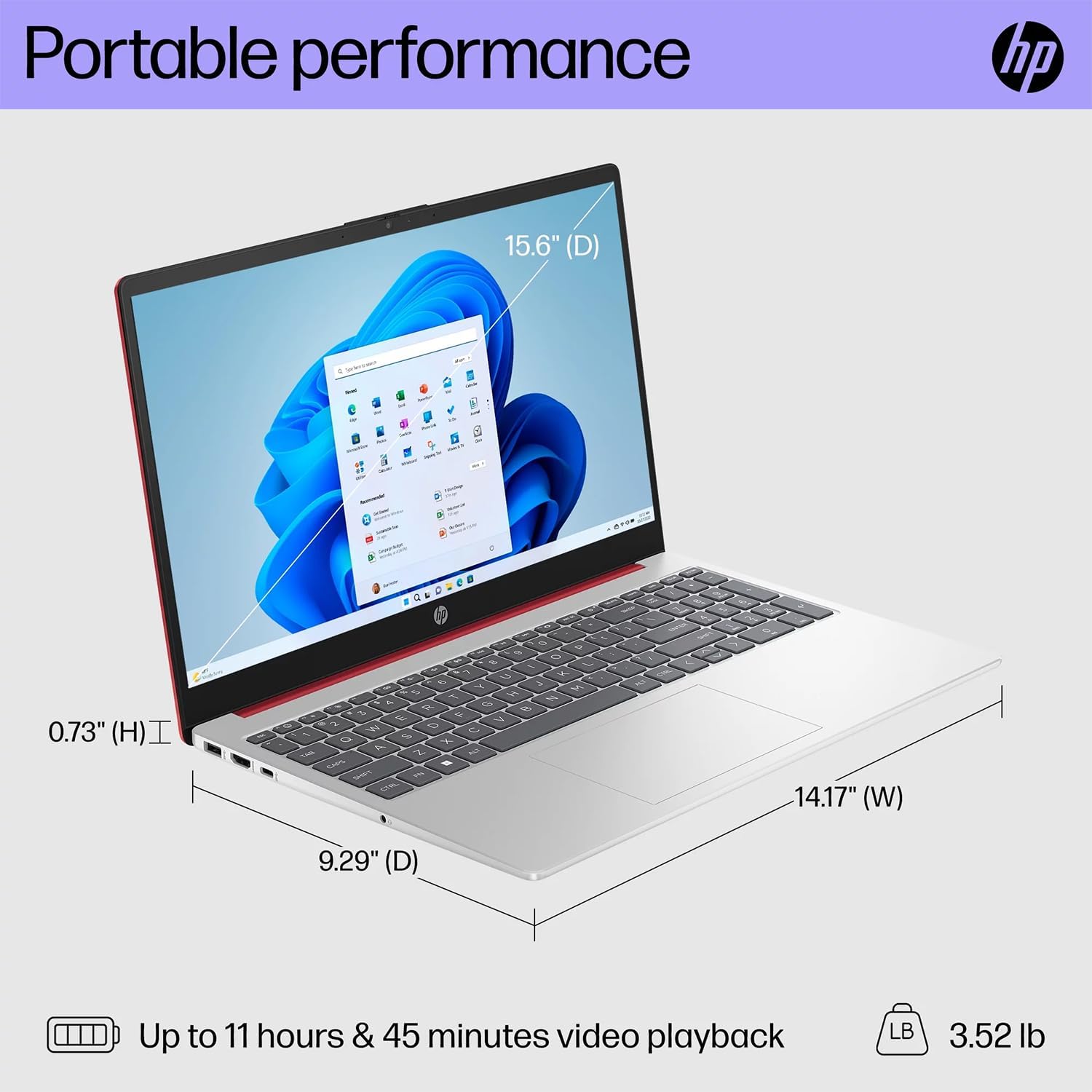
Dimensions: 14.17″ x 9.29″ x 0.73″
Weight: 3.52 lbs
Color:& Red
【High Speed RAM And Enormous Space】16GB high-bandwidth RAM to smoothly run multiple applications and browser tabs all at once; 128GB UFS SSD allows to fast bootup and data transfer
【Processor】Intel N200 Processor (4 Cores, 4 Threads, 6MB Intel Smart Cache, up to 3.7GHz Turbo)
【Display】15.6″ diagonal, HD (1366 * 768) Screen
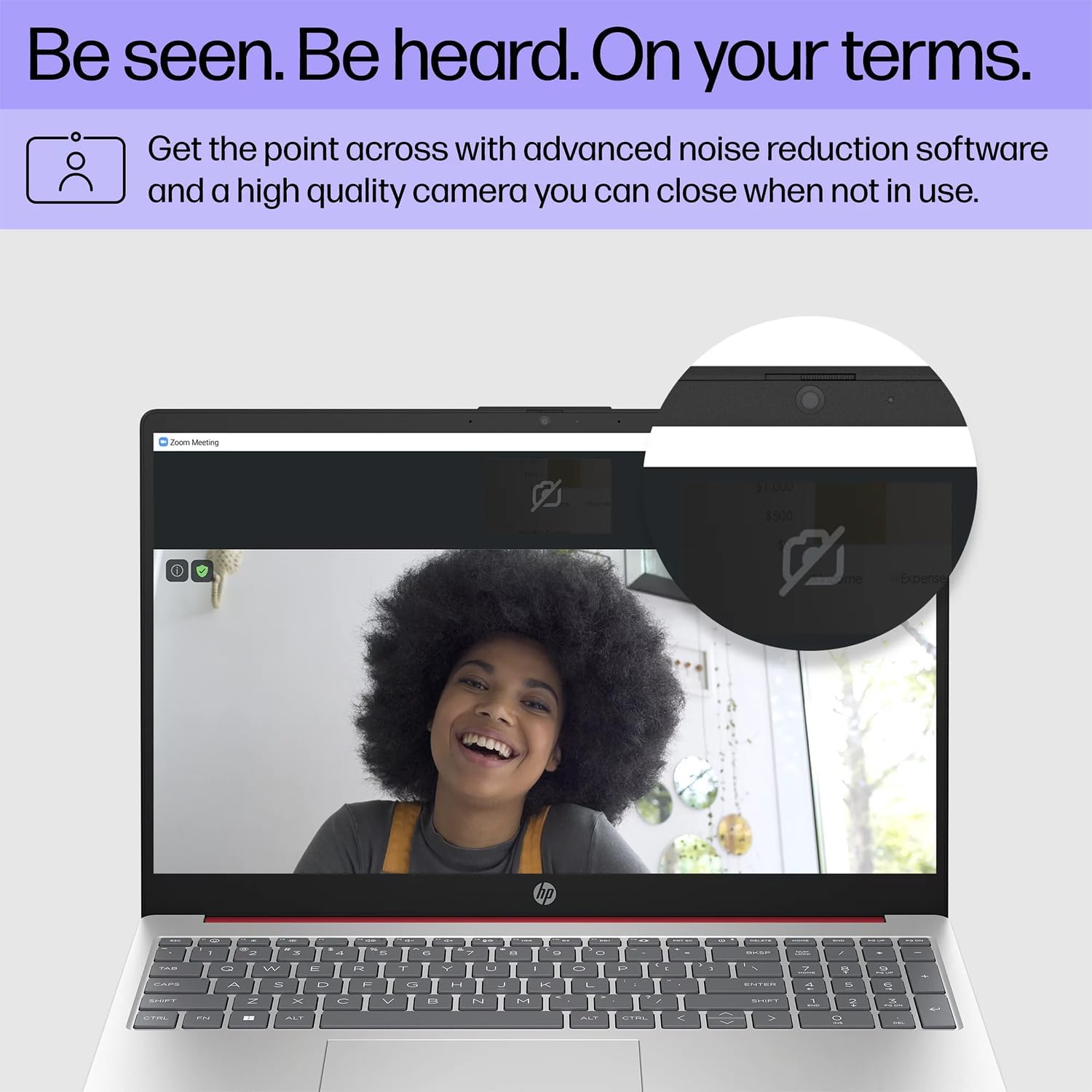
【Tech Specs】2 x USB 3.0 Type-A, 1 x USB Type-C, 1 x HDMI, 1 x headphone/microphone combo, Numeric Keyboard, Webcam, Wi-Fi 5 and Bluetooth
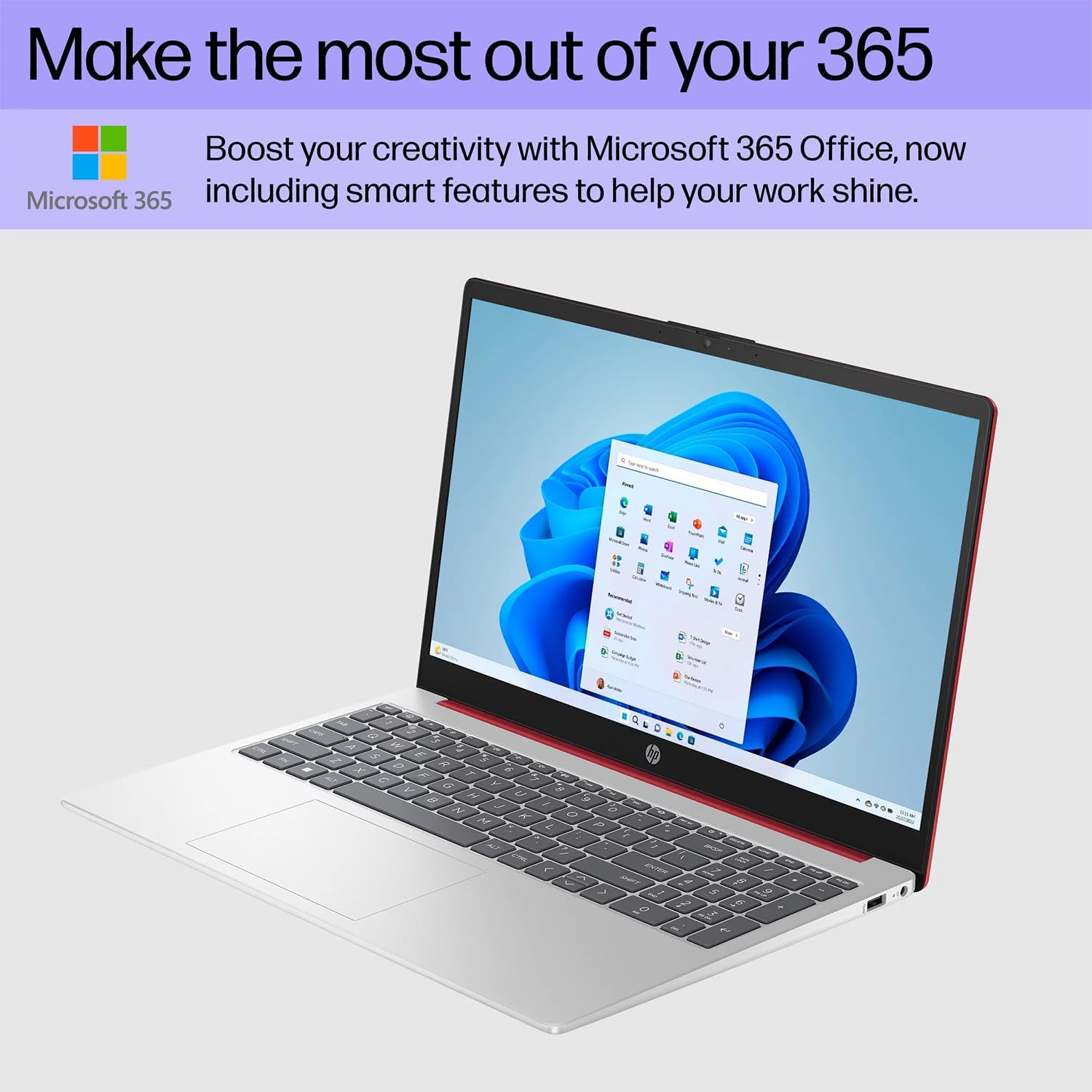
【Operating System】Windows 11 Home – Beautiful, more consistent new design, Great window layout options, Better multi-monitor functionality, Improved performance features, New videogame selection and capabilities, Compatible with Android Apps
Description
Key Features and Benefits:
CPU: Intel N200 Processor (4 Cores, 4 Threads, 6MB& Intel Smart& Cache, up to 3.7GHz Turbo)
Memory: Up to 16GB DDR4 RAM
Hard Drive: Up to 128GB UFS SSD
Operating System: Windows 11 Home
Graphics: Intel UHD Graphics
Display: 15.6″diagonal, HD (1366 * 768)
Touchscreen: No
Ports:
2 x USB 3.0 Type-A
1 x USB Type-C
1 x HDMI
1 x headphone/microphone combo
Keyboard: Full-size keyboard with numeric keypad
Optical Drive: None
Wireless Connectivity: Wi-Fi& 5 and Bluetooth combo
Dimensions: 14.17″ x 9.29″ x 0.73″
Weight: 3.52 lbs
Color:& Red
【High Speed RAM And Enormous Space】16GB high-bandwidth RAM to smoothly run multiple applications and browser tabs all at once; 128GB UFS SSD allows to fast bootup and data transfer
【Processor】Intel N200 Processor (4 Cores, 4 Threads, 6MB Intel Smart Cache, up to 3.7GHz Turbo)
【Display】15.6″ diagonal, HD (1366 * 768) Screen
【Tech Specs】2 x USB 3.0 Type-A, 1 x USB Type-C, 1 x HDMI, 1 x headphone/microphone combo, Numeric Keyboard, Webcam, Wi-Fi 5 and Bluetooth
【Operating System】Windows 11 Home – Beautiful, more consistent new design, Great window layout options, Better multi-monitor functionality, Improved performance features, New videogame selection and capabilities, Compatible with Android Apps
7 reviews for HP 15.6″ Portable Laptop (Include 1 Year Microsoft 365), HD Display, Intel Quad-Core N200 Processor, 16GB RAM, 128GB Storage, Wi-Fi 5, Webcam, HDMI, Numeric Keypad, Windows 11 Home, Red
Related products

7%
ASUS VivoBook 17.3″ i5 8GB_1TB 17.3″ FHD Display
Original price was: $589.00.$549.00Current price is: $549.00.7%
HPRT Portable Printer Wireless for Travel, Thermal Inkless Bluetooth Printer with Case, Support 8.5″ X 11″ US Letter, Compatible with iPhone Android MacBook Windows Laptops (Upgraded MT866)
Original price was: $149.99.$139.99Current price is: $139.99.
From the brand



Inkless Thermal Printing: Upgrade to the MT866 printer for hassle-free printing. Say goodbye to messy ribbons and refills. With advanced thermal technology, enjoy convenient printing without worrying about ink leakage or running out of ribbon. Just bring along your printing paper, and you're all set! 【Get more printing paper - https://www.amazon.com/dp/B0CSVW7FDQ.】
Enhanced Printing Options: With the addition of compatible carbon ribbons (link: https://www.amazon.com/dp/B08RYJ3XGM), our printer offers versatile printing capabilities. Now, you can use regular A4/US Letter paper for thermal transfer printing of various documents.
Extended Battery Life: Experience uninterrupted printing with HPRT's long-lasting battery. With up to 26 hours of battery life, you're ready for extended out-of-office use. Connect via Bluetooth in seconds and print directly from your phone with just one click. For laptop printing, simply connect via USB and download the driver for hassle-free printing.
High-Quality Clear Printing: Enjoy crisp, clear prints every time with HPRT's upgraded printing technology. Achieve a file resolution of 300DPI for professional-quality results. Print on thermal paper or tattoo wax paper with ease. Plus, support for multiple sizes including US Letter & Legal, A4 & A5, and 2 & 3 & 4-inch thermal paper ensures versatility in your printing needs.
Lifetime After-Sales Support: Rest assured with HPRT's comprehensive after-sales service. Access detailed instructions and video tutorials for easy operation and troubleshooting. Our dedicated customer service team is available 24/7 to assist you with any inquiries or concerns.
User-Friendly Operation: Simplify your printing process with HPRT. Insert thermal paper with ease, ensuring the thermal side is down and parallel to the paper input opening. Look for the thermal side indicator on the packaging for guidance. And in case of any printing issues, a simple paper flip ensures seamless printing every time.
Ultimate Portability: Travel effortlessly with HPRT's compact wireless printer. Weighing only 2 pounds and packaged in a protective box, it's perfect for on-the-go printing. Easily slip it into your suitcase and print anytime, anywhere, whether you're on a business trip or exploring the world.
HPRT Portable Printers
With 18 years of experience in the printing industry, HPRT is committed to making life efficient and simple.
HPRT has 18 years of experience in the printing industry and is an excellent manufacturer of system printing solutions. With the corporate philosophy of "continuous improvement and excellence," HPRT provides secure, reliable, efficient, and economical printing solutions for various applications such as home, commercial, and industrial, allowing everyone to print as they please.
Portable Printers on the Go
Compact Printers for Home Use
Inkless Thermal Printing: Upgrade to the MT866 printer for hassle-free printing. Say goodbye to messy ribbons and refills. With advanced thermal technology, enjoy convenient printing without worrying about ink leakage or running out of ribbon. Just bring along your printing paper, and you're all set! 【Get more printing paper - https://www.amazon.com/dp/B0CSVW7FDQ.】
Enhanced Printing Options: With the addition of compatible carbon ribbons (link: https://www.amazon.com/dp/B08RYJ3XGM), our printer offers versatile printing capabilities. Now, you can use regular A4/US Letter paper for thermal transfer printing of various documents.
Extended Battery Life: Experience uninterrupted printing with HPRT's long-lasting battery. With up to 26 hours of battery life, you're ready for extended out-of-office use. Connect via Bluetooth in seconds and print directly from your phone with just one click. For laptop printing, simply connect via USB and download the driver for hassle-free printing.
High-Quality Clear Printing: Enjoy crisp, clear prints every time with HPRT's upgraded printing technology. Achieve a file resolution of 300DPI for professional-quality results. Print on thermal paper or tattoo wax paper with ease. Plus, support for multiple sizes including US Letter & Legal, A4 & A5, and 2 & 3 & 4-inch thermal paper ensures versatility in your printing needs.
Lifetime After-Sales Support: Rest assured with HPRT's comprehensive after-sales service. Access detailed instructions and video tutorials for easy operation and troubleshooting. Our dedicated customer service team is available 24/7 to assist you with any inquiries or concerns.
User-Friendly Operation: Simplify your printing process with HPRT. Insert thermal paper with ease, ensuring the thermal side is down and parallel to the paper input opening. Look for the thermal side indicator on the packaging for guidance. And in case of any printing issues, a simple paper flip ensures seamless printing every time.
Ultimate Portability: Travel effortlessly with HPRT's compact wireless printer. Weighing only 2 pounds and packaged in a protective box, it's perfect for on-the-go printing. Easily slip it into your suitcase and print anytime, anywhere, whether you're on a business trip or exploring the world.

Ben K –
Unable to install Ubunut Linux.
The laptop was a great price for the horsepower. However, I was unable to get Ubuntu 22.04 to boot up on the laptop. I run Ubuntu Linux on all my computers and rarely have an issue installing on a new computer. This laptop was the exception. I attempted to install Ubuntu 22.04. The installation went smoothly, but the system would not boot up. It kept saying it could not find the file-system. I then attempted to install 24.04. Again, the installation went smoothly, but the system would not boot up. I then attempted to install 20.04. The installation went smoothly and this time the system did boot up. However, when I performed the release upgrade to go from 20.04 to 22.04, the upgrade went smoothly but the system would no longer boot up. I must have tried some 20 installations attempting different BIOS and kernel configurations before finally giving up and returning the laptop. I ended up buying a different HP laptop from Sam’s Club with which I had no problems at all installing and booting Ubuntu 22.04.If you are going to stick with the stock Microsoft Windows installation, then this laptop is probably a great buy for you. If you intend to install a Linux installation instead, then you should avoid this laptop.
Jan Schindele –
HP laptop
Laptop was easy to set up. I only wished in had a back-lit keyboard. I didn’t realize that it didn’t have this feature until after I set it up and used it later in the evening to watch a movie!
Kentuckyrain –
Updated Review
6/4/2024 Updating review from 1 star to 4 stars. So after trouble shooting, I had discovered that I had used an old HP laptop cord not the new one that came with this laptop. And laptop worked immediately after plugging in the correct cord so the issue was on my end.Reason for only giving 4 stars is because this computer is very slow and lags.I loved it when it worked, but it just died on me. I was hoping for at least a year, not 2 months and now it’s past the return window.I only bought it as a backup, don’t think I used it more than 10 times, guess I should have used it for those 10 days in a row so I could have returned it.
MARGARET A SZYMASZEK –
I just love it…
My old lap top finally died and decided on this on this one , “Boy ” so glad I did, I just love everything about it, the size is perfect screen color, it’s super fast in fact can’t find anything disappointing to say about it, also got it super quick . I honestly feel it’s so worth getting.
Dedee –
Love it !
This product is excellent. Does everything I need for it to do. Excellent speed, screen, keyboard, no noise and beautiful color
tammy –
Nice laptop
I’ve always been a Mac user but this time I went with this HP laptop for some work at home tasks. I am super impressed with this laptop very affordable and very effective. Right out of the box it walks you through all prompts very easily so you can set it up. I’ve been using it for about a month now and all I have to say is buy it! You won’t be disappointed
Victoria –
Absolute Nightmare
While sitting right next to my router I canât get it to connect to the internet. I contacted my internet company and the company I bought the router from. They cannot help me because this computer runs in S mode & will not allow me to download any applications that Microsoft has not authorized. I cannot access the command line or make any basic changes or update my preferences. I prefer Chrome, nope, canât use it. Only Edge is authorized and I prefer Google. Nope, Bing is the authorized search engine. When the laptop does connect, it refreshes itself constantly and then Iâm not connected anymore. It even said âNo networks available â. NONE. Not mine, not my neighbors, nothing. If you have a printer or other devices you had best make sure they are Microsoft approved first. There is no ethernet port for me to connect directly to my router.This has been an absolute nightmare.UPDATE: Iâm upping to three stars because of the seller. Even though this product wasnât for me, the seller was stellar. Super quick response and hassle free return.ð