
No products in the cart.
15%
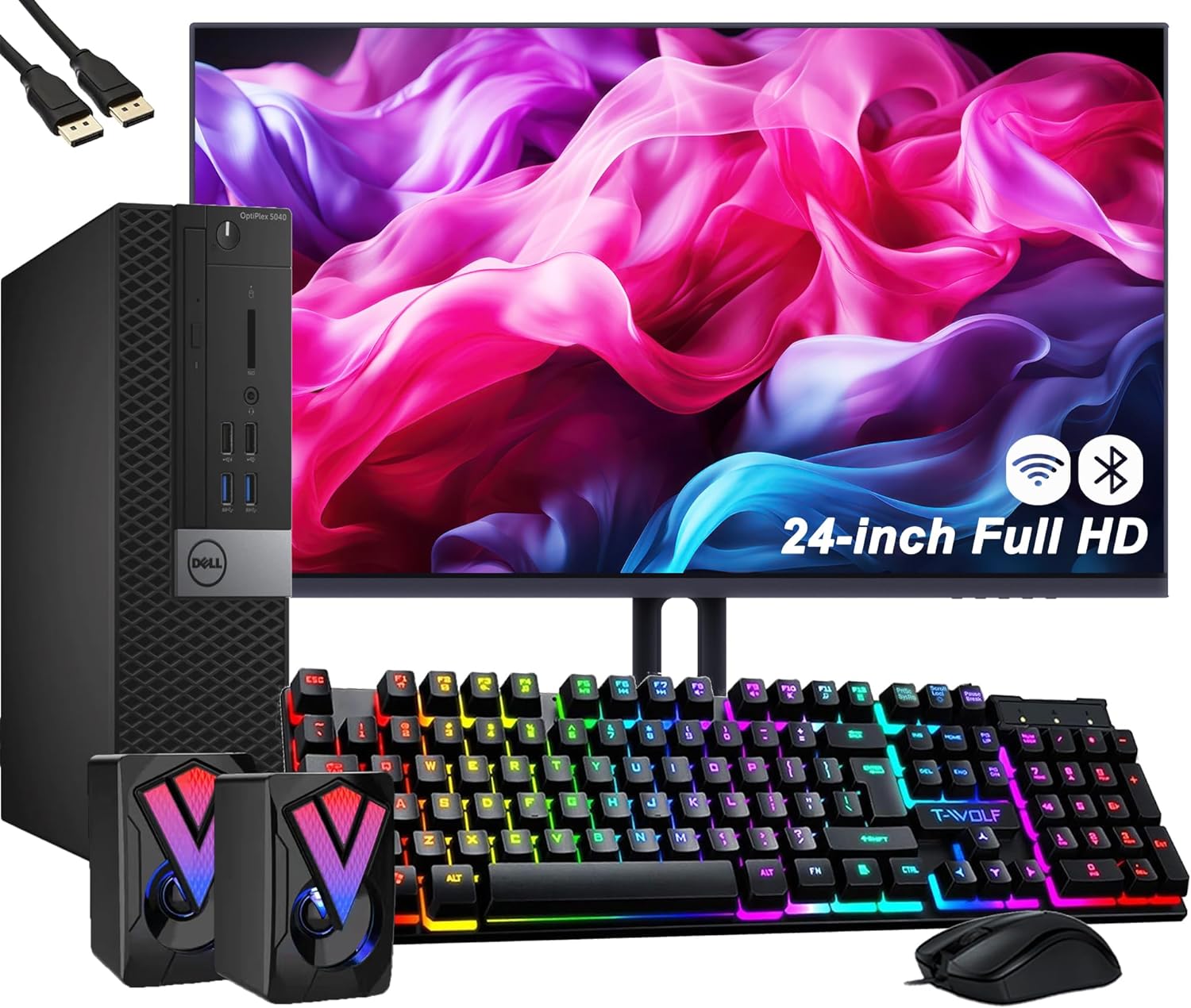
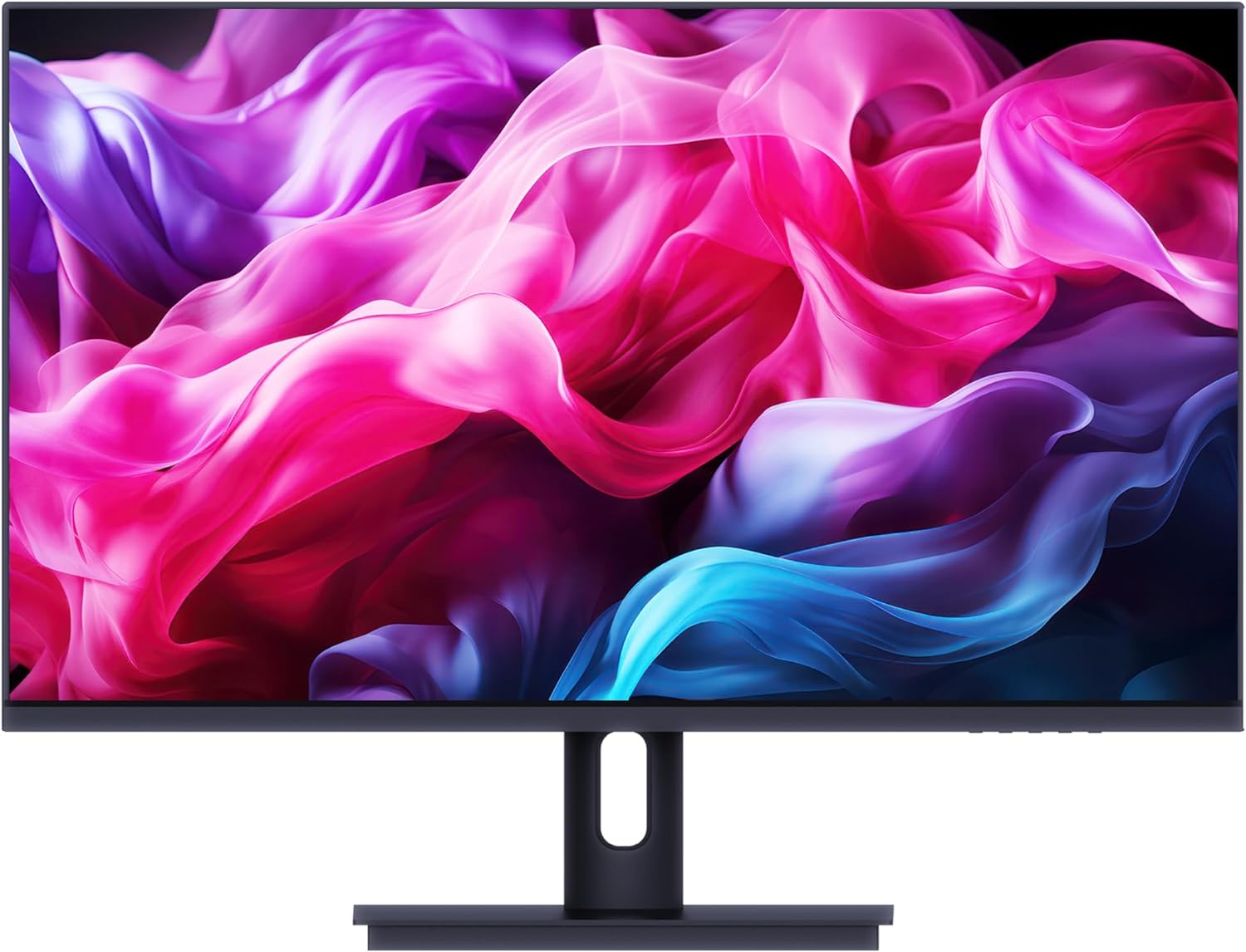
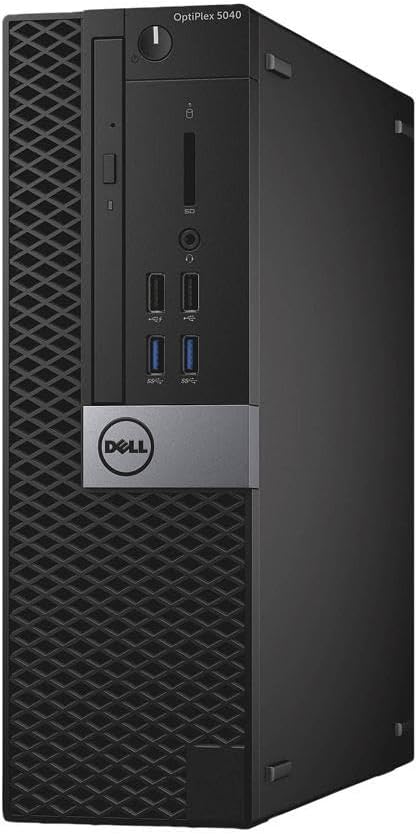
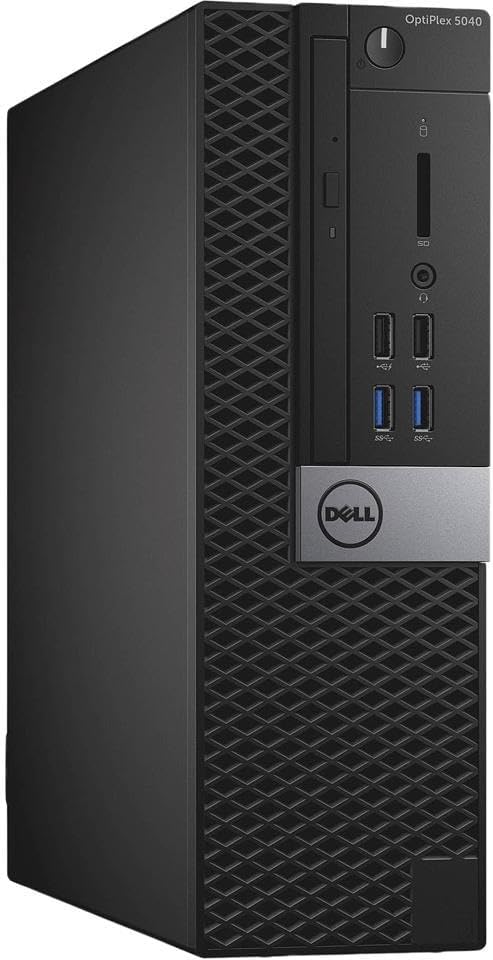
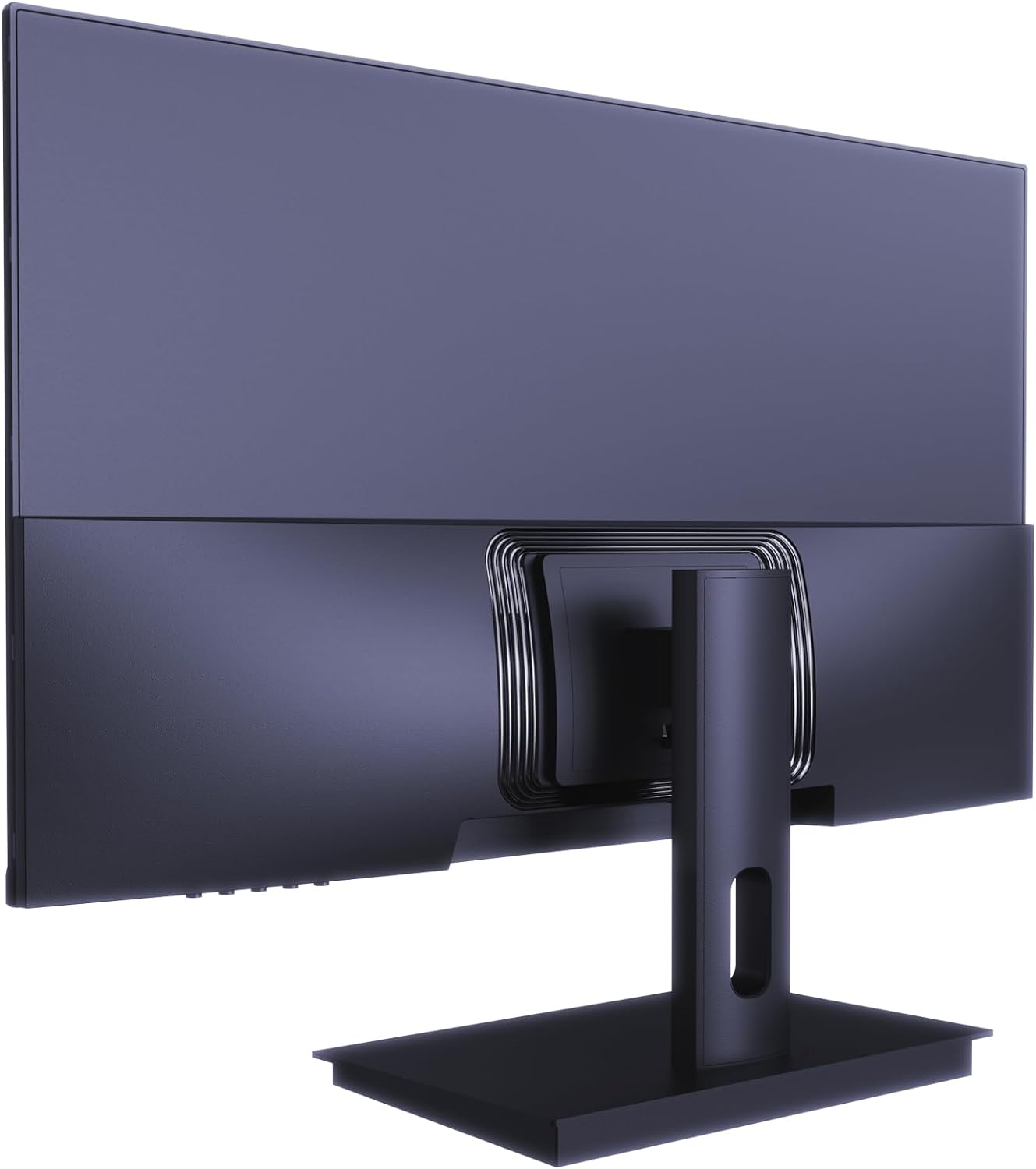
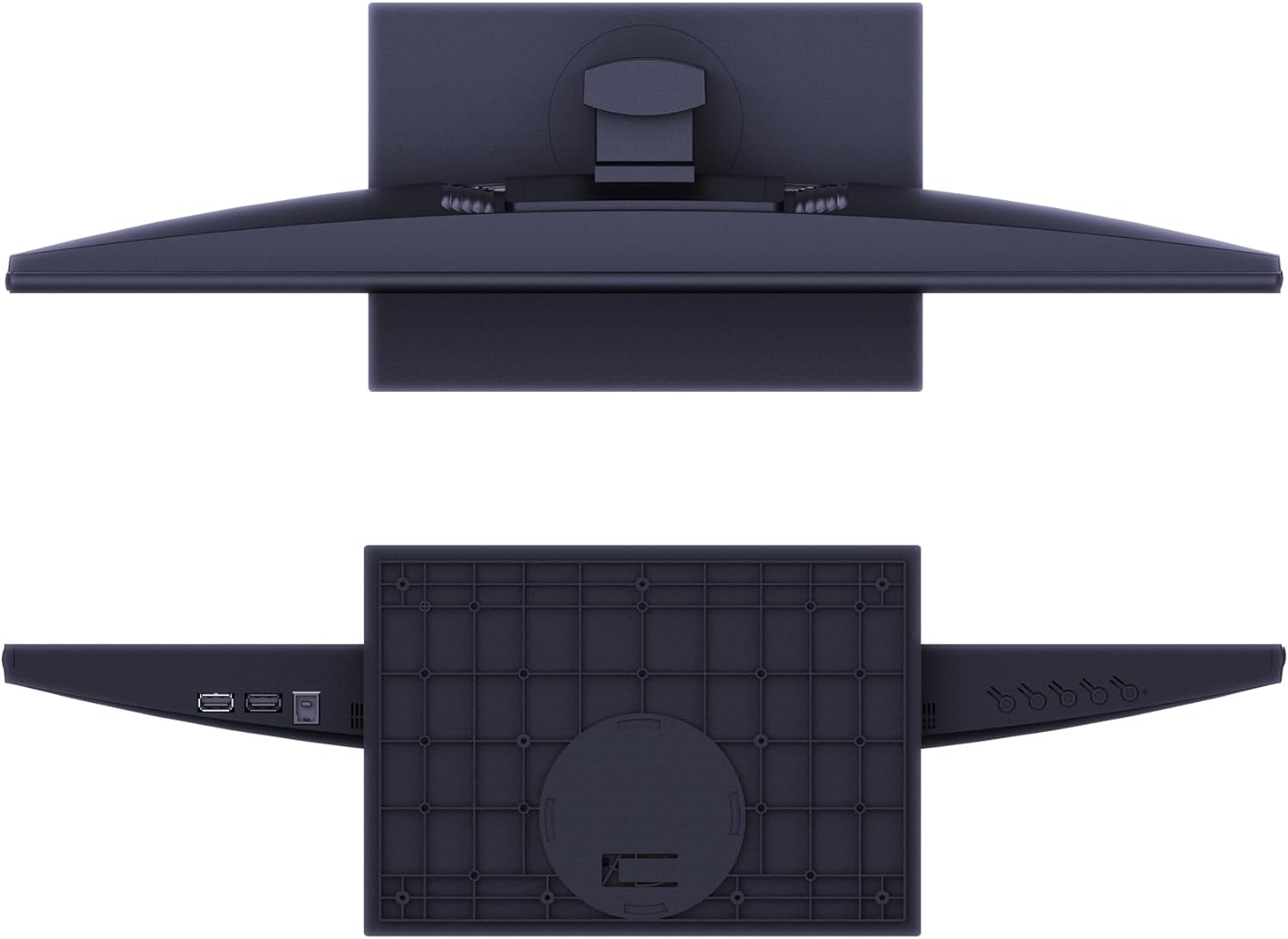
Dell OptiPlex 5040 SFF Desktop Computer PC Bundle Setup with New 23.8″ FHD Monitor Inter Core i5-6600 3.3GHz 4-Cores 8GB 256GB SSD, Keyboard & Mouse, Wi-Fi, Bluetooth, Windows 10 Pro (Renewed)
In Stock
In Stock
High performance
The Dell OptiPlex PC, now delivers leading-edge technology and versatility to any business environment with the space-saving Micro chassis.
Powerful storage
Select from powerful Intel Quad Core i5 up to 3.6 GHz, 8G RAM, 256G SSD, Intel HD graphics, The OptiPlex enables increased power and productivity.
Specifications:
Processor: Intel Quad Core i5 up to 3.6 GHz
Memory: 8GB Memory
Storage: 256GB SSD
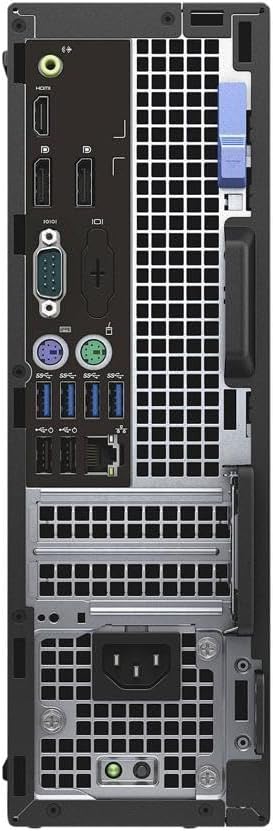
Port: USB 3.0, DisplayPort, RJ-45.
Adaptor: WiFi & Bluetooth
Description
High performance
The Dell OptiPlex PC, now delivers leading-edge technology and versatility to any business environment with the space-saving Micro chassis.
Powerful storage
Select from powerful Intel Quad Core i5 up to 3.6 GHz, 8G RAM, 256G SSD, Intel HD graphics, The OptiPlex enables increased power and productivity.
Specifications:
Processor: Intel Quad Core i5 up to 3.6 GHz
Memory: 8GB Memory
Storage: 256GB SSD
Port: USB 3.0, DisplayPort, RJ-45.
Adaptor: WiFi & Bluetooth
8 reviews for Dell OptiPlex 5040 SFF Desktop Computer PC Bundle Setup with New 23.8″ FHD Monitor Inter Core i5-6600 3.3GHz 4-Cores 8GB 256GB SSD, Keyboard & Mouse, Wi-Fi, Bluetooth, Windows 10 Pro (Renewed)
Related products
From the brand


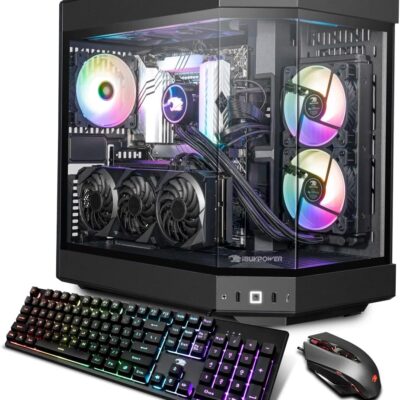
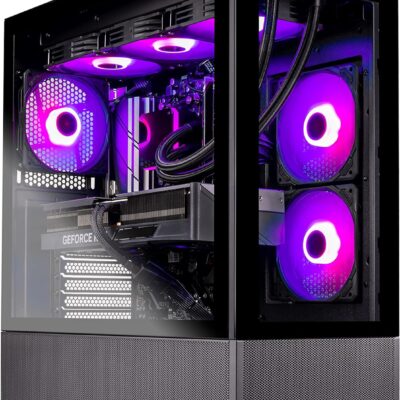
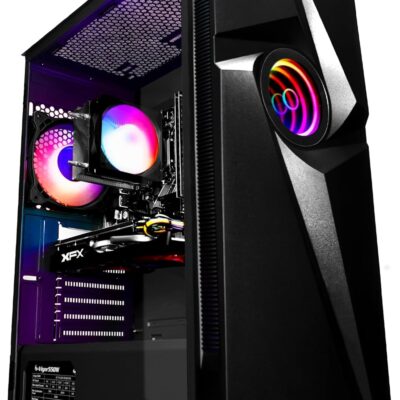
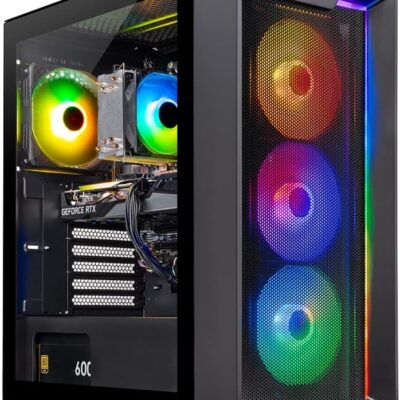
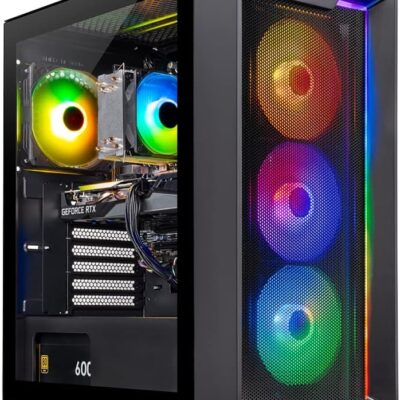
PLAY LIKE NEVER BEFORE: This high-performance gaming pc is capable of running a wide range of popular games, including Fortnite, Call of Duty Warzone, Escape from Tarkov, GTA V, World of Warcraft, LOL, Valorant, Apex Legends, Roblox, Overwatch, CSGO, Battlefield V, Minecraft, Elden Ring, Rocket League, The Division 2
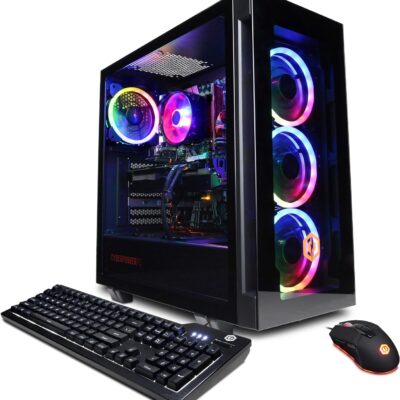
MODERN GAMING PC: The Vortex T101 gaming desktop is powered by Intel Core i5 3.4GHz, 16GB RAM, and a AMD Radeon RX 580 8GB DDR5 to provide a seamless gaming experience. Get a high-end gaming pc with stunning visuals and smooth gameplay, whether you're playing games in High Definition 1080P or streaming content at 4K resolutions.
ULTRA FAST STORAGE DRIVE: This gaming pc desktop is perfect for the average pc gamer. It's a complete pc setup with a storage capacity of 512GB NVME (which is faster than a conventional SSD) ensuring the fastest loading times and ample storage. Less time on loading screens, more time playing.
ASSEMBLED IN THE USA: The T101 Vortex is a prebuilt gaming pc that comes with customizable RGB lighting, choose your favorite light color and set your mood, It also comes with the latest WiFi 5, Bluetooth 5, Windows 10 Home, a mouse, and a keyboard. No more hassle of assembling, get this prebuilt pc and start gaming right away.
ONE YEAR WARRANTY: This pre built gaming pc comes with a 1-year warranty. We stand by our desktop computer quality and commitment to customer satisfaction. Trust SAAV for a reliable computer tower. Our customer service support is highly experienced and ready to answer all your questions.
We are SAAV
Our goal is to provide high-quality, high-power, high-performance Gaming PCs.
Powerful GPUs
Experience Your Games Come to Life.
High Speed Internet | No Lag
Game, Stream, and Collaborate with friends.
SAAV Gaming PCs
PLAY LIKE NEVER BEFORE: This high-performance gaming pc is capable of running a wide range of popular games, including Fortnite, Call of Duty Warzone, Escape from Tarkov, GTA V, World of Warcraft, LOL, Valorant, Apex Legends, Roblox, Overwatch, CSGO, Battlefield V, Minecraft, Elden Ring, Rocket League, The Division 2
MODERN GAMING PC: The Vortex T101 gaming desktop is powered by Intel Core i5 3.4GHz, 16GB RAM, and a AMD Radeon RX 580 8GB DDR5 to provide a seamless gaming experience. Get a high-end gaming pc with stunning visuals and smooth gameplay, whether you're playing games in High Definition 1080P or streaming content at 4K resolutions.
ULTRA FAST STORAGE DRIVE: This gaming pc desktop is perfect for the average pc gamer. It's a complete pc setup with a storage capacity of 512GB NVME (which is faster than a conventional SSD) ensuring the fastest loading times and ample storage. Less time on loading screens, more time playing.
ASSEMBLED IN THE USA: The T101 Vortex is a prebuilt gaming pc that comes with customizable RGB lighting, choose your favorite light color and set your mood, It also comes with the latest WiFi 5, Bluetooth 5, Windows 10 Home, a mouse, and a keyboard. No more hassle of assembling, get this prebuilt pc and start gaming right away.
ONE YEAR WARRANTY: This pre built gaming pc comes with a 1-year warranty. We stand by our desktop computer quality and commitment to customer satisfaction. Trust SAAV for a reliable computer tower. Our customer service support is highly experienced and ready to answer all your questions.
6%

Shuwei Wu –
It has the fast M.2 NvME drive & space for an additional HDD, in my case anyway
Yes, I was able to install a 22TB HDD into the PC, right after the PC arrived, just now. It had a caddy and all the wires for it. It was strange to me, since M2 NvME SSDs are very small, about the length and width of an USB stick but much lighter because itâs only a little thicker than an envelope. So you donât plug the wires (STAT 22 pin in this case) into the M.2 NvME SSDs, you just simple put the NvME SSD onto the motherboard and they are basically invisible because they are so small. They are lighter, smaller than a USB stick (weighs about less than 10 grams) yet they can hold 8TB (wth?)?Anyway, so the SATA 22 Pin (7+15) Pin is not used at all in this case. And a SFF PC can hold AT LEAST ONE HDD. So it was very strange me that when this PC does not have a large SSD or a HDD plugged in or any other visible, traditional hard drive disk (only a tiny M.2 NvME drive, unnoticeable, slotted onto the mobo), and yet, itâs out of space for drive (as some reviews may suggest). It doesnât have any hard drive disks installed and itâs also already full and no longer than space for hard drive disks?So it turns out, as I thought, its one and only HDD SATA wires are completely unused, left hanging (itâs so out of place for them not to be used for this PC they didnât even tie them down). I immediately put the 1-22TB HDD into the metal caddy, screwed it in tight (just a couple of screws enough for normal use since itâs not like a laptop or anything protable), and it sees the HDD and runs very fast.Then I tested its speed. I wanted to make sure that it really has a M.2 NvME drive and not a M.2 SATA (also just as light and small as NvME dicks) disk. And sure enough, its speed ranges from 1.7GB/s to 2.7GB/s, now for sure only M.2 NvME can achieve this speed.A common comparison: a HDD usually has a sequential read/write speed of 150MB/s, a traditional, large SSD has a sequential read/write speed of 250-300+MB/s (M.2 SATA runs at similar speed to this), and M.2 NvME drives go anywhere from 1,500MB/s to 10,000MB/s (but over 8000MB/s requires PCIe # to be bigger than 4 it seems; my fastest PC only reached at 7900MB+/s read speed). So if itâs well over 1000MB/s, then it has to be a M.2 NvME. Normal SSD can hardly break 300MB/sBased on some reviews, it seems that a few buyers have received the PCs without the M.2 NvME SSD but a traditional one. That was also why I wanted to test and make sure it is an M.2 NvME in there. So it is possible you donât get the M.2 NvME slotted onto the mobo but a large SSD that takes up the only space for the HDD. If that were you, Iâd say get a replacement, but if you have a bunch of NvME drives lying around, then just plug one in as I probably would do that as itâs easier, Iâd say that itâs still worth
Gregory –
Nice machine
This was a great priced PC. It arrived quickly and was easily set up. It isn’t Windows 11 compatible, however, I had no trouble using a workaround on the Internet to upgrade it to the latest version of Windows. I would definitely purchase another from this vendor if I were to want another one. Everything was as described.
Kathryn Galea –
Nice screen and performance.
Great screen and performance. I did not like the keyboard.
TK –
Nice PC. Works Well
Excellent value for money. Easy plug-and play. So far works great. Love the monitor and the keyboard.
Somebody –
No issues, works like its supposed to.
Works fine as I’m using it as a media server for my NAS.The NVME drive gets really hot when under load. 147°F (63.8°C). I don’t know if there is space to put a small heatsink on it to help reduce the temps.
Sky –
Understand the product you buy.
This is a great value tower, however you need to make sure you understand what you are buying. BE SURE TO REAPPLY THERMAL PASTE BEFORE MODIFYING.This is a sff case tower therefore, no full sized gpu, psu, or any other extras will fit. You will need to buy or make a psu adapter to use a modern atx psu in it, as well as keep the psu external.Graphics card upgrades: there is a way to fit a modern gpu in the case. It involves removing the c/d drive and buying a 200mm MINIMUM gpu riser cable. Personally I opted for a gtx 1050 ti as it works well with the i5 7500. Be sure you have a way to mount the gpu as well. It’s difficult but if you buy the adapter and the riser cable it’s just a little bit of work and it’s worth the money.Just make sure you understand what you are buying before purchasing, definitely a great product for price and won’t find as good of a deal anywhere else. Just make sure you have the components you need.
George Washington –
Very nice especially for the price.
Using it right now to write this review. Mostly positive, the negatives don’t warrant less than 5 stars IMHO due to the price being fair. Aesthetically the little unit was in excellent condition, booted up no problems. Runs Window 10 great, very snappy. There was no wifi adapter included, and I’m not 100% sure yet, but I don’t think the DVD drive is write capable either. I’m using this for a budget gaming rig, just need to upgrade ram and a discrete GPU and be good to go!!
Lyndon Jamison –
Decent computer for the price
The pc came late which was a bummer. I was needing it for a potential job and I missed the deadline since the package was delayed. The desktop cant connect to wifi. It needs a wifi adapter which did not come with the package. It also did not have an HDMI cable or VGA cable. The pc itself runs well and boots fast.