
No products in the cart.
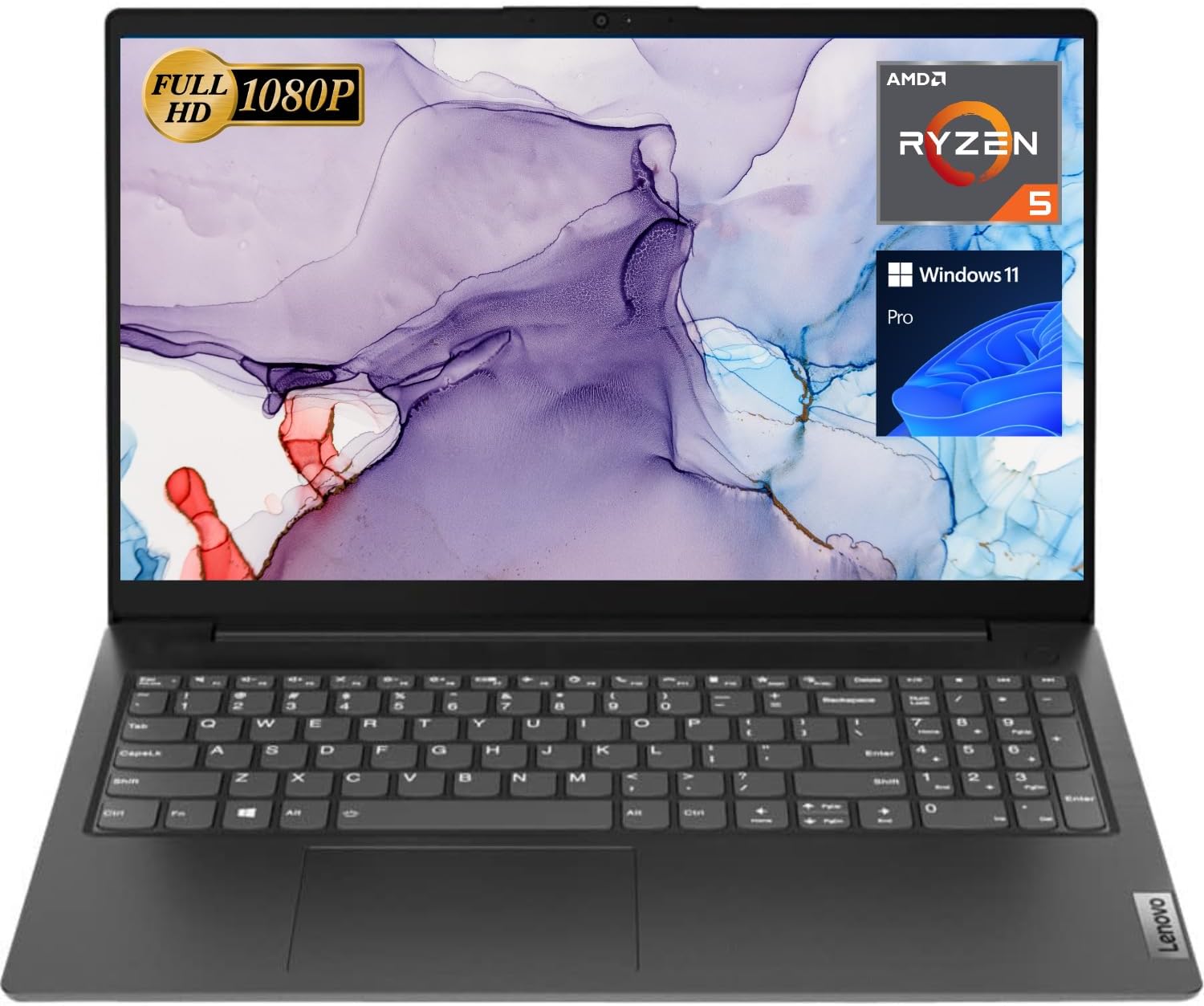
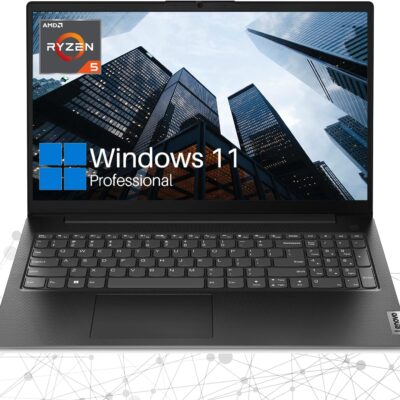
Lenovo V15 Laptop, 15.6″ FHD Display, AMD Ryzen 5 5500U Hexa-core Processor (Beat Intel i7-1065G7), 16GB RAM, 1TB SSD, HDMI, RJ45, Numeric Keypad, Wi-Fi, Windows 11 Pro, Black
In Stock
$517.00
In Stock
Key Features and Benefits:CPU: AMD Ryzen 5 5500U Processor (6 Cores, 12 Threads, 8MB L3 Cache, Clock Speed:2.1GHz, up to 4.0GHz Turbo)
Memory: Up to 32GB DDR4 RAM
Hard Drive: Up to 2TB PCIe Solid State Drive
Operating System: Windows 11 Pro
Graphics: AMD Radeon Graphics
Display: 15.6″diagonal, FHD (1920 x 1080)
Ports:
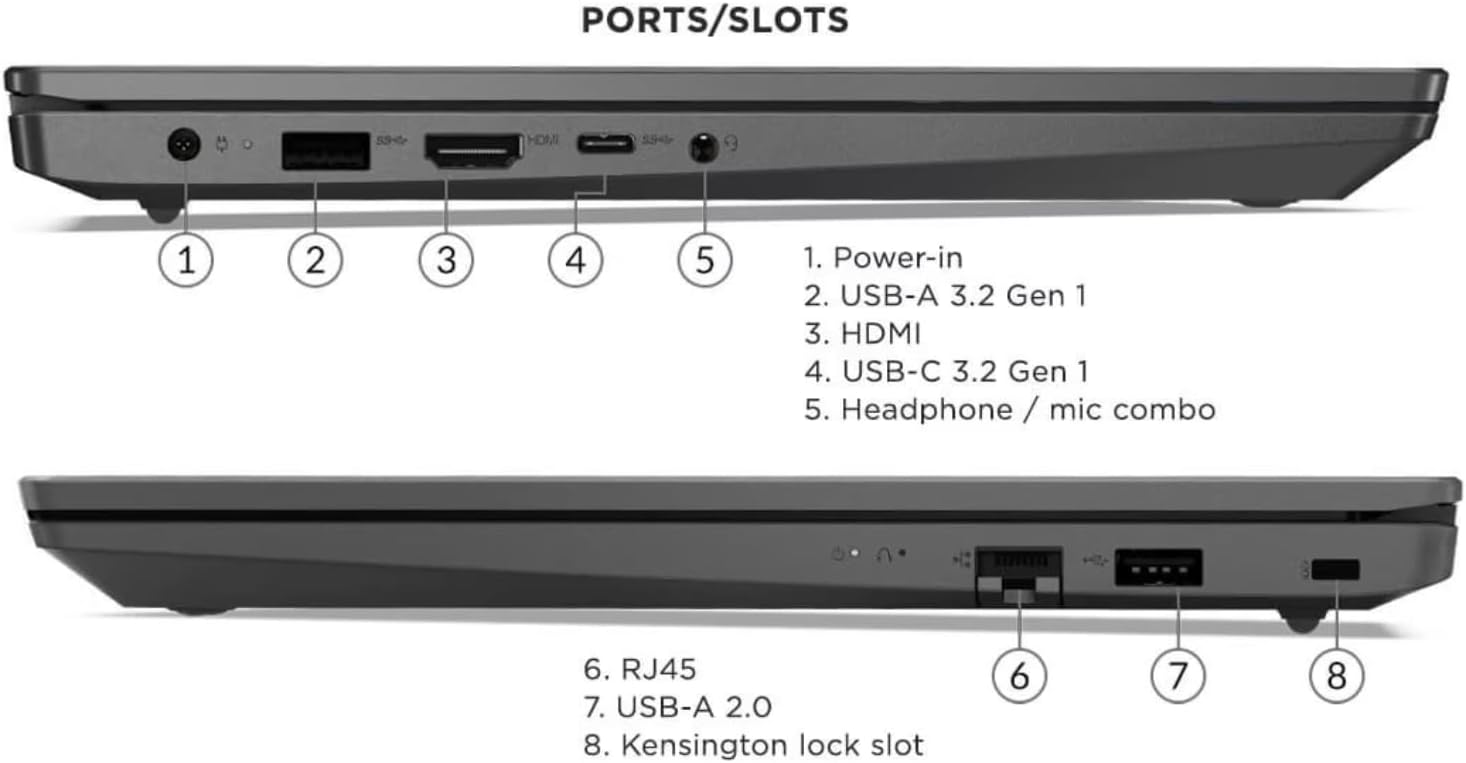
1 x USB 3.0 Type-A
1 x USB 2.0 Type-A
1 x USB Type-C
1 x HDMI
1 x RJ45
1 x headphone/microphone combo
Keyboard: Full-size keyboard with numeric keypad
Optical Drive: None
Wireless Connectivity: Wi-Fi
Dimensions: 14.1″ x 9.3″ x 0.78″
Weight: 3.75 lbs
Color: Black
【High Speed RAM And Enormous Space】16GB high-bandwidth RAM to smoothly run multiple applications and browser tabs all at once; 1TB PCIe NVMe M.2 Solid State Drive allows to fast bootup and data transfer
【Processor】AMD Ryzen 5 5500U Processor (6 Cores, 12 Threads, 8MB L3 Cache, Clock Speed:2.1GHz, up to 4.0GHz Turbo)
【Display】15.6″ diagonal, FHD (1920 x 1080)
【Tech Specs】1 x USB 3.0 Type-A, 1 x USB 2.0 Type-A, 1 x USB Type-C, 1 x HDMI, 1 x RJ45, 1 x headphone/microphone combo, Numeric Keyboard, Webcam, Wi-Fi
【Operating System】Windows 11 Pro-Get all the features of Windows 11 Home operating system plus Mobile device management, Group Policy, Enterprise State Roaming, Assigned Access, Dynamic Provisioningm, Windows Update for Business, Kiosk mode, and Active Directory/Azure AD
Description
Key Features and Benefits:CPU: AMD Ryzen 5 5500U Processor (6 Cores, 12 Threads, 8MB L3 Cache, Clock Speed:2.1GHz, up to 4.0GHz Turbo)
Memory: Up to 32GB DDR4 RAM
Hard Drive: Up to 2TB PCIe Solid State Drive
Operating System: Windows 11 Pro
Graphics: AMD Radeon Graphics
Display: 15.6″diagonal, FHD (1920 x 1080)
Ports:
1 x USB 3.0 Type-A
1 x USB 2.0 Type-A
1 x USB Type-C
1 x HDMI
1 x RJ45
1 x headphone/microphone combo
Keyboard: Full-size keyboard with numeric keypad
Optical Drive: None
Wireless Connectivity: Wi-Fi
Dimensions: 14.1″ x 9.3″ x 0.78″
Weight: 3.75 lbs
Color: Black
【High Speed RAM And Enormous Space】16GB high-bandwidth RAM to smoothly run multiple applications and browser tabs all at once; 1TB PCIe NVMe M.2 Solid State Drive allows to fast bootup and data transfer
【Processor】AMD Ryzen 5 5500U Processor (6 Cores, 12 Threads, 8MB L3 Cache, Clock Speed:2.1GHz, up to 4.0GHz Turbo)
【Display】15.6″ diagonal, FHD (1920 x 1080)
【Tech Specs】1 x USB 3.0 Type-A, 1 x USB 2.0 Type-A, 1 x USB Type-C, 1 x HDMI, 1 x RJ45, 1 x headphone/microphone combo, Numeric Keyboard, Webcam, Wi-Fi
【Operating System】Windows 11 Pro-Get all the features of Windows 11 Home operating system plus Mobile device management, Group Policy, Enterprise State Roaming, Assigned Access, Dynamic Provisioningm, Windows Update for Business, Kiosk mode, and Active Directory/Azure AD
8 reviews for Lenovo V15 Laptop, 15.6″ FHD Display, AMD Ryzen 5 5500U Hexa-core Processor (Beat Intel i7-1065G7), 16GB RAM, 1TB SSD, HDMI, RJ45, Numeric Keypad, Wi-Fi, Windows 11 Pro, Black
Related products
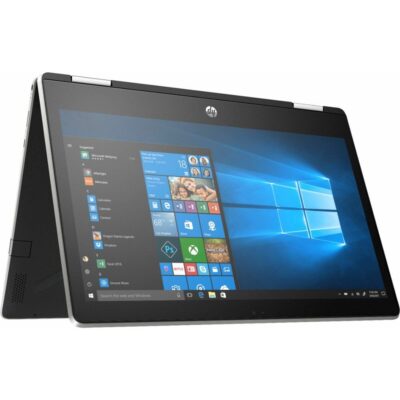

HP Pavilion x360 14 Convertible 2-in-1 Laptop
Original price was: $968.99.$868.99Current price is: $868.99.
7%
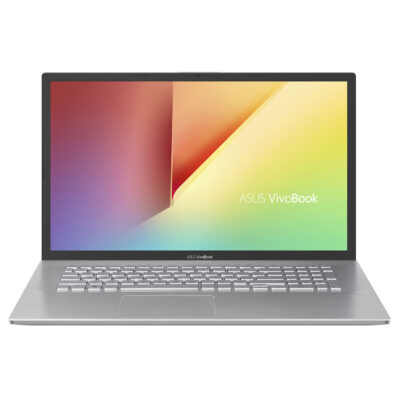
ASUS VivoBook 17.3″ i5 8GB_1TB 17.3″ FHD Display
Original price was: $589.00.$549.00Current price is: $549.00.7%
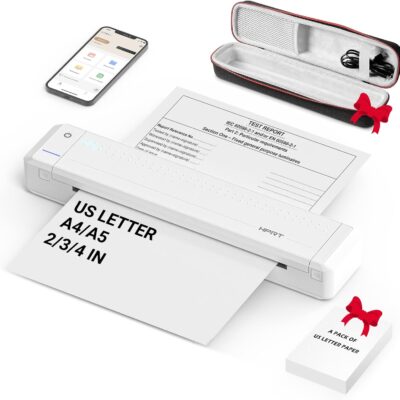
HPRT Portable Printer Wireless for Travel, Thermal Inkless Bluetooth Printer with Case, Support 8.5″ X 11″ US Letter, Compatible with iPhone Android MacBook Windows Laptops (Upgraded MT866)
Original price was: $149.99.$139.99Current price is: $139.99.
From the brand



Inkless Thermal Printing: Upgrade to the MT866 printer for hassle-free printing. Say goodbye to messy ribbons and refills. With advanced thermal technology, enjoy convenient printing without worrying about ink leakage or running out of ribbon. Just bring along your printing paper, and you're all set! 【Get more printing paper - https://www.amazon.com/dp/B0CSVW7FDQ.】
Enhanced Printing Options: With the addition of compatible carbon ribbons (link: https://www.amazon.com/dp/B08RYJ3XGM), our printer offers versatile printing capabilities. Now, you can use regular A4/US Letter paper for thermal transfer printing of various documents.
Extended Battery Life: Experience uninterrupted printing with HPRT's long-lasting battery. With up to 26 hours of battery life, you're ready for extended out-of-office use. Connect via Bluetooth in seconds and print directly from your phone with just one click. For laptop printing, simply connect via USB and download the driver for hassle-free printing.
High-Quality Clear Printing: Enjoy crisp, clear prints every time with HPRT's upgraded printing technology. Achieve a file resolution of 300DPI for professional-quality results. Print on thermal paper or tattoo wax paper with ease. Plus, support for multiple sizes including US Letter & Legal, A4 & A5, and 2 & 3 & 4-inch thermal paper ensures versatility in your printing needs.
Lifetime After-Sales Support: Rest assured with HPRT's comprehensive after-sales service. Access detailed instructions and video tutorials for easy operation and troubleshooting. Our dedicated customer service team is available 24/7 to assist you with any inquiries or concerns.
User-Friendly Operation: Simplify your printing process with HPRT. Insert thermal paper with ease, ensuring the thermal side is down and parallel to the paper input opening. Look for the thermal side indicator on the packaging for guidance. And in case of any printing issues, a simple paper flip ensures seamless printing every time.
Ultimate Portability: Travel effortlessly with HPRT's compact wireless printer. Weighing only 2 pounds and packaged in a protective box, it's perfect for on-the-go printing. Easily slip it into your suitcase and print anytime, anywhere, whether you're on a business trip or exploring the world.
HPRT Portable Printers
With 18 years of experience in the printing industry, HPRT is committed to making life efficient and simple.
HPRT has 18 years of experience in the printing industry and is an excellent manufacturer of system printing solutions. With the corporate philosophy of "continuous improvement and excellence," HPRT provides secure, reliable, efficient, and economical printing solutions for various applications such as home, commercial, and industrial, allowing everyone to print as they please.
Portable Printers on the Go
Compact Printers for Home Use
Inkless Thermal Printing: Upgrade to the MT866 printer for hassle-free printing. Say goodbye to messy ribbons and refills. With advanced thermal technology, enjoy convenient printing without worrying about ink leakage or running out of ribbon. Just bring along your printing paper, and you're all set! 【Get more printing paper - https://www.amazon.com/dp/B0CSVW7FDQ.】
Enhanced Printing Options: With the addition of compatible carbon ribbons (link: https://www.amazon.com/dp/B08RYJ3XGM), our printer offers versatile printing capabilities. Now, you can use regular A4/US Letter paper for thermal transfer printing of various documents.
Extended Battery Life: Experience uninterrupted printing with HPRT's long-lasting battery. With up to 26 hours of battery life, you're ready for extended out-of-office use. Connect via Bluetooth in seconds and print directly from your phone with just one click. For laptop printing, simply connect via USB and download the driver for hassle-free printing.
High-Quality Clear Printing: Enjoy crisp, clear prints every time with HPRT's upgraded printing technology. Achieve a file resolution of 300DPI for professional-quality results. Print on thermal paper or tattoo wax paper with ease. Plus, support for multiple sizes including US Letter & Legal, A4 & A5, and 2 & 3 & 4-inch thermal paper ensures versatility in your printing needs.
Lifetime After-Sales Support: Rest assured with HPRT's comprehensive after-sales service. Access detailed instructions and video tutorials for easy operation and troubleshooting. Our dedicated customer service team is available 24/7 to assist you with any inquiries or concerns.
User-Friendly Operation: Simplify your printing process with HPRT. Insert thermal paper with ease, ensuring the thermal side is down and parallel to the paper input opening. Look for the thermal side indicator on the packaging for guidance. And in case of any printing issues, a simple paper flip ensures seamless printing every time.
Ultimate Portability: Travel effortlessly with HPRT's compact wireless printer. Weighing only 2 pounds and packaged in a protective box, it's perfect for on-the-go printing. Easily slip it into your suitcase and print anytime, anywhere, whether you're on a business trip or exploring the world.
Product Description


 Eye-catching design
  Secure & connectable
  Enhanced productivity
  Keep you connected
  Impressive visuals
  Processing power
  Save & learn more
 Lenovo ThinkPad L14
【High Speed RAM And Enormous Space】24GB RAM to smoothly run multiple applications and browser tabs all at once; 2TB PCIe M.2 Solid State Drive allows to fast bootup and data transfer
【Processor】AMD Ryzen 5 5500U Processor (6 Cores, 12 Threads, 8MB Cache, Base Frequency at 2.1 GHz, Up to 4.0 GHz at Max Turbo Frequency)
【Display】15.6" FHD (1920 x 1080), IPS, anti-glare, 300 nits
【Tech Specs】1 x USB-A 3.2 Gen 1, 1 x USB-A 2.0 Gen 1, 1 x USB-C 3.2 Gen 1, 1 x HDMI, 1 x RJ45, 1 x Headphone/Microphone Combo; Webcam; Wi-Fi
【Operating System】Windows 11 Pro
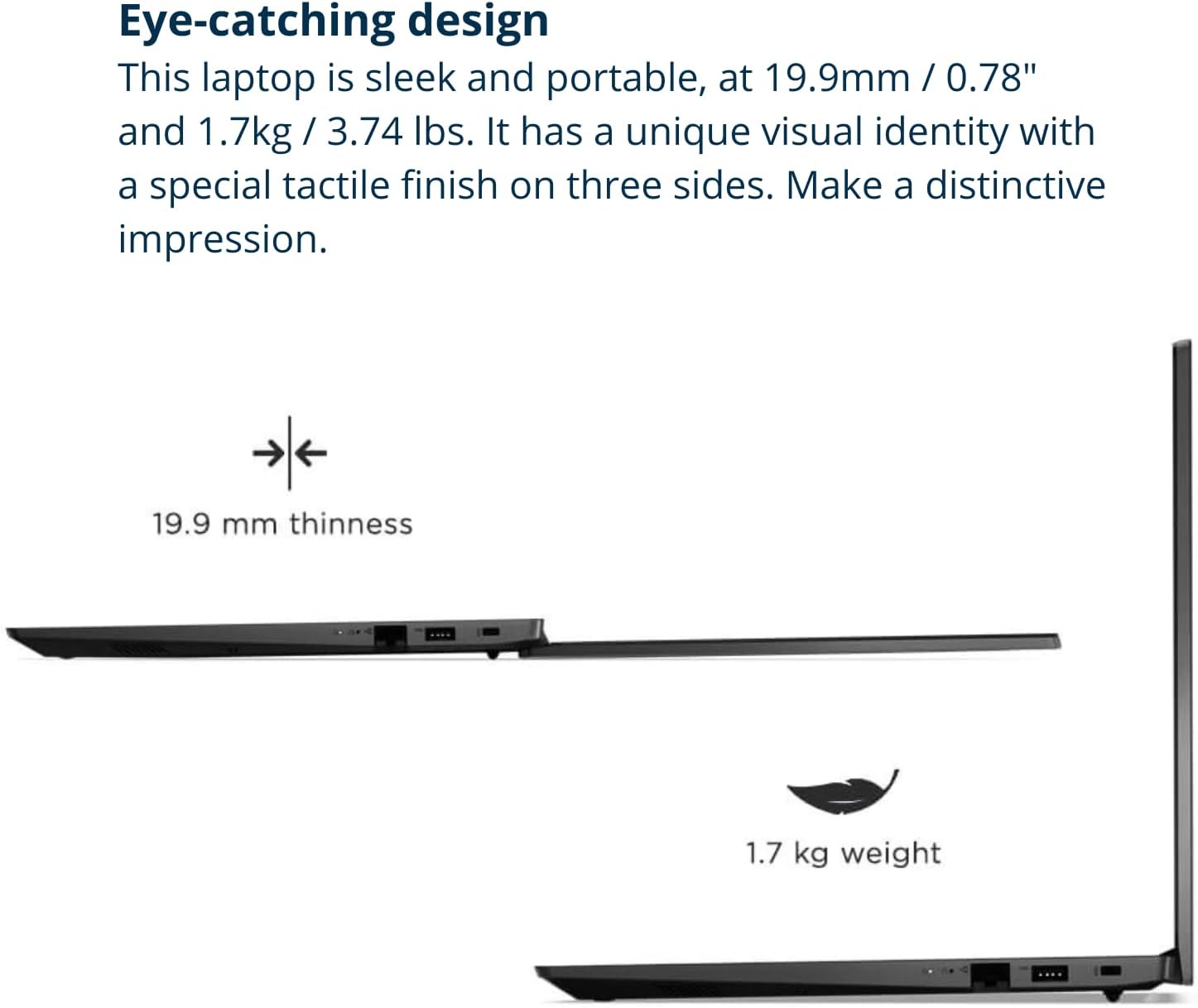
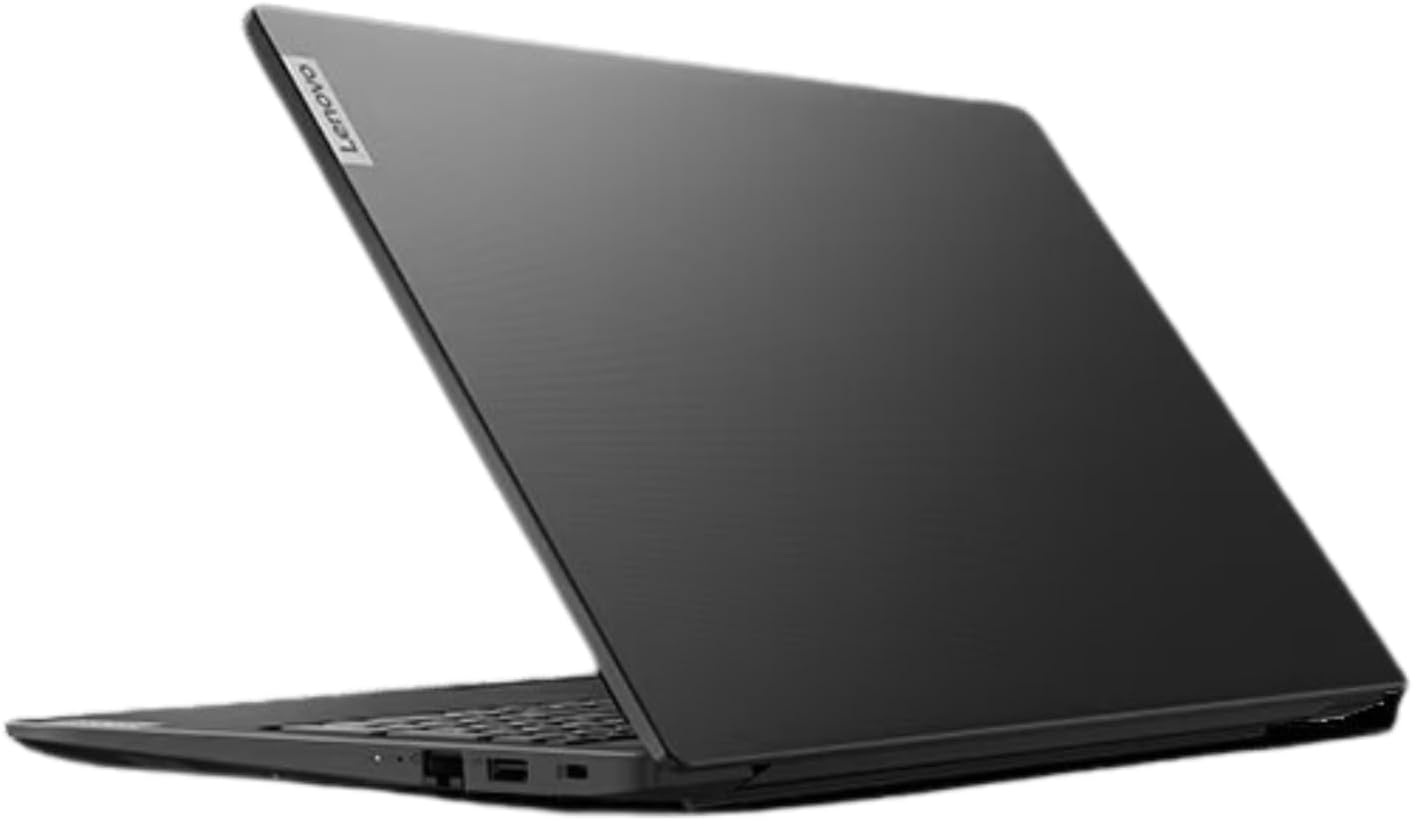
Eye-catching design The V15 G4 laptop is sleek and portable, at 0.78" and 3.74lbs, this device offers the ultimate in portability - in the office or on the go.
Secure & connectable The V15 G4 laptop encrypts your data via TPM 2.0 firmware, keeping it safe and secure. Its physical webcam shutter protects your privacy.
Enhanced productivity Windows 11 Pro offers improved performance, faster boot times, and a modern interface.
Keep you connected It's easy to stay connected to more devices and data with Bluetooth and Wi-Fi capacity.
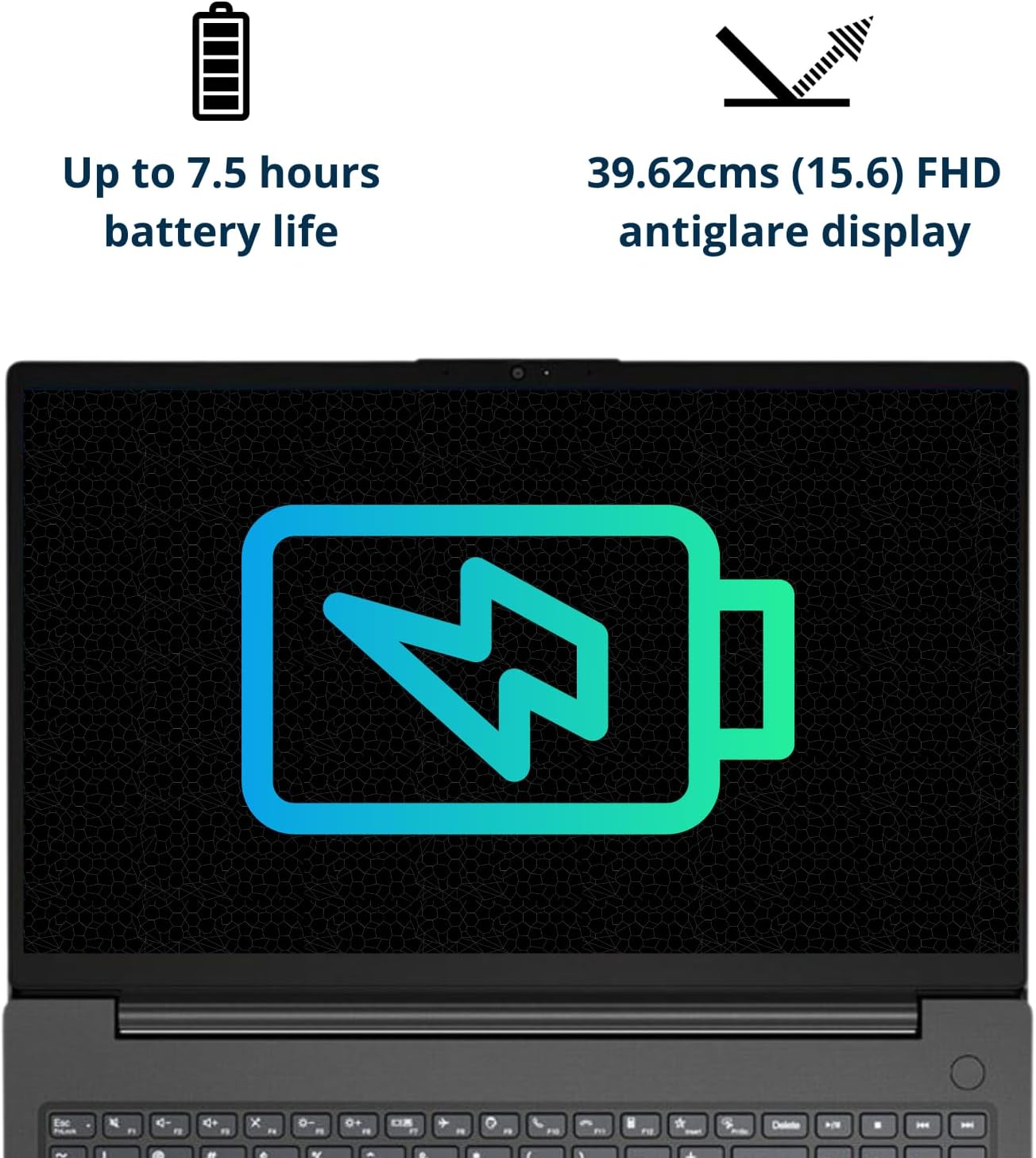
Impressive visuals With its four-sided narrow bezels, the V15 G4 laptop's display boasts an impressive 88% screen-to-body ratio. This keeps your eyes on its 15.6" FHD antiglare display, available at up to 300 nits.
Processing power AMD Ryzen 5 5500U processor with AMD Radeon Graphics push the Lenovo V15 G4 laptop through your to-do list. It also delivers exceptional performance in one essential business notebook.
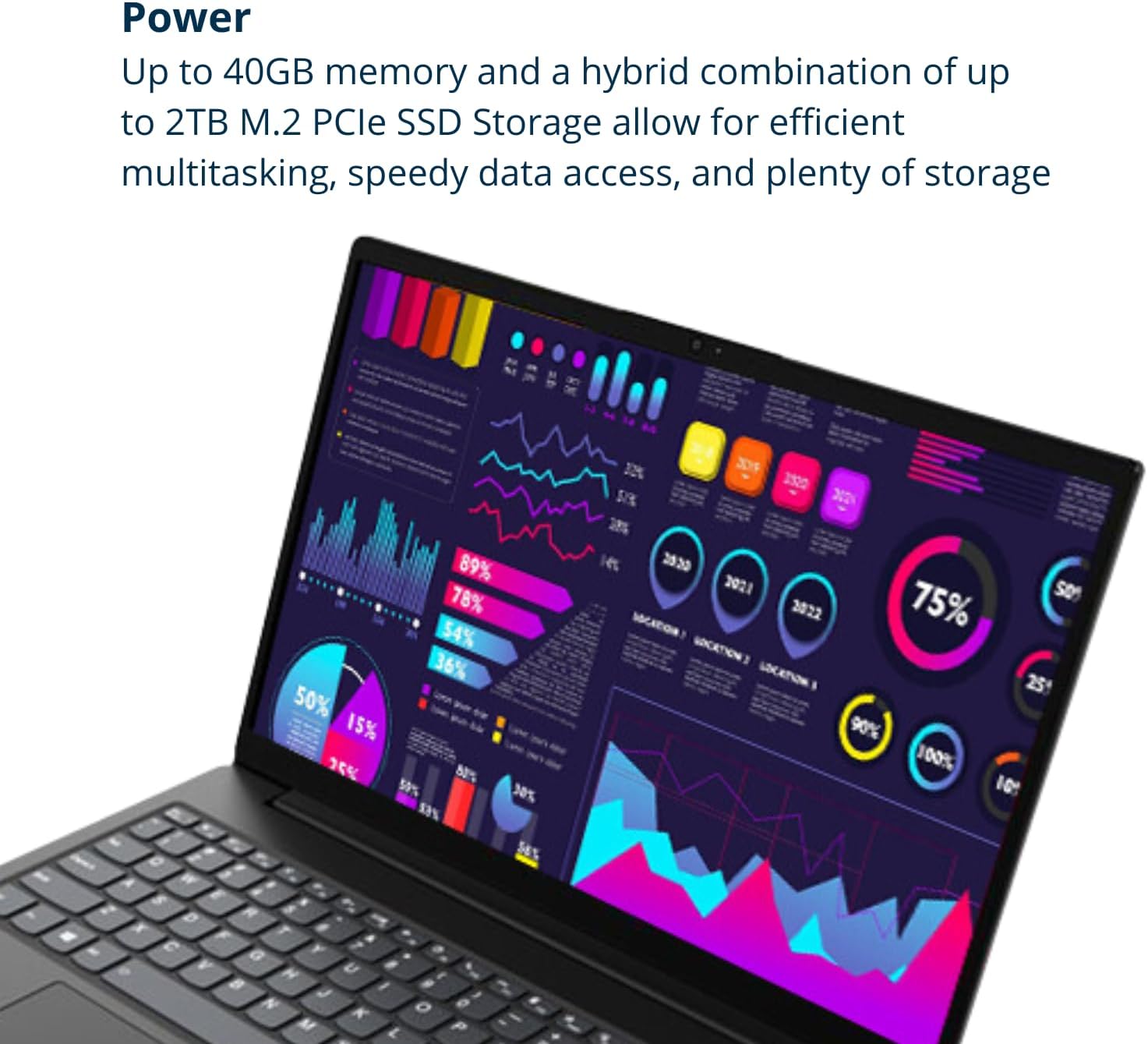
Save & learn more Up to 40GB high-bandwidth RAM to smoothly run multiple applications and browser tabs all at once; 2TB PCIe NVMe M.2 Solid State Drive allows fast bootup and data transfer.
Specification Table
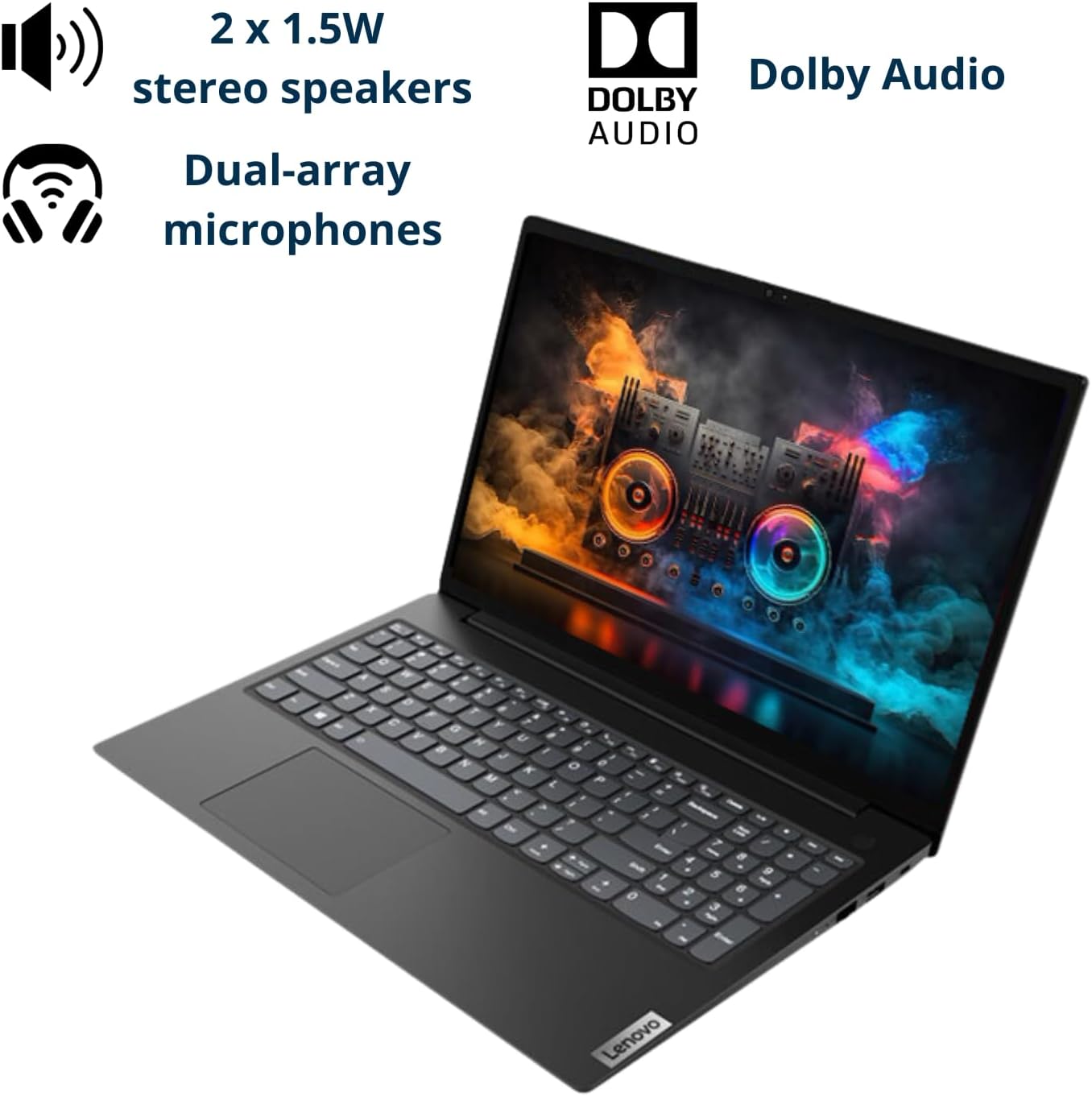
Processor Intel Core i7-1165G7 Operating System Windows 11 Pro Memory Type DDR4 SSD Interface PCIe NVMe Front Camera Yes Front Camera Features Privacy Shutter Video Memory Shared Audio System High Definition Audio Speakers 2 x 1.5 W Stereo Speakers Built-in Microphone Dual Array Microphone Physical Device Security Kensington Nano Security Slot System Security Trusted Platform Module 2.0 Width 14.14 in Depth 9.28 in Height 0.78 in Weight 3.75 lbs Lenovo V15 G4Lenovo Laptops
15.6"
Screen Size
14"
FHD (1920 x 1080)
Screen resolution
WUXGA (1920 x 1200)
Fingerprint Reader
Wi-Fi 6
Media Card Reader
Touchscreen
3.75 lbs
Weight
2.99 lbs
15.6"
Screen Size
14"
FHD (1920 x 1080)
Screen resolution
FHD (1920 x 1080)
Fingerprint Reader
Wi-Fi 6
Media Card Reader
Touchscreen
3.75 lbs
Weight
3.50 lbs
Lenovo ThinkPad T14 Lenovo ThinkPad L14
【High Speed RAM And Enormous Space】24GB RAM to smoothly run multiple applications and browser tabs all at once; 2TB PCIe M.2 Solid State Drive allows to fast bootup and data transfer
【Processor】AMD Ryzen 5 5500U Processor (6 Cores, 12 Threads, 8MB Cache, Base Frequency at 2.1 GHz, Up to 4.0 GHz at Max Turbo Frequency)
【Display】15.6" FHD (1920 x 1080), IPS, anti-glare, 300 nits
【Tech Specs】1 x USB-A 3.2 Gen 1, 1 x USB-A 2.0 Gen 1, 1 x USB-C 3.2 Gen 1, 1 x HDMI, 1 x RJ45, 1 x Headphone/Microphone Combo; Webcam; Wi-Fi
【Operating System】Windows 11 Pro
11%

a customer –
Couldnt pass up!
This was on sale when I bought it on the 18th of May. About $200 or so below it’s current listing. There was also another coupon. 40 GB of RAM plus 2TB of storage space AND Ryzen 5 GPU?! YES PLEASE! I cannot believe how light weight this laptop is. It’s super sleek and stylish. Keyboard is super comfortable and intuitive directionally for your fingers. This is my first time using Windows 11 since I use Windows 10 on my tower rig for Steam gaming and video streaming. The person complaining about the color is wrong. if you dont like the color, easily go into display settings and change the blue light filter to on for warmer tones. that simple. i love warmer tones so this is the first spot i head to when i crack open a new pc. about to download Speccy and a few other must have tools and then run it at full blast gaming. shipping was obviously super fast since it is the 22nd of May and I received it yesterday. love the high def. you will not be disappointed with this laptop.
Geoff –
Great Laptop
Arrived on time, good laptop, screen is good,,, only had it for 1 day so I need to break it in for a proper review but so far all good. For the price point all good.
Benjamini (Orange Kat) –
you get what you pay for
fast, but limited by browser javascript overloading the ram cache. this is unavoidable b/c as a software developer, the idiots that make web pages these days overload them with so much garbage they dont run properly. this has nothing to do with the quality of this laptop.now that i’m done venting, let’s get to why this machine is great.1. boot time is blazingly fast (<8s to windows screen)2. nice and roomy storage (got 1tb) which is one of the main factors of me buying over mac. (VERY tough choice - but i have an old macbook air for now)3. i needed this machine for development, and like the nice tie in to windows onedrive, really gives me an easy way to manage my file repository.4. keyboard is good but i like beveled keys better (no backlight)5. overall great machine for the money, if you want all the bells and whistles you will be spending > 7-800 clams. my reccomendation is that if you don’t care about touchscreeen, get a macbook air 2024 for $850.6. nice screen size, i don’t care about the image quality b/c i’m coding on this thing. its a great price b/c if it breaks, is stolen, etc, i can buy a new one. i would cry sweet tears if the macbook broke.note: this is NOT a gaming machine. if you want to game, get a console, its the best way to go. if you are a pc gamer you need to spend north of 1k to get anything decent.overall, one of the best in its class for barebones with good power. if you want bells and whistles, fingerprint reader, backlit keyboard, touchscreen, etc, you’ll have to spend more. i went for raw power and storage, with good screensize. it was a very tough choice over mac but i came up as a developer with windows and i’m going back. i like the mac shell but powershell cuts the mustard now.for $500 with windows pro, this is a great developer machine. very happy with it so far.giving it a 4/5.no comment on battery life yet… probably ok.
crasagam –
Another Great Purchase
I never use the ‘factory installation’ because of bloatware, so I can’t talk much on the out-of-box experience and software that comes pre-loaded. But, after a fresh install of Windows 11 and a few quick Windows Updates for drivers, this machine runs great. For all of your basic work, most of your business needs (QuickBooks, Microsoft Office) and even a few light gaming options, it’s a really good computer for the price.Note: It’s not a gaming rig and not an AutoCad rig, otherwise very solid.
As described healing, health, sweet and natural. –
Gaming is smooth
I like the speed and no lag great experience for my first time using.
Dean O. –
These are sold by PCOnline US. Not Lenovo. They are modified. PCOnline US doesn’t honor warranty.
After setup and Windows 11 update the laptop would not boot up. Settings says “No Hard Drive”. Amazon said at first to contact and send to Lenovo. Contacted Lenovo, sent Laptop to them twice. They did not repair and said the laptop was not a Lenovo Laptop. Contacted Amazon again and they said this is a PCOnline US Laptop. Sent it to PCOnline US they wanted money to repair it. I said it was still under warranty. Since I had sent it to Lenovo twice and PCOnline US, now PCOnline US now says it out of warranty. Cheap shot since the problem started before warranty expired. No help from PCOnline US or Amazon. Did get a $200 refund for a $500 laptop. Rip Off!
natalie beacham –
Love it
We bought this a graduation gift and itâs amazing. Size was perfect and easy to download everything
Johann –
Great pc
It’s a complete good pc even for working on heavy software, like autodesk or adobe; comfortable keyboard, easy to set